2Short AI Review 2026: Pros, Cons & Better Alternatives
A full 2Short AI review covering features, pricing, pros, cons, and the 5 best alternatives for creators who want automated short-form video with auto-posting.
FlowShorts Team
If you've been looking for a way to turn your long YouTube videos into short-form clips automatically, you've probably come across 2Short AI. It's one of the more talked-about AI clipping tools in the YouTube creator space, and for good reason — the idea of automatically extracting your best moments and publishing them as Shorts is genuinely appealing. But before you hand over your credit card details, this 2Short AI review breaks down exactly what the tool does, what it costs, where it falls short, and — critically — which alternatives do more for less money.
Key Takeaways
- 2Short AI is a YouTube Shorts clip extraction tool — it takes existing long-form YouTube videos and cuts them into short clips using AI. It does not generate new content from scratch.
- The platform is limited to YouTube as both input and output — it does not support TikTok or Instagram Reels auto-posting, and it requires you to already have a YouTube channel with existing videos.
- Pricing runs from a limited free tier up to approximately $19–$39/mo for paid plans, but the output is restricted to clip extraction, not original video creation.
- If you want to build a faceless short-form channel from scratch — with full auto-posting to YouTube Shorts, TikTok, and Instagram Reels — FlowShorts is a far more complete solution starting at the same price point.
What Is 2Short AI?
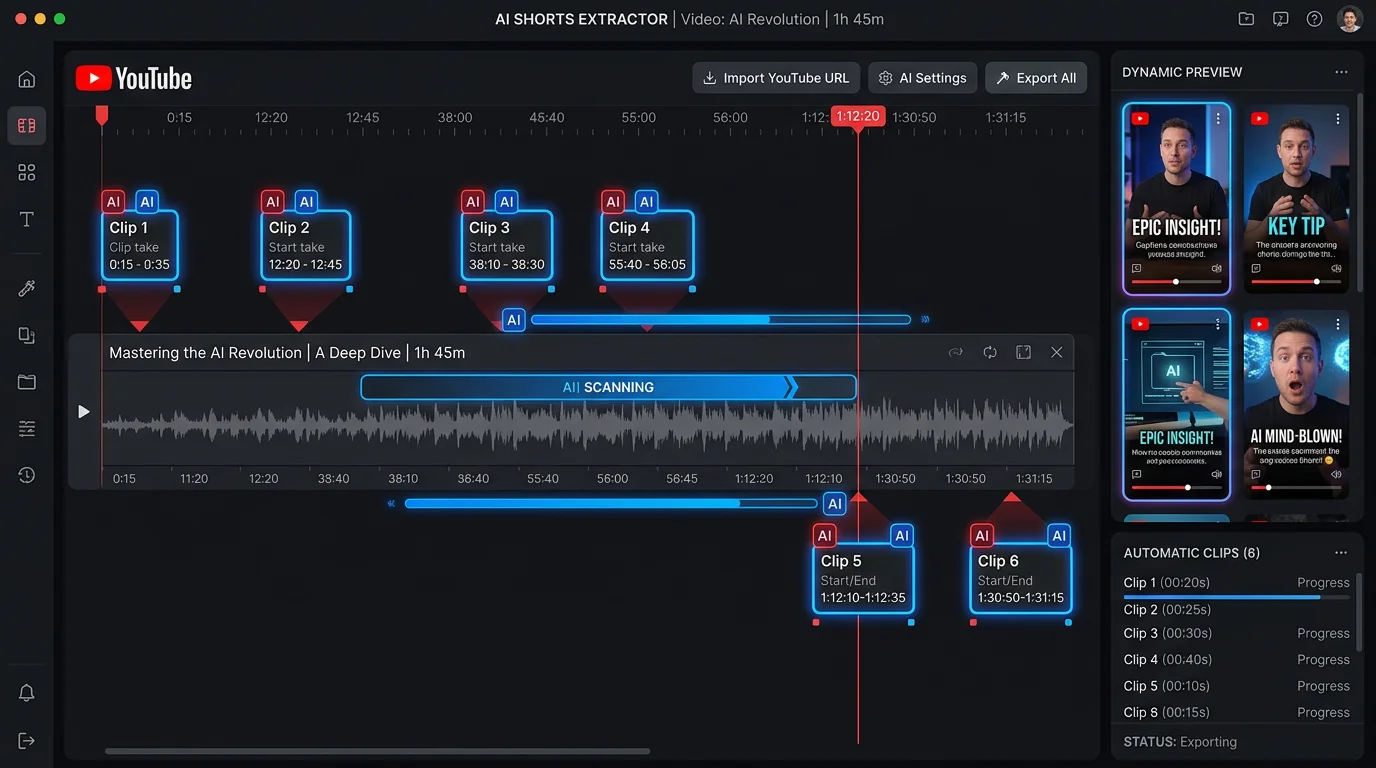
2Short AI is an AI-powered clip extraction tool designed specifically for YouTube creators. The core workflow is straightforward: you connect your YouTube channel, the platform analyzes your existing long-form videos using AI, and it identifies and extracts the moments most likely to perform well as YouTube Shorts. The resulting clips are delivered to you ready to publish — with aspect ratio conversion from 16:9 to 9:16 and captions already applied.
The appeal is obvious. If you're already producing podcasts, tutorials, vlogs, or commentary videos, repurposing that content into Shorts makes intuitive sense. You've already done the work of creating an hour of content — why not extract five or ten clips that could each get thousands of views on their own?
However, it's important to understand the fundamental constraint built into 2Short AI's model: it is a repurposing tool, not a creation tool. It cannot generate new video content from a topic or keyword. It cannot create a video if you don't already have existing YouTube footage to work from. And it does not automatically post the clips it creates — you still need to review and publish manually. For creators who want to build a brand new faceless channel or automate posting across multiple platforms, these limitations are significant dealbreakers.
2Short AI Features
Here's a detailed look at what 2Short AI actually offers inside the platform:
- Automatic clip detection: 2Short AI's core feature is its AI engine that analyzes the audio transcription and visual engagement signals from your long-form videos to identify the moments most likely to retain viewer attention as standalone short clips. The algorithm considers factors like topic changes, emotional tone, and speaking pace to find natural clip boundaries.
- AI scoring and ranking: Each identified clip is given a "virality score" based on its predicted performance as a Short. You can sort and filter clips by this score, letting you prioritize the highest-potential clips without watching the entire video yourself. In practice, the scoring is a useful starting point but not a guarantee of performance.
- Automatic caption generation: Captions are generated automatically from the video transcript and overlaid on the clip. The captions are in a large, readable format designed for mobile viewing — a standard feature across most AI video tools in 2026. You can edit the caption text and style before downloading.
- Aspect ratio conversion: 2Short AI automatically reframes and crops the original 16:9 landscape video into 9:16 vertical format suitable for Shorts. The auto-reframe tracks the primary speaker using face detection, which works reasonably well for talking-head content but can struggle with multi-person frames or B-roll footage.
- YouTube integration: The platform connects directly to your YouTube channel via OAuth, which means it can pull your video library automatically without requiring manual uploads. This is a genuine convenience feature that keeps your content pipeline connected.
- Preview editor: Before downloading a clip, you can preview it in a built-in editor where you can trim the start and end points, adjust the caption styling, and review the reframe quality. The editor is functional but limited — don't expect Premiere Pro-level control.
2Short AI Pricing
2Short AI offers a free tier alongside paid plans. Based on current publicly available information, the pricing structure in 2026 looks roughly like this:
- Free plan: Allows processing of a limited number of videos per month — typically one to three — with a watermark on exported clips. Useful for testing the clip detection quality before committing to a paid plan.
- Starter plan (~$19/mo): Removes the watermark and increases the number of videos you can process per month. Access to the full clip scoring and caption customization features. This plan is aimed at individual creators with a modest upload cadence.
- Pro plan (~$39/mo): Higher processing limits for creators who publish long-form content more frequently. Priority processing and access to additional export options.
It's worth noting that 2Short AI's pricing has shifted over time, and the exact plan limits aren't always clearly advertised. The cost-per-clip can add up quickly if you're a high-volume creator. More importantly, both paid tiers still require you to manually download and upload every clip — there is no auto-posting at any price point.
Looking for the Best Faceless Video Tool?
See why creators are switching to FlowShorts — AI video generation + auto-posting to 3 platforms from $19/mo.
Compare Plans →2Short AI Pros & Cons
Pros
- Saves time on manual clip selection: For creators with a large video library, having AI pre-select and score the best clip candidates is genuinely useful. You can process a 60-minute podcast and have 8–10 candidate clips ready to review in minutes.
- Clean YouTube integration: The direct YouTube channel connection means you don't have to download and re-upload your own videos. It's a streamlined workflow for YouTube-first creators.
- Decent caption quality: The auto-captioning produces readable, well-formatted subtitles that don't require heavy manual correction for standard spoken content.
- Reasonable entry-level pricing: At around $19/mo for the starter tier, the cost of entry is accessible for individual creators testing the repurposing workflow.
Cons
- YouTube-only input: 2Short AI only works with existing YouTube videos. You cannot upload footage from other sources, paste a podcast URL, or process video files directly. If your content lives on Vimeo, your local drive, or a podcast platform, you're out of luck.
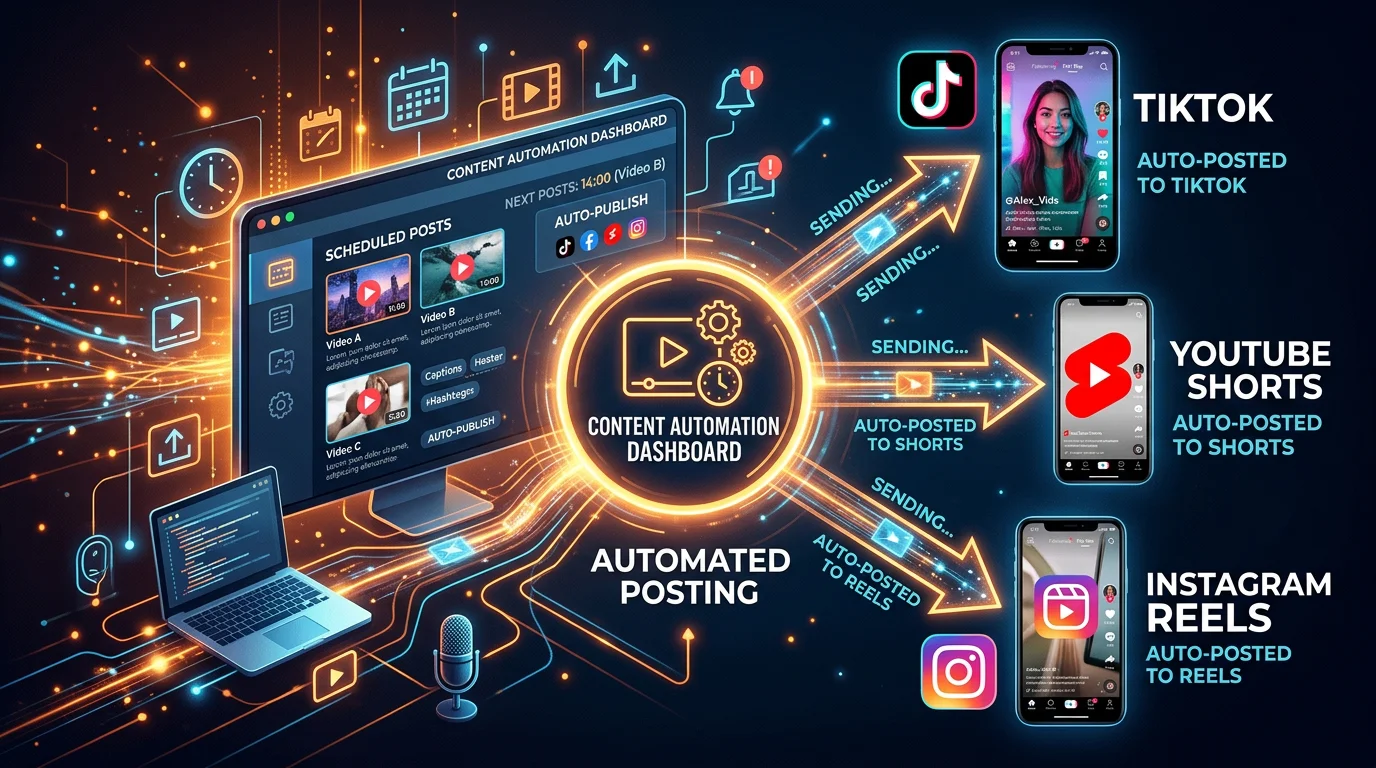
- No auto-posting to any platform: This is the most significant limitation. After 2Short AI generates your clips, you must manually download each one and upload it to YouTube Shorts, TikTok, Instagram Reels, or any other platform yourself. There is no native scheduling or auto-publishing at any price tier.
- No content generation from scratch: 2Short AI cannot create a single frame of new video. If you're building a new faceless channel and don't have existing long-form YouTube content to repurpose, the tool is simply not useful to you.
- Requires an existing YouTube channel: Because the platform is built around the YouTube OAuth integration, you need a YouTube channel with published videos to use it. New creators or those without established channels are excluded from the tool's core functionality.
- Limited cross-platform support: The output is optimized for YouTube Shorts. While you can technically download the clip and post it to TikTok or Instagram manually, there's no platform-specific optimization, hashtag generation, caption formatting for those platforms, or posting assistance built in.
5 Best 2Short AI Alternatives in 2026
2Short AI's limitations — no auto-posting, no content generation, YouTube-only — push many creators toward alternatives. Here are the five best options, depending on your specific goals:
1. FlowShorts — Best for Building a Faceless Channel From Scratch
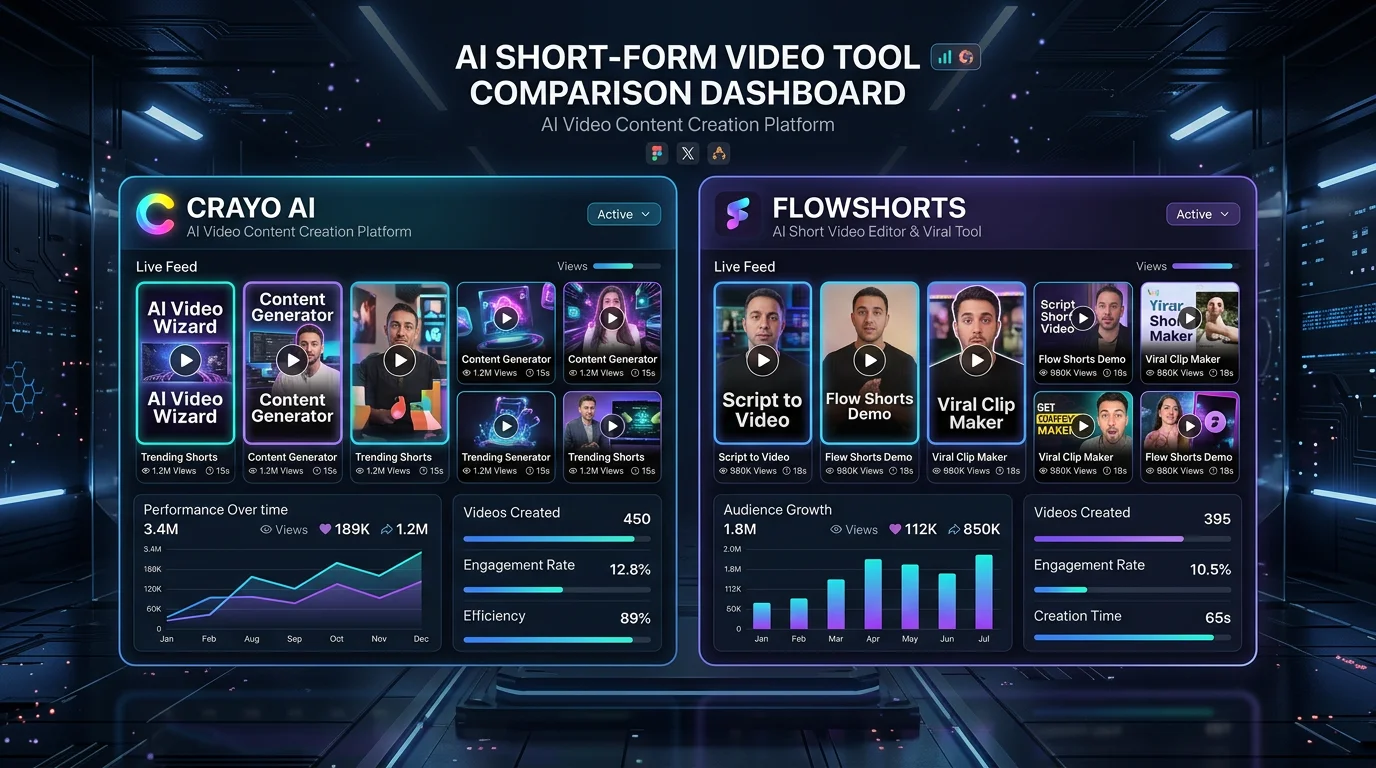
FlowShorts is the most complete alternative for creators who want a fully automated short-form video operation — not just clip extraction, but end-to-end content creation and publishing. Where 2Short AI requires you to have existing YouTube videos to work from, FlowShorts generates entirely new AI videos from a topic or niche you choose. No existing channel required. No long-form content to repurpose. It creates original faceless videos — complete with AI voiceover, stock footage, animated captions, and background music — and then automatically posts them to YouTube Shorts, TikTok, and Instagram Reels on a schedule you set.
This is a fundamentally different value proposition. 2Short AI helps you squeeze more out of content you've already created. FlowShorts builds your content operation from the ground up, runs it on autopilot, and publishes across all three major short-form platforms simultaneously.
FlowShorts pricing is also directly comparable to 2Short AI's paid tiers:
- Starter – $19/mo: 8 AI-generated videos per month, with auto-posting to YouTube Shorts, TikTok, and Instagram Reels included
- Creator – $39/mo: 30 videos per month — one per day — the sweet spot for serious faceless channel operators
- Pro – $69/mo: 60 videos per month (two per day) with priority rendering
For the same monthly cost as 2Short AI's starter plan, you get original content generation and fully automated cross-platform posting. For creators who are not already running an established YouTube channel with regular long-form content, FlowShorts is the clear choice. Try FlowShorts free →
Looking for the Best Faceless Video Tool?
See why creators are switching to FlowShorts — AI video generation + auto-posting to 3 platforms from $19/mo.
Compare Plans →2. Opus Clip — Best Pure Clipping Tool With Broader Platform Support
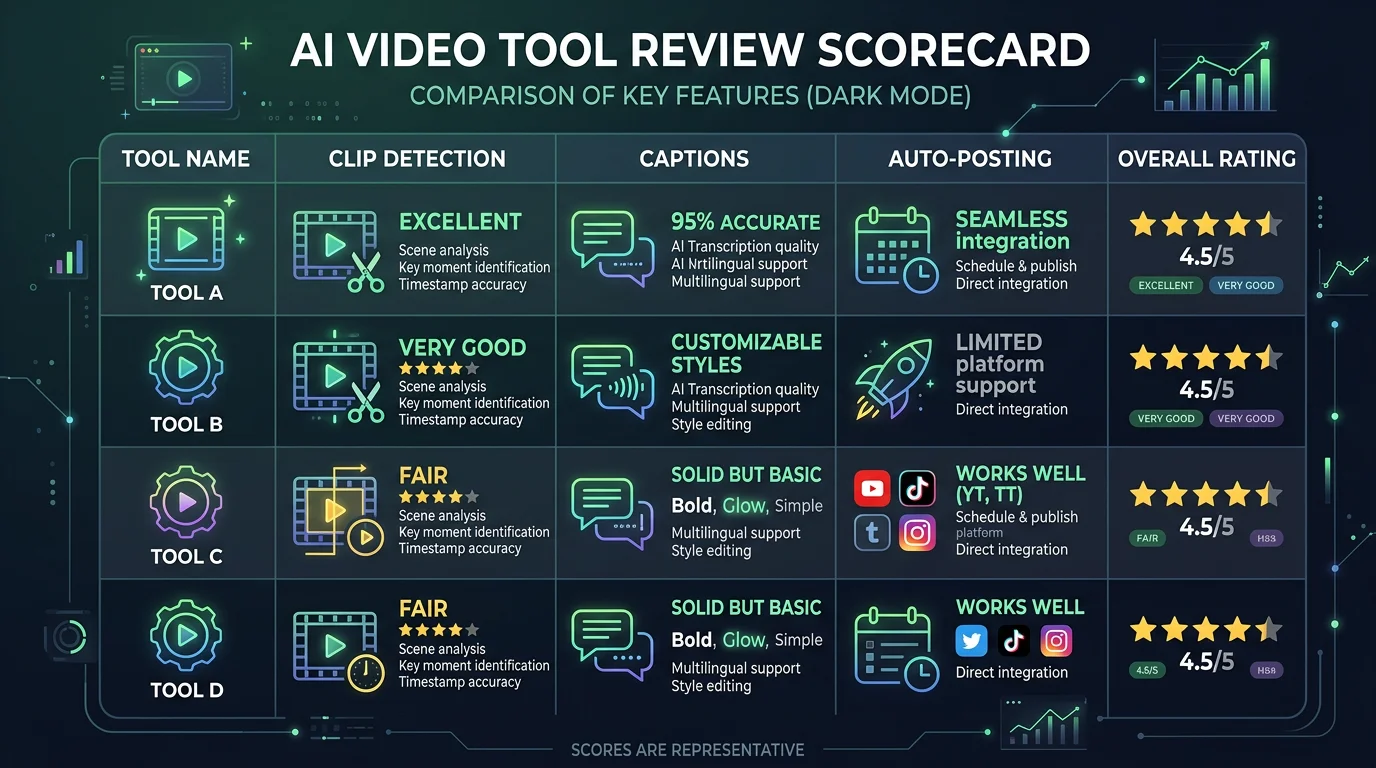
If you specifically want a clip extraction tool — similar to 2Short AI's use case — but with better platform support and a more polished feature set, Opus Clip is the strongest alternative. Unlike 2Short AI's YouTube-only input, Opus Clip accepts video uploads, YouTube URLs, and other video sources. Its AI clip scoring (called "Clip Score") is well-regarded among creators for its accuracy. It also supports direct posting to TikTok and Instagram, which 2Short AI does not offer. Plans start at around $15/mo for limited usage. For a full breakdown, see our Opus Clip review.
3. AutoClip — Simpler Clipping for Beginners
AutoClip targets the same repurposing use case as 2Short AI but with a simpler, more beginner-friendly interface. It's a solid choice for creators who find 2Short AI's interface overwhelming or who want a more lightweight tool without paying for features they won't use. The clip quality is comparable, and the pricing is generally slightly lower. The platform supports a wider range of input formats than 2Short AI's YouTube-only model. See our AutoClip review for a detailed feature comparison.
4. Vidyo.ai — Solid Alternative With Built-In Templates
Vidyo.ai is a content repurposing platform with a stronger emphasis on visual branding and templates. Where 2Short AI focuses purely on clip extraction, Vidyo.ai adds a layer of template-driven post-production that lets you apply consistent branding — lower thirds, logo watermarks, custom caption styles — to every clip you produce. This makes it a better fit for brands and businesses that need their short-form content to look polished and consistent across a posting calendar. Pricing is broadly similar to 2Short AI's paid tiers.
5. Munch — Best for Repurposing Long-Form Content Across Formats
Munch is one of the more sophisticated long-form repurposing tools on the market. It uses AI to not only extract clips but also generate accompanying social media copy, captions, and hashtags optimized for each platform. If your primary goal is content repurposing and you're posting across LinkedIn, Twitter/X, Instagram, and YouTube simultaneously, Munch handles more of the distribution workflow than 2Short AI does. It's positioned at a slightly higher price point ($49–$79/mo) but covers a wider content marketing workflow. For creators focused exclusively on short-form video, it may be more than you need — but for content marketers managing multi-platform distribution, it's worth considering alongside the best Crayo alternatives in this category.
2Short AI vs FlowShorts: Feature Comparison
| Feature | 2Short AI | FlowShorts |
|---|---|---|
| AI clip extraction from existing video | ✓ | ✗ |
| AI video generation from scratch | ✗ | ✓ |
| Requires existing YouTube channel | ✓ (required) | ✗ (not required) |
| AI voiceover generation | ✗ | ✓ |
| Auto-captions | ✓ | ✓ |
| Aspect ratio conversion (16:9 → 9:16) | ✓ | ✓ (native vertical) |
| Auto-post to YouTube Shorts | ✗ | ✓ |
| Auto-post to TikTok | ✗ | ✓ |
| Auto-post to Instagram Reels | ✗ | ✓ |
| Built-in posting scheduler | ✗ | ✓ |
| Background music library | ✗ | ✓ |
| Starting price | ~$19/mo | $19/mo |
| Videos per month (entry plan) | Limited clips from existing videos | 8 original AI-generated videos |
| Free trial available | Limited free plan | ✓ |
Frequently Asked Questions
Conclusion: Is 2Short AI Worth It?
2Short AI is a focused tool that does one thing reasonably well: it scans your existing YouTube library and extracts the moments most likely to perform as Shorts. If you're a YouTube creator who publishes long-form content regularly and wants a faster way to identify clip candidates without watching your own videos back at full length, 2Short AI can save you meaningful time.
But that's a fairly narrow use case — and it comes with a long list of constraints. You need an existing YouTube channel. You need existing long-form content. You can't post to TikTok or Instagram automatically. You can't create new content if you have nothing to repurpose. And after all of that, you're still manually downloading and uploading every single clip.
For creators who want to build a faceless short-form channel from the ground up — or who want a single tool that handles both content creation and cross-platform publishing — 2Short AI isn't that tool. FlowShorts generates original AI videos from any topic you choose and automatically posts them to YouTube Shorts, TikTok, and Instagram Reels without any manual intervention. The Creator plan at $39/mo gives you 30 videos per month posted across all three platforms — that's the kind of automation that actually builds channels at scale.