Crayo AI Review 2026: Pricing, Features & Better Alternatives
An honest review of Crayo AI — pricing, features, and 5 better alternatives for creators who want truly automated short-form video.
FlowShorts Team
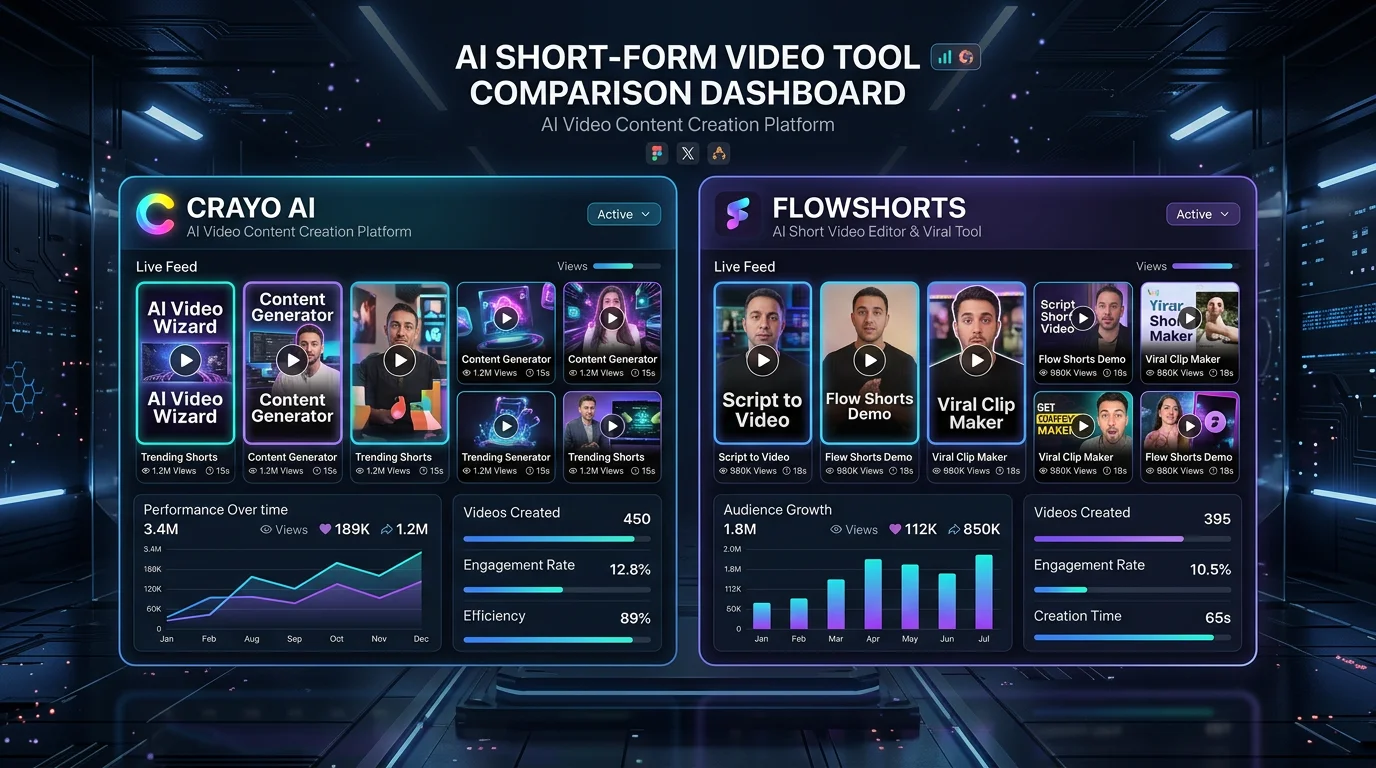
If you've been researching AI tools for faceless short-form video, you've almost certainly come across Crayo AI. It's one of the more heavily marketed platforms in the space, promising to let anyone churn out viral-ready TikToks, YouTube Shorts, and Instagram Reels in minutes. But does it actually deliver — and more importantly, is it worth the price tag in 2026? This Crayo AI review breaks down every feature, every pricing tier, and every limitation so you can make a fully informed decision. We'll also compare it side-by-side with the five best alternatives, including platforms that go further by automatically posting your videos for you.
Key Takeaways
- Crayo AI is a solid entry-level tool for generating short-form videos from scripts or prompts, but it lacks native auto-posting to TikTok, YouTube Shorts, and Reels.
- Pricing starts at around $49/mo and climbs to $99/mo+ for higher video volumes — expensive compared to newer competitors.
- The biggest gap is automation: Crayo AI requires manual downloading and uploading for every video you publish.
- FlowShorts offers a more complete solution — AI generation and fully automated cross-platform publishing — starting at just $19/mo.
What Is Crayo AI?
Crayo AI is a web-based AI video creation platform founded in 2023 and aimed primarily at content creators, social media managers, and entrepreneurs who want to produce short-form videos without appearing on camera. You give it a topic, a script, or a URL, and it generates a vertical video complete with AI voiceover, background footage, captions, and background music.
The platform gained early traction in the faceless YouTube niche — particularly for channels focused on motivational content, reddit story videos, and "did you know" style clips. Its template library and relatively simple UI made it accessible to beginners who didn't want to learn complex editing software. By 2026, Crayo AI has expanded its template range and added some additional customization options, but its core workflow has remained largely the same: generate, download, upload manually.
Crayo AI is best suited for creators who are just getting started with faceless content and want a low-friction way to experiment with AI video. If you're looking to scale to dozens or hundreds of videos per month with zero manual publishing effort, you'll likely outgrow it quickly.
Crayo AI Features
Here's what you actually get inside the Crayo AI platform:
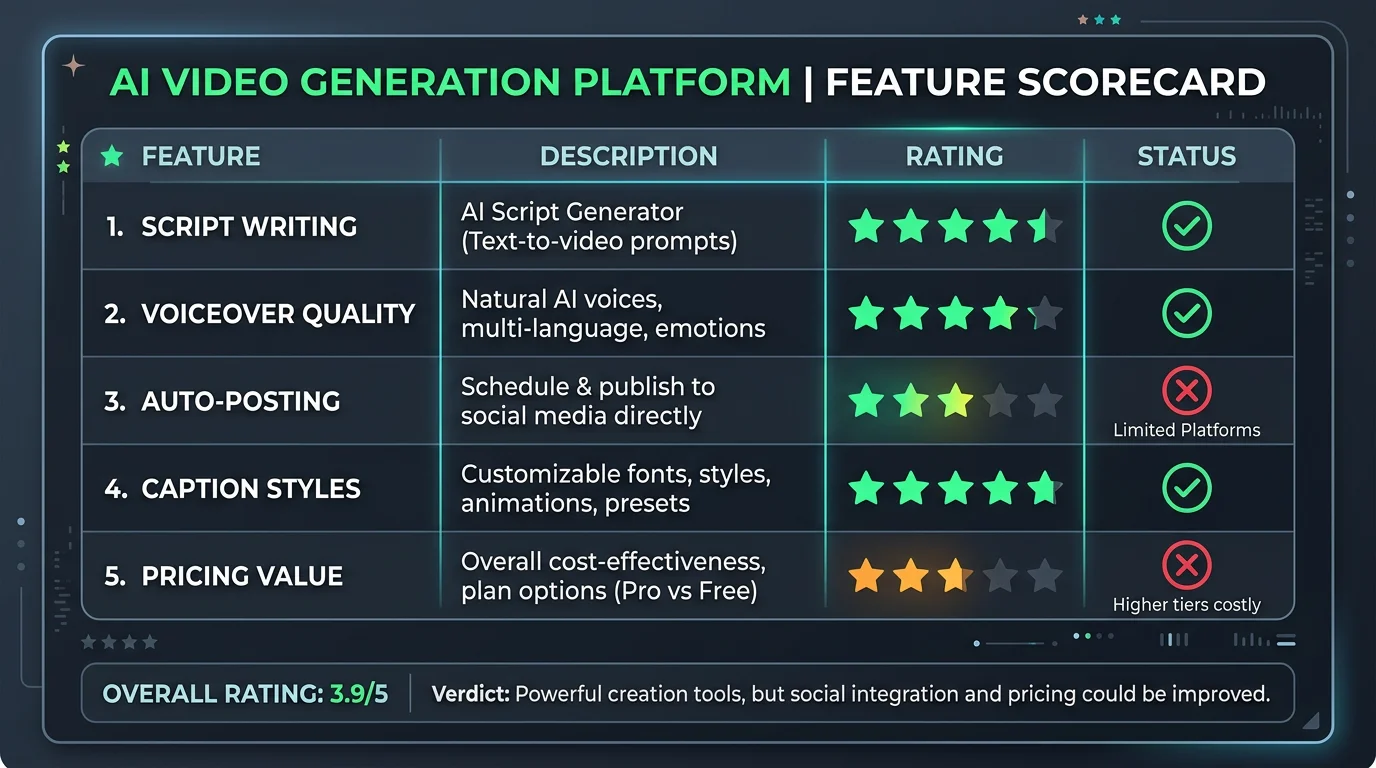
- Script-to-video generation: Paste a script or enter a topic and Crayo AI generates a complete short-form video, selecting relevant stock footage and syncing it to an AI voiceover. The process typically takes two to four minutes per video.
- AI voiceover library: The platform includes a range of AI voice options across different accents and tones. You can preview voices before generating, though the selection is more limited compared to dedicated TTS platforms like ElevenLabs.
- Auto-caption generation: Crayo AI adds animated captions to every video automatically. You can customize the font, color, and style — a feature that's become table stakes for short-form content since captions significantly improve watch time.
- Template library: A growing collection of video templates covers popular faceless niches: reddit stories, motivational quotes, "did you know" facts, news commentary, and listicle-style content. Templates help you maintain a consistent visual style without starting from scratch each time.
- Stock footage library: Crayo AI pulls from a licensed stock footage library to find clips that match your script content. The matching quality is decent but can sometimes feel generic, particularly for niche or technical topics.
- Background music: The platform includes a library of royalty-free background tracks that are automatically added to your video. You can swap tracks and adjust volume levels, but you can't upload custom audio.
Crayo AI Pricing
Crayo AI does not publish its full pricing openly on its homepage — you typically need to sign up or navigate to a pricing page to see the plans. Based on current publicly available information and user reports, Crayo AI's pricing in 2026 falls into roughly three tiers:
- Free plan: Limited to a small number of watermarked videos per month (typically 3–5). Useful for testing the interface but not viable for any serious content strategy.
- Basic/Starter plan (~$49/mo): Removes watermarks and increases the monthly video limit. Still restricts access to some templates and voice options. Video resolution may be capped at 1080p.
- Pro plan (~$79–$99/mo): Full access to all templates, voices, and 4K export. Higher monthly video limits. Some users on community forums have reported being able to generate up to 50–100 videos per month at this tier, though limits are not always clearly stated.
There is no annual discount prominently advertised, and the platform has historically charged per-video overage fees when users exceed their monthly limit. This pricing structure makes Crayo AI significantly more expensive than several newer competitors that offer higher video volumes for less.
Looking for the Best Faceless Video Tool?
See why creators are switching to FlowShorts — AI video generation + auto-posting to 3 platforms from $19/mo.
Compare Plans →Crayo AI Pros & Cons
Pros
- Clean, beginner-friendly interface with a short learning curve
- Good template variety for popular faceless niches
- Decent auto-caption quality with style customization
- Fast generation times (2–4 minutes per video)
- Royalty-free stock footage and music included
Cons
- No auto-publishing: Every video must be manually downloaded and uploaded to TikTok, YouTube Shorts, and Instagram Reels — a major time sink if you're posting daily
- Expensive for the value: $49–$99/mo is hard to justify when newer tools offer more automation at lower price points
- Limited voice quality: AI voices are functional but sound noticeably synthetic compared to newer neural TTS engines
- Generic stock footage: The footage matching algorithm can produce clips that feel disconnected from the script content
- No scheduling features: There is no built-in content calendar or posting scheduler, even as a premium add-on
- Limited analytics: Crayo AI provides no performance data on your published videos — you're flying blind on what's working
5 Best Crayo AI Alternatives in 2026
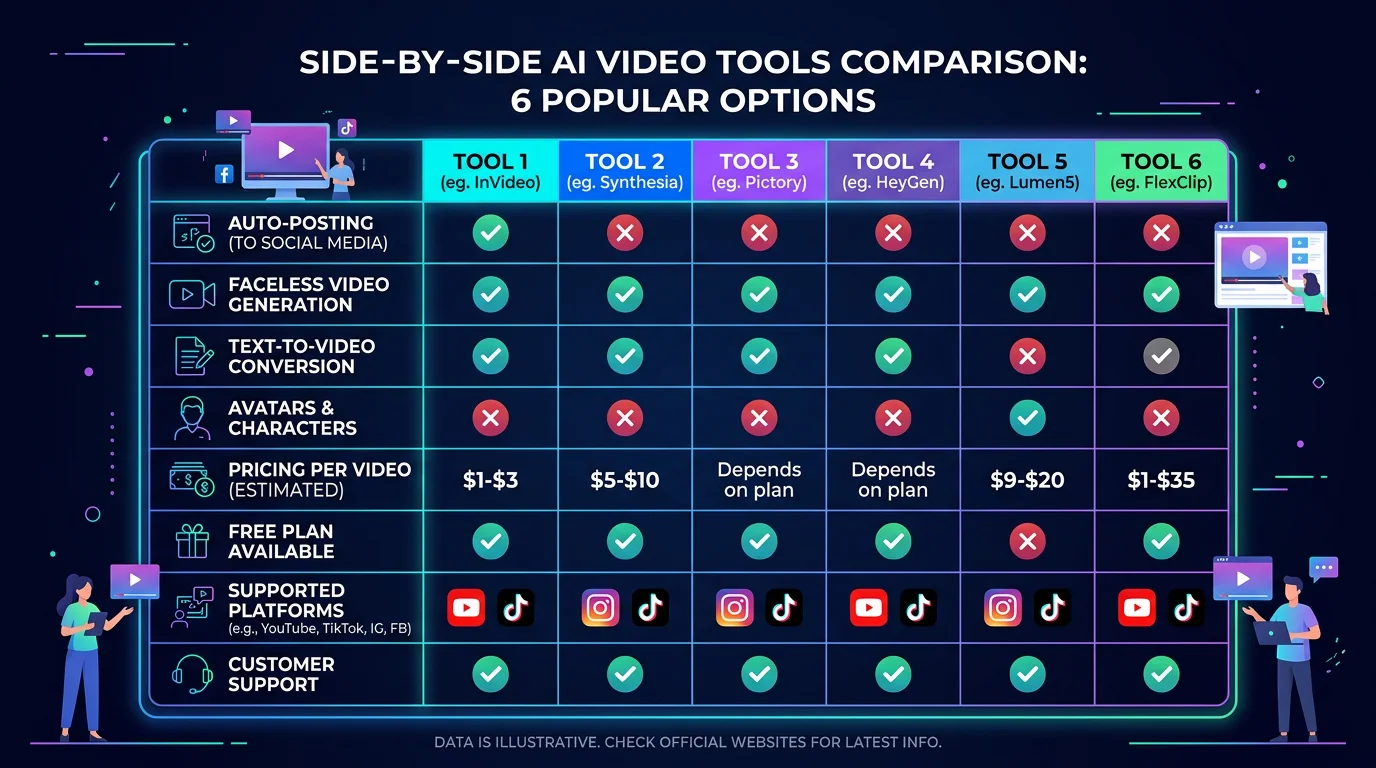
If Crayo AI's limitations — especially the lack of auto-publishing — are dealbreakers for you, here are five alternatives worth considering. Each one fills a different gap in the market.
1. FlowShorts — Best for Fully Automated Short-Form Video
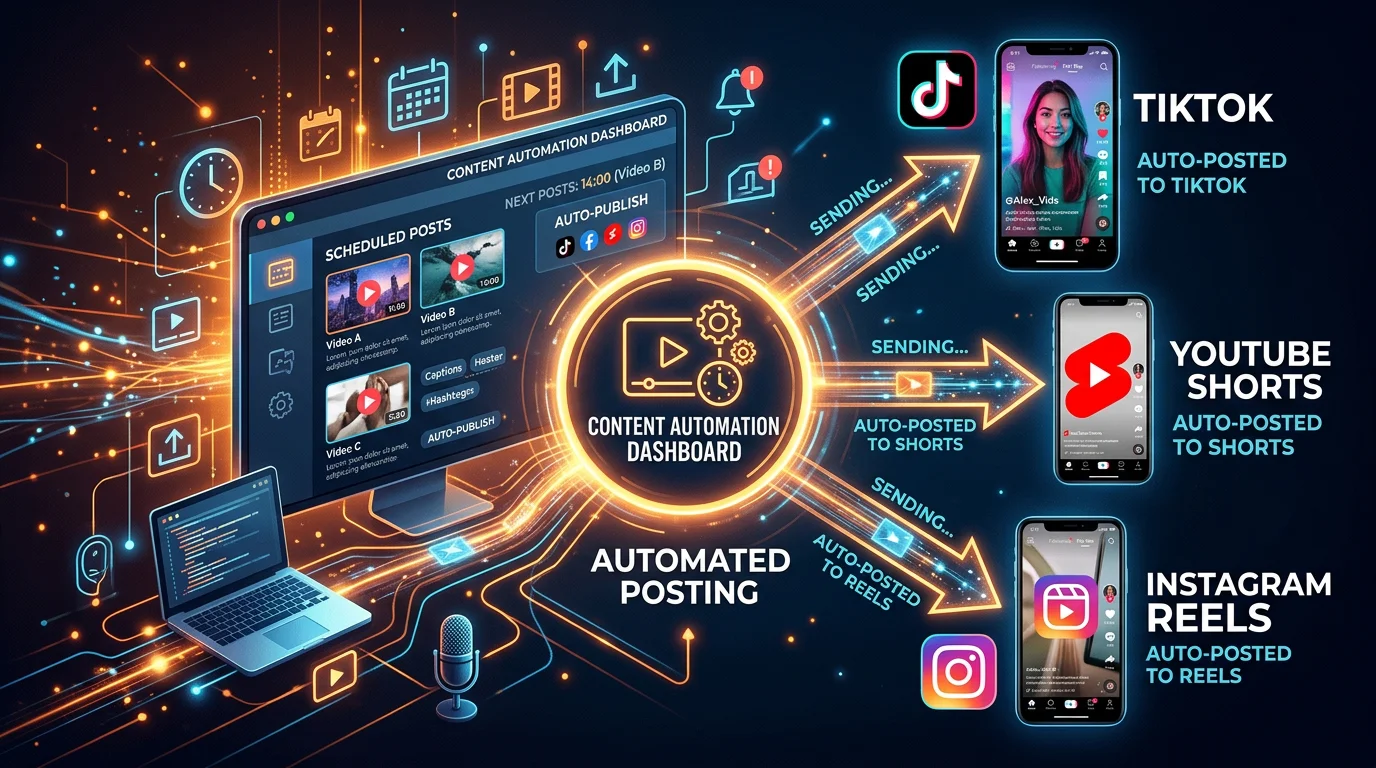
FlowShorts is the most complete alternative to Crayo AI for creators who want true automation. Unlike Crayo AI, which stops at video generation, FlowShorts handles the entire workflow end-to-end: it generates your AI video from a topic or script, then automatically posts it to YouTube Shorts, TikTok, and Instagram Reels on a schedule you control.
This matters enormously if your goal is to run a faceless channel at scale. Instead of spending 10–15 minutes per day downloading files and manually uploading them to three platforms, FlowShorts handles it all in the background. You can set it and genuinely forget it.
FlowShorts pricing is also considerably more accessible than Crayo AI:
- Starter – $19/mo: 8 videos per month, all platforms, auto-posting included
- Creator – $39/mo: 30 videos per day — the right choice for serious faceless channel operators
- Pro – $69/mo: 60 videos per month with priority rendering and advanced controls
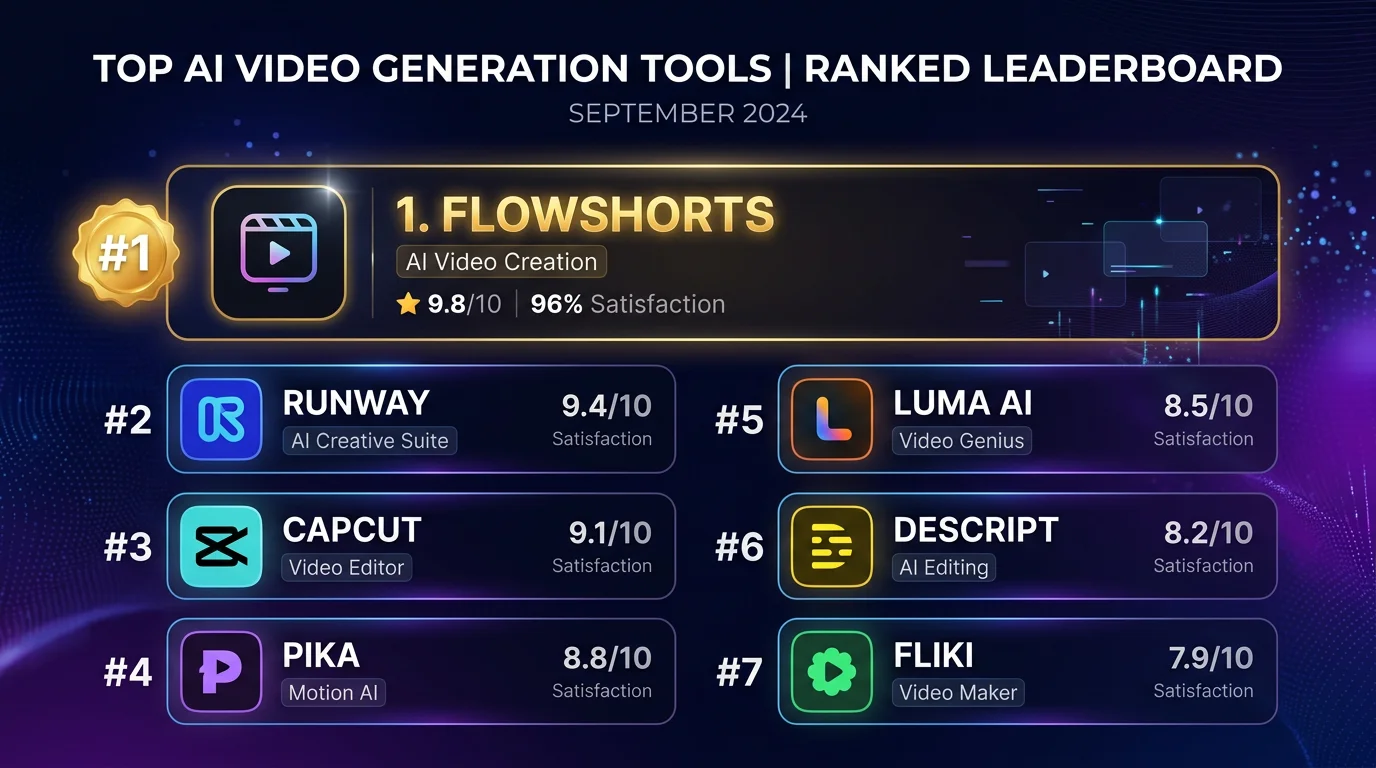
The video quality is on par with Crayo AI, and the auto-caption engine produces clean, readable subtitles that match current short-form trends. If you only want one tool from this list, FlowShorts is it. Try FlowShorts free →
For more context on how FlowShorts compares to another popular tool in this category, see our AutoShorts alternative breakdown.
Looking for the Best Faceless Video Tool?
See why creators are switching to FlowShorts — AI video generation + auto-posting to 3 platforms from $19/mo.
Compare Plans →2. Revid AI
Revid AI positions itself as a premium faceless video generator with a strong focus on viral hooks and high-retention scripting. It uses AI to analyze trending content in your niche before generating videos, which can improve the relevance and watch-time performance of what it produces. Revid is a step up from Crayo AI in terms of content intelligence, but it shares the same fundamental limitation: no native auto-publishing. You still need to download and upload manually. Pricing starts around $39–$59/mo.
3. InVideo AI
InVideo AI is one of the more established names in AI video generation, with a large template library and strong text-to-video capabilities. It works well for both long-form and short-form content, giving it more versatility than Crayo AI. The editor is also more powerful, allowing for deeper customization of individual scenes. However, InVideo AI is primarily a creation tool — publishing automation is not a core part of its offering. Pricing starts at around $25/mo. We've published a full InVideo AI review if you want to dig deeper into its features.
4. Opus Clip
Opus Clip takes a different approach: rather than generating videos from scratch, it repurposes existing long-form content (podcasts, YouTube videos, webinars) into short clips optimized for TikTok, Shorts, and Reels. If you already have long-form content and want to extract clips from it automatically, Opus Clip is excellent. But if you're building a faceless channel and need to create content from scratch, it's not the right fit. Plans start at around $15/mo for limited usage.
5. Fliki
Fliki is a text-to-video tool with a strong focus on voiceover quality, offering access to ElevenLabs-level neural voices in some plans. It supports a wide range of languages, making it appealing to creators targeting non-English markets. The video output quality is good, and the interface is straightforward. Like most tools on this list, Fliki does not include auto-publishing — you'll need to handle distribution yourself. Pricing starts at around $28/mo.
For a broader view of how the YouTube Shorts algorithm rewards consistent posting schedules, understanding why auto-publishing tools matter can reframe how you evaluate all of these platforms.
Crayo AI vs FlowShorts: Feature Comparison
| Feature | Crayo AI | FlowShorts |
|---|---|---|
| AI video generation from topic/script | ✓ | ✓ |
| AI voiceover | ✓ | ✓ |
| Auto-captions | ✓ | ✓ |
| Stock footage library | ✓ | ✓ |
| Background music | ✓ | ✓ |
| Auto-post to YouTube Shorts | ✗ | ✓ |
| Auto-post to TikTok | ✗ | ✓ |
| Auto-post to Instagram Reels | ✗ | ✓ |
| Built-in posting scheduler | ✗ | ✓ |
| Starting price | ~$49/mo | $19/mo |
| Videos per month (entry plan) | ~20–30 | 8 (Starter) / 30/day (Creator) |
| Free trial | Limited free plan | ✓ |
Frequently Asked Questions
Conclusion: Should You Use Crayo AI?
Crayo AI is a capable AI video generator that does what it says — produce short-form videos quickly from text or prompts. For someone who has never made a faceless video before and wants a simple interface to learn the ropes, it's a reasonable starting point.
But if you're reading this because you want to actually grow a faceless channel at scale — publishing daily to YouTube Shorts, TikTok, and Instagram Reels — Crayo AI's lack of auto-publishing is a deal-breaker. Manually downloading and uploading every single video across three platforms isn't a workflow; it's a part-time job. And paying $49–$99/mo for a tool that only covers half the workflow is hard to justify in 2026, when tools like FlowShorts handle the full pipeline at a fraction of the cost.
If you want AI video generation and automated cross-platform publishing in a single platform — without the manual bottleneck — FlowShorts is the smarter choice. The Creator plan at $39/mo lets you publish up to 30 videos per day, automatically, to all three major short-form platforms. That's the kind of scale that builds channels.