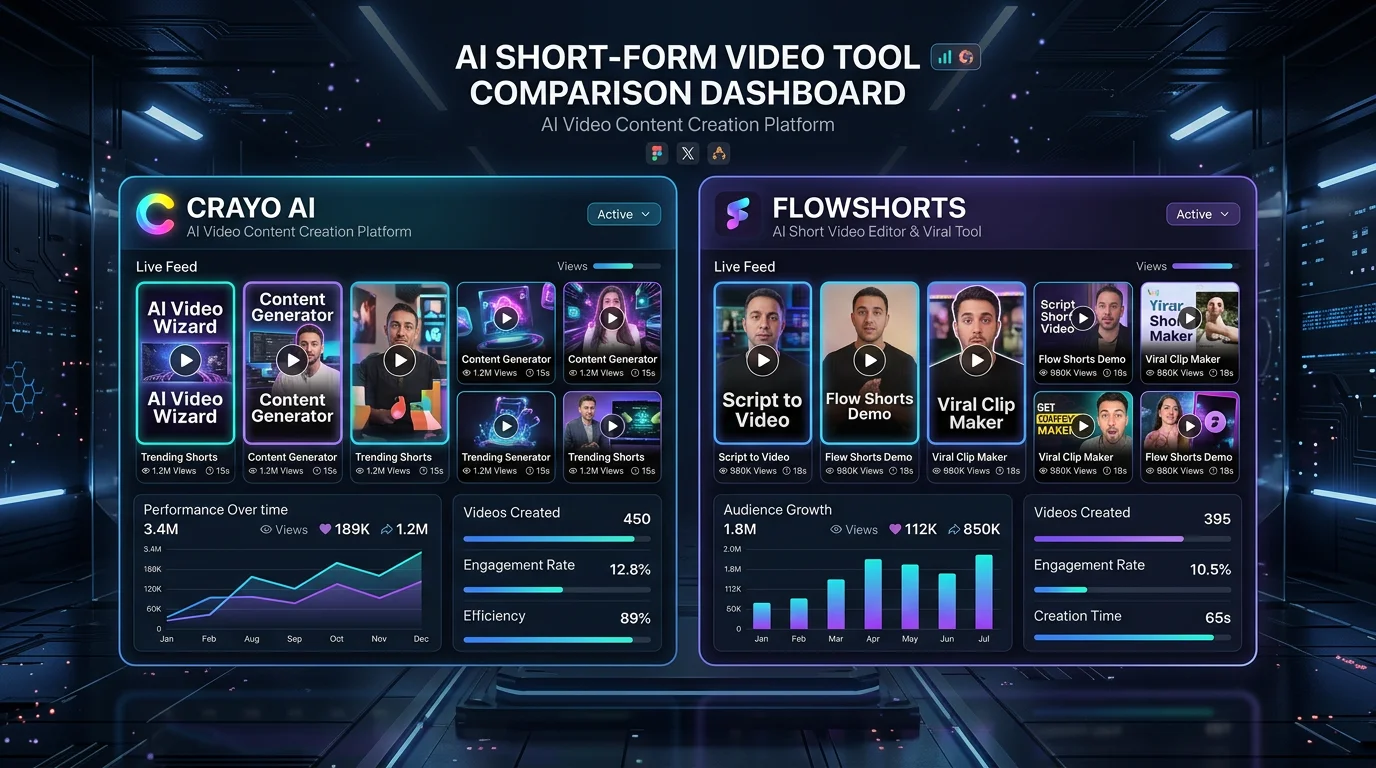
7 Best Crayo Alternatives for AI Short-Form Video (2026)
Looking for Crayo alternatives? Here are 7 AI short-form video tools that outperform Crayo on automation, pricing, and platform support.
FlowShorts Team
If you've been using Crayo AI to churn out short-form videos, you've probably hit one of its walls — a video limit that kicks in too fast, a workflow that still requires too much manual effort, or a pricing tier that doesn't scale well as your channel grows. You're not alone. Thousands of creators are actively searching for Crayo alternatives that offer better automation, stronger platform integrations, and pricing that actually makes sense for a faceless content operation.
This guide covers the 7 best Crayo AI alternatives in 2026 — tested against real creator workflows. We'll compare each tool on the features that matter: auto-posting, video quality, content variety, and monthly output limits. Whether you're running a solo faceless YouTube Shorts channel or managing multiple social accounts, one of these tools will fit your stack.
Key Takeaways
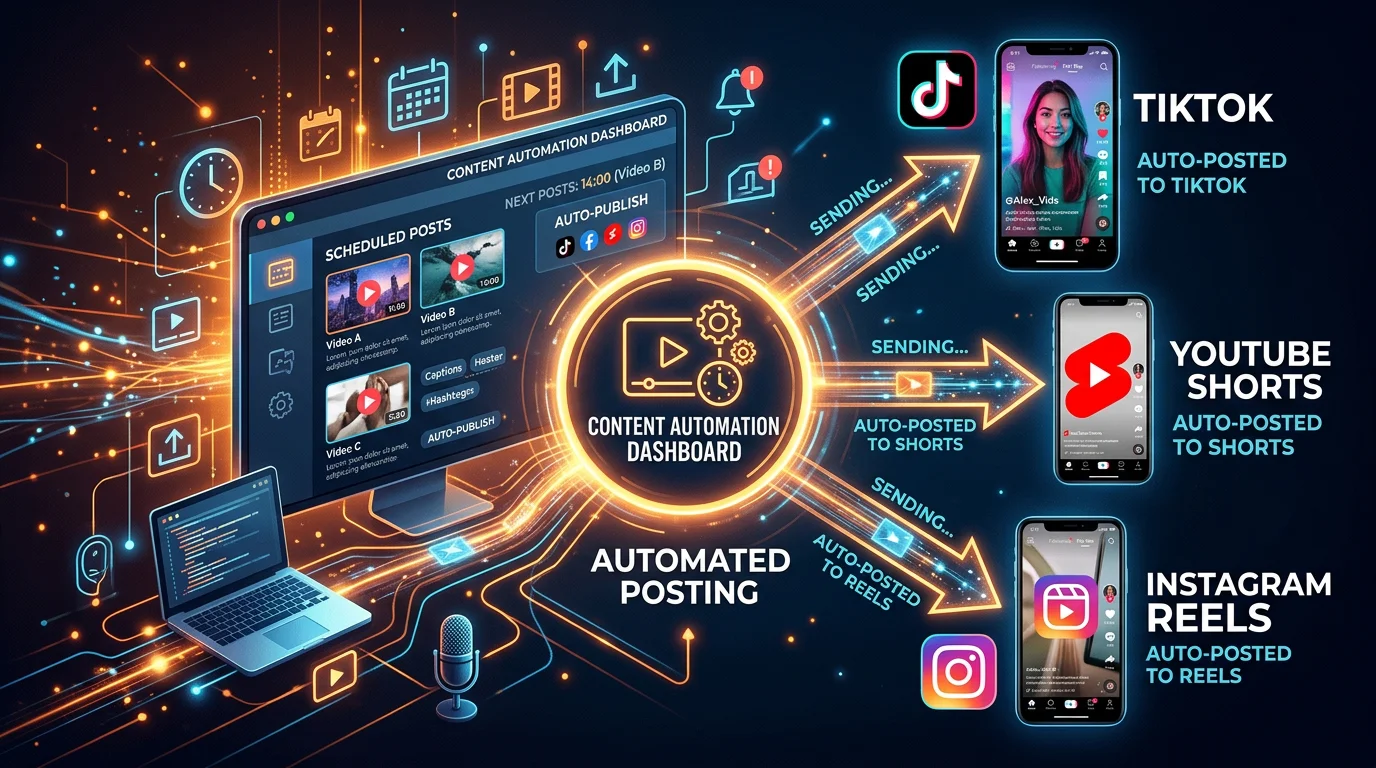
- FlowShorts is the top pick for fully hands-free faceless video creation with built-in auto-posting to YouTube Shorts, TikTok, and Instagram Reels — no manual uploads required.
- Crayo AI lacks native auto-posting, which means extra manual steps every time you publish — a real bottleneck at scale.
- For budget-conscious creators, FlowShorts' Starter plan at $19/mo (8 videos) costs less than Crayo's equivalent tier while including scheduling and cross-platform posting.
- Tool choice depends on your use case: FlowShorts for automation, Opus Clip for repurposing long-form content, Pictory for blog-to-video conversion, and InVideo AI for template variety.
Why Consider a Crayo Alternative?
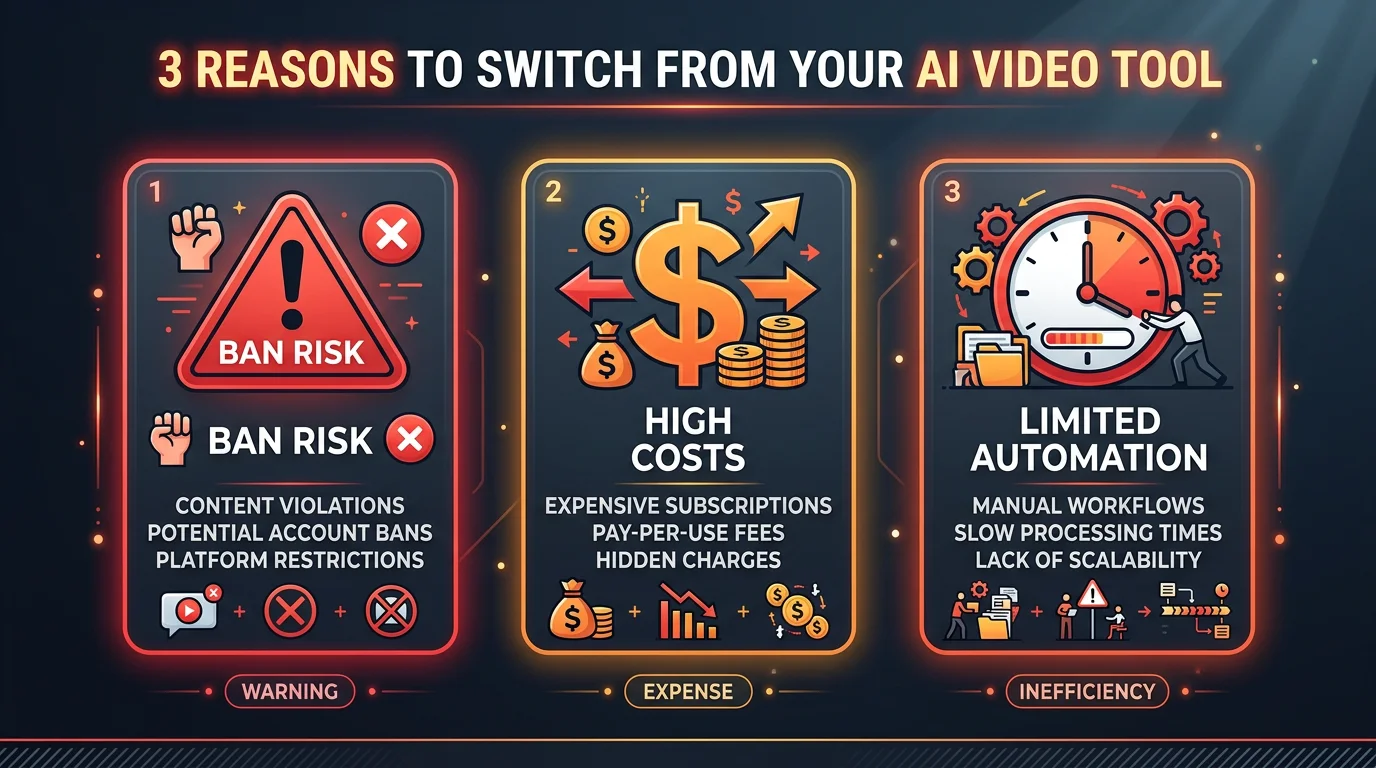
Crayo AI is a capable tool for generating viral-style short-form clips — it's particularly popular for Reddit story videos and split-screen content. But after using it consistently, creators run into three recurring pain points that send them looking elsewhere.
1. No Native Auto-Posting
Crayo generates your videos, but it does not publish them. You still have to download each video, open YouTube Studio, TikTok, or Instagram, and upload manually. For a creator posting 30+ videos a month, that's hours of repetitive work every week. True automation tools like FlowShorts handle the entire pipeline — from script to published post — without any manual intervention.
2. Pricing Doesn't Scale Well
Crayo's credit-based pricing model becomes expensive as volume increases. Creators who want to post daily or run multiple channels find themselves paying premium rates for output that other platforms deliver at a fraction of the cost. At scale, the math simply doesn't work in Crayo's favor.
3. Limited Content Variety
Crayo AI is optimized for a specific aesthetic — Reddit-style narration over gameplay footage or split-screen stock clips. It's a narrow lane. If you want to create educational content, listicles, news summaries, motivational videos, or any format outside Crayo's template set, you'll hit a ceiling quickly. More flexible tools support dozens of content formats out of the box.
What to Look for in a Crayo Alternative
Before diving into the list, here are the four criteria that separate a genuinely useful AI video tool from one that just generates mediocre clips:
- End-to-end automation: Does the tool generate AND post? Or does it hand the work back to you at the last step?
- Multi-platform support: A tool that only posts to one platform limits your reach. Look for YouTube Shorts, TikTok, and Instagram Reels support simultaneously.
- Content format flexibility: Can you create different types of videos — not just one viral template — so your channel doesn't look like a clone factory?
- Transparent pricing: Avoid tools with confusing credit systems. Flat monthly plans with clear video limits are easier to budget for and scale.
7 Best Crayo Alternatives in 2026
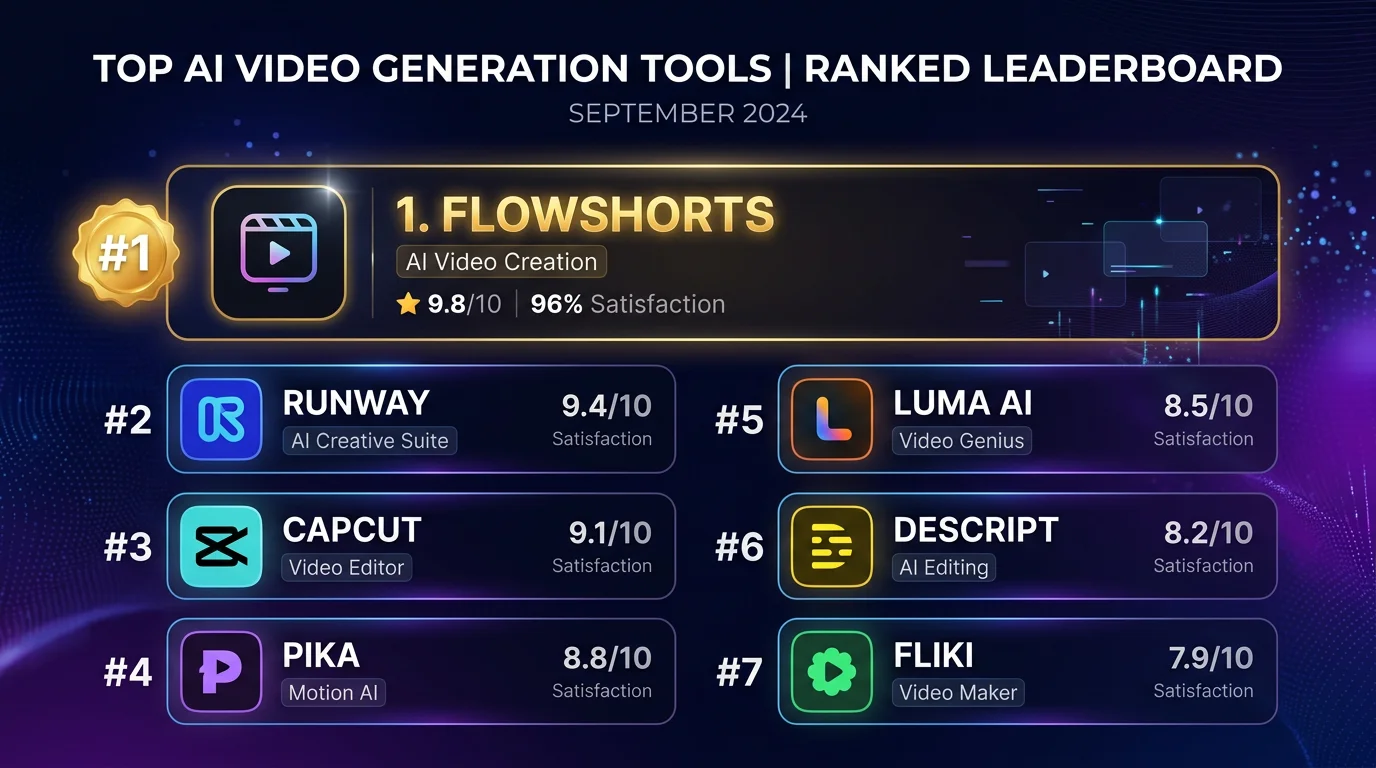
#1 FlowShorts — Best Overall Crayo Alternative
Best for: Faceless channel operators who want fully hands-free video creation and publishing
FlowShorts is the most complete end-to-end solution on this list. It doesn't just generate short-form videos — it automatically schedules and posts them to YouTube Shorts, TikTok, and Instagram Reels without you touching a thing. For creators running faceless channels, this is the closest thing to a set-it-and-forget-it content machine that currently exists.
The platform handles everything from topic ideation to AI voiceover, B-roll selection, caption generation, and final publishing. You define your niche and posting frequency, and FlowShorts operates on autopilot. It's particularly strong for educational content, motivational videos, fun facts, news-style clips, and list-based formats — a far wider range than Crayo covers.
You can read a deeper breakdown of Crayo's strengths and weaknesses in our full Crayo AI review, but the short version is this: Crayo generates, FlowShorts generates AND distributes. That distinction is the core reason creators switch.
Pricing:
- Starter: $19/mo — 8 videos/month
- Creator: $39/mo — 30 videos/month
- Pro: $69/mo — 60 videos/month
Standout features: Auto-posting to 3 platforms, AI script generation, AI voiceover, automated captions, B-roll automation, content scheduling, faceless video templates
What it lacks: No long-form video support; focused exclusively on short-form content
Try FlowShorts Free#2 Revid AI — Best for Brainrot-Style Content
Best for: Creators who specialize in viral, chaotic, high-stimulation short-form content
Revid AI has carved out a niche in the "brainrot" content category — the kind of fast-cut, multi-layered videos with Subway Surfers or Minecraft gameplay running under narration. If that's your lane, Revid is genuinely good at it. The platform makes it easy to layer audio, captions, and background gameplay footage in the style that currently dominates TikTok's For You page.
The trade-off is that Revid is narrow by design. Outside of brainrot-style content, the tool has limited flexibility. It also doesn't offer native auto-posting — you'll need to export and upload manually, which adds friction at scale. For creators whose entire channel is built around this aesthetic, Revid is a solid pick. For everyone else, there are better options.
Pricing: Plans start around $19/mo with credit-based video limits
Standout features: Brainrot template library, automatic caption styling, background gameplay footage library, fast rendering
Looking for the Best Faceless Video Tool?
See why creators are switching to FlowShorts — AI video generation + auto-posting to 3 platforms from $19/mo.
Compare Plans →What it lacks: No auto-posting, narrow content format range, limited platform integrations
#3 InVideo AI — Best for Template Variety
Best for: Creators who want a large library of customizable templates and more hands-on editorial control
InVideo AI is one of the most established names in AI video creation, and it earns its place on this list through sheer template volume. With thousands of pre-built templates across dozens of content categories, InVideo gives you more visual variety than almost any competitor. If you want your short-form content to look polished and on-brand rather than AI-generated, InVideo's editing interface makes that achievable.
The platform has recently added AI-powered script generation and voiceover tools, closing the automation gap with newer tools. However, it still lacks true auto-posting — you can schedule videos, but manual platform connections are required for publishing. Our InVideo AI review covers the full feature set in detail.
Pricing: Free plan available; paid plans start at $20/mo
Standout features: 5,000+ templates, AI script generation, text-to-video, stock media library, team collaboration tools
What it lacks: No native auto-posting to social platforms, can feel overwhelming for new users due to feature density
#4 Opus Clip — Best for Repurposing Long-Form Content
Best for: Podcasters, YouTubers, and course creators who want to extract short clips from existing long-form videos
Opus Clip takes a fundamentally different approach than the other tools on this list. Rather than generating videos from scratch, it analyzes your existing long-form content — YouTube videos, podcast recordings, webinar footage — and automatically identifies the best 60–90 second moments to turn into short clips. It adds captions, reframes the video for vertical format, and highlights key quotes.
If you already produce long-form content and want to multiply your output by repurposing it into Shorts and Reels, Opus Clip is the best tool for that specific job. It's not a Crayo alternative in the purest sense — it doesn't generate content from nothing — but for creators who have existing video libraries to mine, it's extremely effective.
Pricing: Free plan (limited minutes); Pro plan at $19/mo
Standout features: AI-powered clip selection, auto-reframing for vertical video, auto-captions, virality scoring, speaker tracking
What it lacks: Requires existing video source material, no content generation from scratch, no true auto-posting
#5 Fliki — Best for Text-to-Video Creation
Best for: Creators who want to turn written content — articles, scripts, or prompts — into narrated video quickly
Fliki specializes in converting text into video with AI-generated voiceovers. You paste in a script, choose a voice (from a library of 1,000+ AI voices across 75+ languages), and Fliki assembles a video with matching stock footage and captions. It's fast and requires minimal video production knowledge, making it a good fit for creators who are more comfortable writing than editing.
The voiceover quality is genuinely strong — Fliki's AI voices are among the most natural-sounding in this category, which matters for viewer retention on talking-head style content. The limitation is that visual creativity is constrained by the stock footage library. Videos can start to feel visually repetitive over time unless you're actively swapping in custom assets.
Pricing: Free plan available; Standard at $21/mo, Premium at $66/mo
Standout features: 1,000+ AI voices in 75+ languages, text-to-video, blog-to-video, podcast-to-video, subtitle generation
What it lacks: No auto-posting, limited visual customization beyond stock footage, can feel formulaic at scale
#6 Pictory — Best for Repurposing Blog Content into Video
Best for: Content marketers and bloggers who want to convert written articles into short video clips for social distribution
Pictory's core strength is its blog-to-video workflow. You drop in a URL or paste article text, and Pictory automatically extracts key sentences, pairs them with relevant stock footage, and produces a narrated video. For brands and content teams that publish written content regularly and want to extend that content's reach through video, Pictory removes almost all the manual work.
For pure short-form video creators building faceless channels, Pictory is less ideal — it's optimized for summarizing existing content rather than generating original video concepts. But as a content repurposing tool, it's one of the most efficient options available.
Pricing: Starter at $19/mo, Professional at $39/mo, Teams plans available
Standout features: URL-to-video, article-to-video, automatic highlight reel creation, branded templates, AI voiceover
What it lacks: No auto-posting, limited creative flexibility for original content, better suited to repurposing than creation
#7 Veed.io — Best for Creator-Controlled Editing
Looking for the Best Faceless Video Tool?
See why creators are switching to FlowShorts — AI video generation + auto-posting to 3 platforms from $19/mo.
Compare Plans →Best for: Creators who want AI assistance but prefer to maintain hands-on control over the final video output
Veed.io sits at the intersection of AI automation and traditional video editing. It offers AI-generated subtitles, auto-translation, background removal, and script-to-video features, but it packages them inside a browser-based editor that gives you full control over every element. For creators who like the efficiency of AI tools but don't want to fully surrender editorial control, Veed strikes a useful balance.
The editing interface is one of the cleanest in the browser-based video space, and the collaboration features make it viable for small teams. If you've tried tools like Crayo and found them too rigid — the output is too templated, you can't adjust enough — Veed gives you more room to work. The trade-off is that it's less automated than the top picks on this list. See how Veed compares to other publishing-focused tools in our AutoShorts alternative breakdown.
Pricing: Free plan available; Basic at $18/mo, Pro at $30/mo
Standout features: AI subtitles, auto-translation (100+ languages), background removal, teleprompter, clean editing UI, team collaboration
What it lacks: No auto-posting, more manual effort required than fully automated tools, less suited for high-volume faceless channel operation
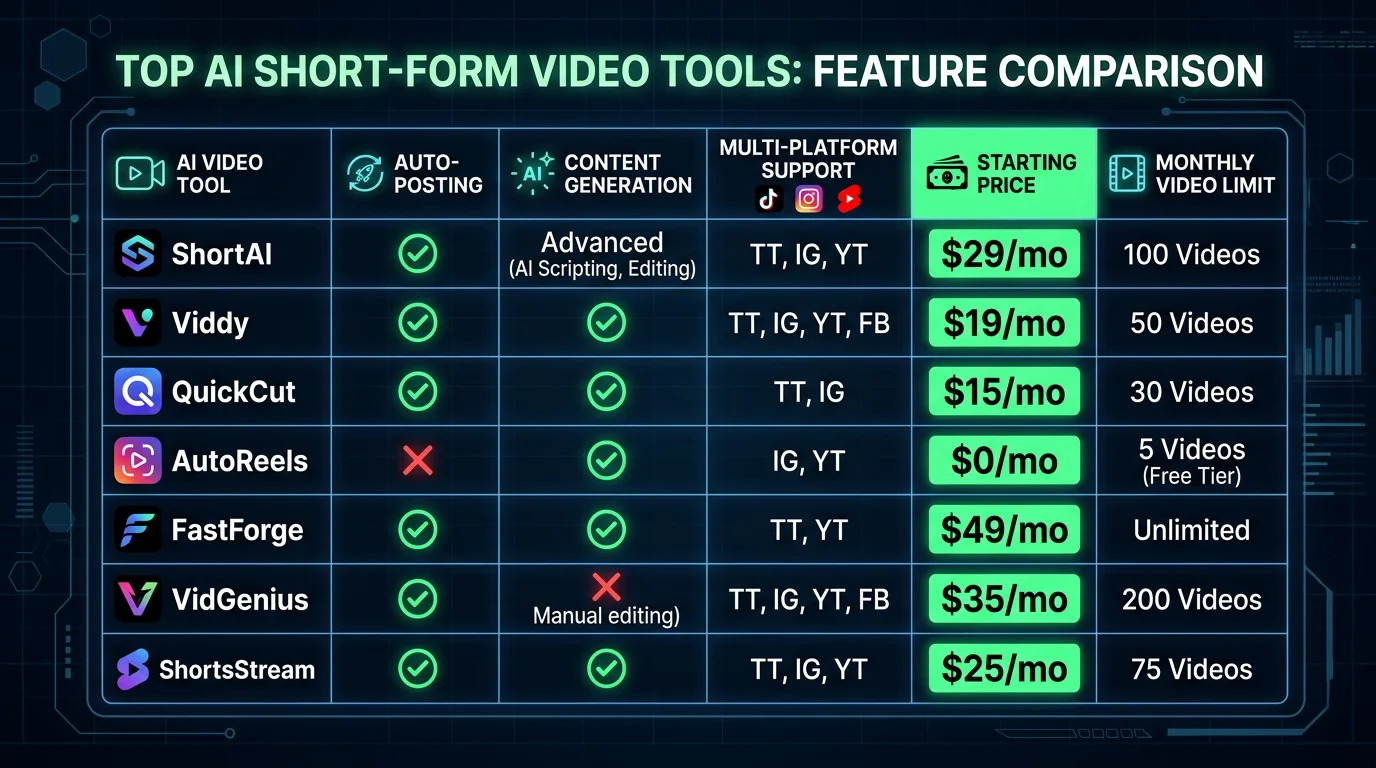
Crayo Alternatives Comparison Table
| Tool | Auto-Posting | Content Generation | Platforms Supported | Starting Price | Videos/Mo (Entry) | Best For |
|---|---|---|---|---|---|---|
| FlowShorts | ✅ Yes (3 platforms) | ✅ Full AI generation | YT Shorts, TikTok, Reels | $19/mo | 8 videos | Faceless channels, full automation |
| Revid AI | ❌ No | ✅ Brainrot-style | Manual export | ~$19/mo | Credit-based | Brainrot / viral content |
| InVideo AI | ❌ No | ✅ Template-based | Manual export | $20/mo | ~10 videos | Template variety, editing control |
| Opus Clip | ❌ No | ❌ Repurpose only | Manual export | $19/mo | Minutes-based | Repurposing long-form video |
| Fliki | ❌ No | ✅ Text-to-video | Manual export | $21/mo | ~5 mins/mo | Multilingual narration |
| Pictory | ❌ No | ⚠️ Repurpose only | Manual export | $19/mo | ~30 videos | Blog-to-video repurposing |
| Veed.io | ❌ No | ⚠️ AI-assisted editing | Manual export | $18/mo | Unlimited (watermark) | Editing control, team workflows |
Which Crayo Alternative is Right for You?
With seven tools on the table, the right choice depends on what you're actually trying to build. Here's a practical decision guide based on the most common creator profiles:
You're running a faceless YouTube Shorts, TikTok, or Reels channel
Choose FlowShorts. It's the only tool on this list that handles the full pipeline — idea to published post — across all three platforms simultaneously. If you're trying to grow a faceless channel without spending hours on production each week, FlowShorts is built specifically for that use case. The Creator plan ($39/mo, 30 videos/month) is enough to post daily with room to spare.
You create long-form YouTube content or podcasts
Choose Opus Clip. It's the best tool for extracting viral short clips from existing long-form content. Pair it with a scheduling tool for posting, and you have a solid repurposing workflow without building videos from scratch.
You publish blog articles and want to extend their reach into video
Choose Pictory. The blog-to-video workflow is fast and requires almost no video production skill. It's not designed for original content creation, but for turning written content into watchable clips, nothing beats it in ease of use.
You want maximum creative control over the final output
Choose Veed.io. The browser-based editor is the most flexible on this list. You get AI assistance where you want it and full manual control where you need it. Good for creators who have a specific visual style they want to maintain.
You're into brainrot or high-stimulation viral content
Choose Revid AI. It's purpose-built for that aesthetic and does it well. If that's your entire channel strategy, Revid's templates and gameplay footage library will save you a lot of time.
You want multilingual content or text-to-video from scripts
Choose Fliki. The 1,000+ voice library across 75+ languages makes it the strongest option for international content or multi-language channel strategies.
Frequently Asked Questions
What is the best alternative to Crayo AI?
FlowShorts is the best alternative to Crayo AI for creators who want a fully automated short-form video workflow. Unlike Crayo, FlowShorts generates videos AND automatically posts them to YouTube Shorts, TikTok, and Instagram Reels — no manual uploading required. For creators focused specifically on repurposing long-form content, Opus Clip is the top alternative, and for template variety, InVideo AI is a strong pick.
Is there a free Crayo alternative?
Yes, several tools on this list offer free plans. InVideo AI has a free tier with limited monthly output. Veed.io offers a free plan that includes basic editing and AI subtitles with a watermark. Opus Clip also has a free plan with a monthly minutes cap. FlowShorts does not currently offer a permanent free plan, but the Starter plan at $19/mo is among the most affordable fully-automated options available.
What is Crayo AI used for?
Crayo AI is used to quickly generate short-form videos, primarily in the viral "brainrot" and Reddit story video formats that are popular on TikTok and YouTube Shorts. It automates the creation of split-screen videos with AI narration, captions, and background footage. However, it does not include native auto-posting functionality — videos must be exported and uploaded manually to each platform.
Is FlowShorts better than Crayo?
For most faceless channel operators, yes — FlowShorts is better than Crayo because it includes automatic publishing to YouTube Shorts, TikTok, and Instagram Reels, which Crayo does not. FlowShorts also supports a wider variety of content formats beyond the brainrot and Reddit story niches that Crayo specializes in. If you specifically want Crayo's aesthetic or brainrot-style content, Crayo or Revid AI may be preferable. For full automation and scale, FlowShorts is the stronger choice.
Does Crayo AI auto-post videos?
No, Crayo AI does not auto-post videos. It generates and renders short-form video content, but you must manually download each video and upload it to YouTube, TikTok, Instagram, or whichever platform you're targeting. This is one of the primary reasons creators look for Crayo alternatives — tools like FlowShorts that handle posting automatically are more efficient for creators managing high-volume publishing schedules.
The Bottom Line on Crayo Alternatives
Crayo AI is a useful tool for its specific niche — quick, viral-style short-form content with a recognizable aesthetic. But it has real gaps: no auto-posting, limited content formats, and pricing that doesn't scale well for creators building serious faceless channels.
The 7 alternatives in this guide cover every creator profile. If you want maximum automation and true hands-free operation across YouTube Shorts, TikTok, and Instagram Reels, FlowShorts is the clear winner. The platform was built from the ground up for faceless channel operators who want to publish consistently without the manual grind of downloading and re-uploading videos every day.
For repurposing existing content, Opus Clip and Pictory fill specific niches well. For creative control, Veed.io and InVideo AI give you more editorial flexibility. And for brainrot-specific content, Revid AI matches Crayo's strengths without some of its limitations.
The best tool is the one you'll actually use consistently. Start with the option that matches your current workflow, and scale from there.
Start Automating Your Short-Form Videos with FlowShorts