Is CapCut Banned in 2026? Everything Creators Need to Know
Is CapCut banned? Here's the current status of CapCut in the US and other countries, why it was threatened with a ban, and what to use instead.
FlowShorts Team
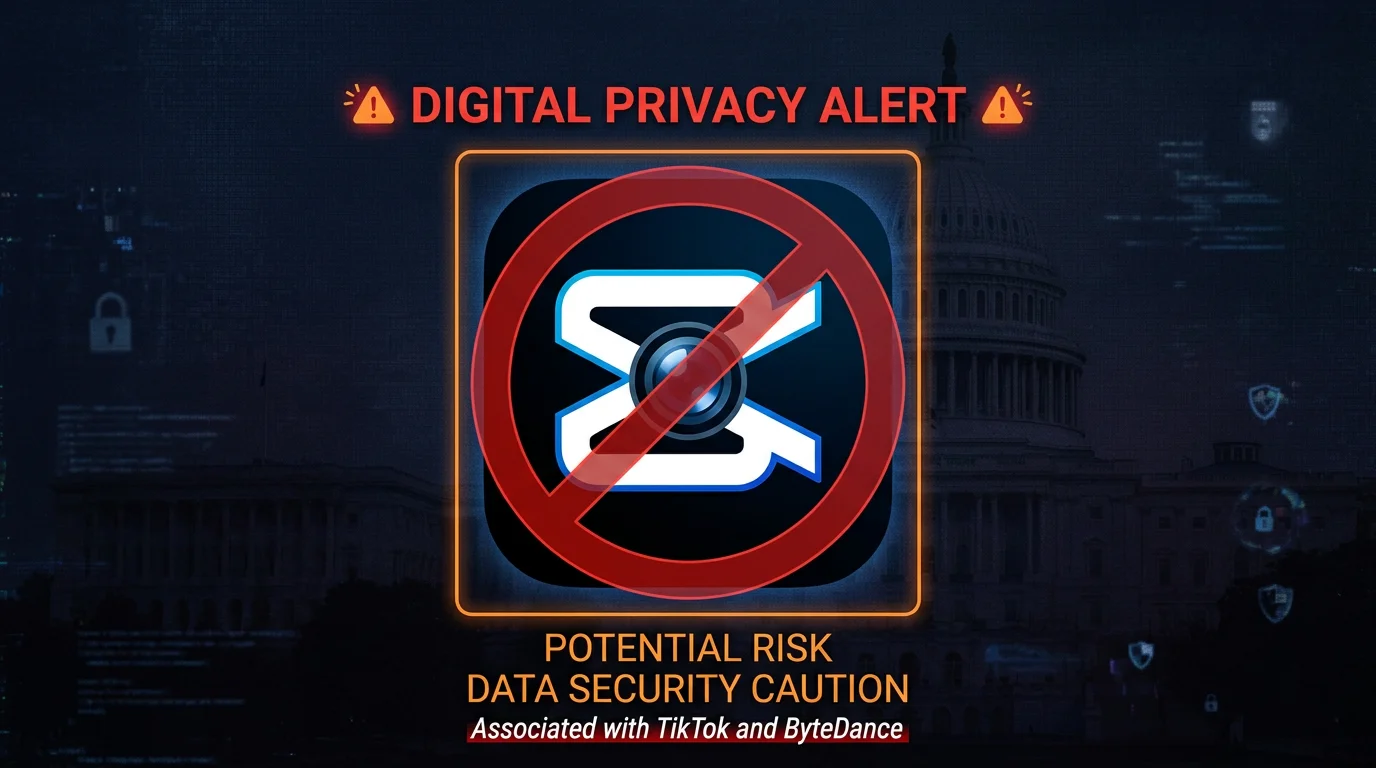
If you've been searching is CapCut banned, here's the short answer: as of mid-2026, CapCut is not banned in the United States — but the situation is far from settled. CapCut is owned by ByteDance, the same Chinese parent company behind TikTok, and it has faced the same wave of regulatory scrutiny that nearly took TikTok offline in January 2025. The app is currently available in the US App Store and Google Play, but its long-term availability remains genuinely uncertain.
If you rely on CapCut to edit and post short-form videos, that uncertainty matters. This guide covers the full picture: the current legal status, which countries have already banned it, what happens to your content if a ban lands, and the best CapCut alternatives available right now — including tools that can actually replace CapCut's core workflow without the regulatory risk.
Key Takeaways
- CapCut is NOT currently banned in the US (as of mid-2026) — it remains available in the App Store and Google Play.
- The threat is real: CapCut was briefly unavailable in the US in January 2025 alongside TikTok before service was restored under an executive order extension.
- India has banned CapCut outright — it was removed from Indian app stores in 2020 as part of a broader ban on ByteDance apps.
- Creators should diversify now: whether or not a ban arrives, relying on a single platform owned by a foreign adversary-flagged company is a business risk you can eliminate today.
Current Status of CapCut: Is It Banned Right Now?
No — CapCut is not banned in the United States as of mid-2026. The app is available on both the Apple App Store and the Google Play Store. US users can download it, use it, and export content normally.
However, "not banned right now" is not the same as "safe to build your workflow around." CapCut is owned by ByteDance, a company that US lawmakers have classified as a national security risk due to its ties to the Chinese government. The same legislation that nearly banned TikTok in January 2025 — the Protecting Americans from Foreign Adversary Controlled Applications Act — explicitly covers CapCut and other ByteDance products. The app was briefly unavailable in the US during the January 2025 TikTok blackout period before service was restored. That 14-hour window was a preview of what a full enforcement action would look like.
As of this writing, the legal and political process around ByteDance's US operations is still ongoing. A ban, a forced sale, or a negotiated long-term exemption are all plausible outcomes. Creators who treat CapCut as a permanent fixture of their toolkit are taking a risk that is straightforward to mitigate.
Why Is CapCut Facing a Ban?
The core issue is data privacy and national security. CapCut is not just a video editor — it is a ByteDance product that has access to the content you create, the device you use, and potentially significant amounts of personal data. US lawmakers and intelligence officials have raised specific concerns about how ByteDance handles user data and whether that data could be accessible to the Chinese government under China's national security laws, which can compel companies to share data with state authorities.
The ByteDance Connection
ByteDance was founded in Beijing in 2012 and is the parent company of TikTok, CapCut, Lemon8, and several other consumer apps with large US audiences. Despite ByteDance's repeated claims that US user data is stored on servers in the United States and Singapore, US congressional hearings — most notably the March 2023 testimony of TikTok CEO Shou Zi Chew — failed to reassure lawmakers that Chinese government access could be fully prevented. CapCut was developed by the same company on the same underlying infrastructure.
The RESTRICT Act and the Divestiture Law
In April 2024, President Biden signed the Protecting Americans from Foreign Adversary Controlled Applications Act into law. The legislation required ByteDance to divest TikTok's US operations within 270 days or face a ban on both TikTok and its associated apps — including CapCut. The law specifically covers any app owned by a company from a foreign adversary country (China, Russia, Iran, North Korea) that has more than 1 million monthly active users. CapCut, with tens of millions of US users, clearly falls within scope.
The earlier RESTRICT Act proposed a broader framework for restricting foreign-controlled technology products, and while it did not pass as standalone legislation, its principles were incorporated into subsequent executive actions and the divestiture law. For a detailed look at the TikTok ban timeline and its implications, see our full coverage of the TikTok ban.
Data Privacy Concerns
Beyond the legislative angle, security researchers have raised specific concerns about CapCut's data collection practices. The app requests access to a device's camera, microphone, photo library, and clipboard — permissions that are common in video editing apps but more concerning when the app is controlled by a company subject to Chinese national security law. In 2023, researchers at URL Security flagged that CapCut was collecting data beyond what its stated features require. ByteDance has disputed these characterizations, but the scrutiny has persisted.
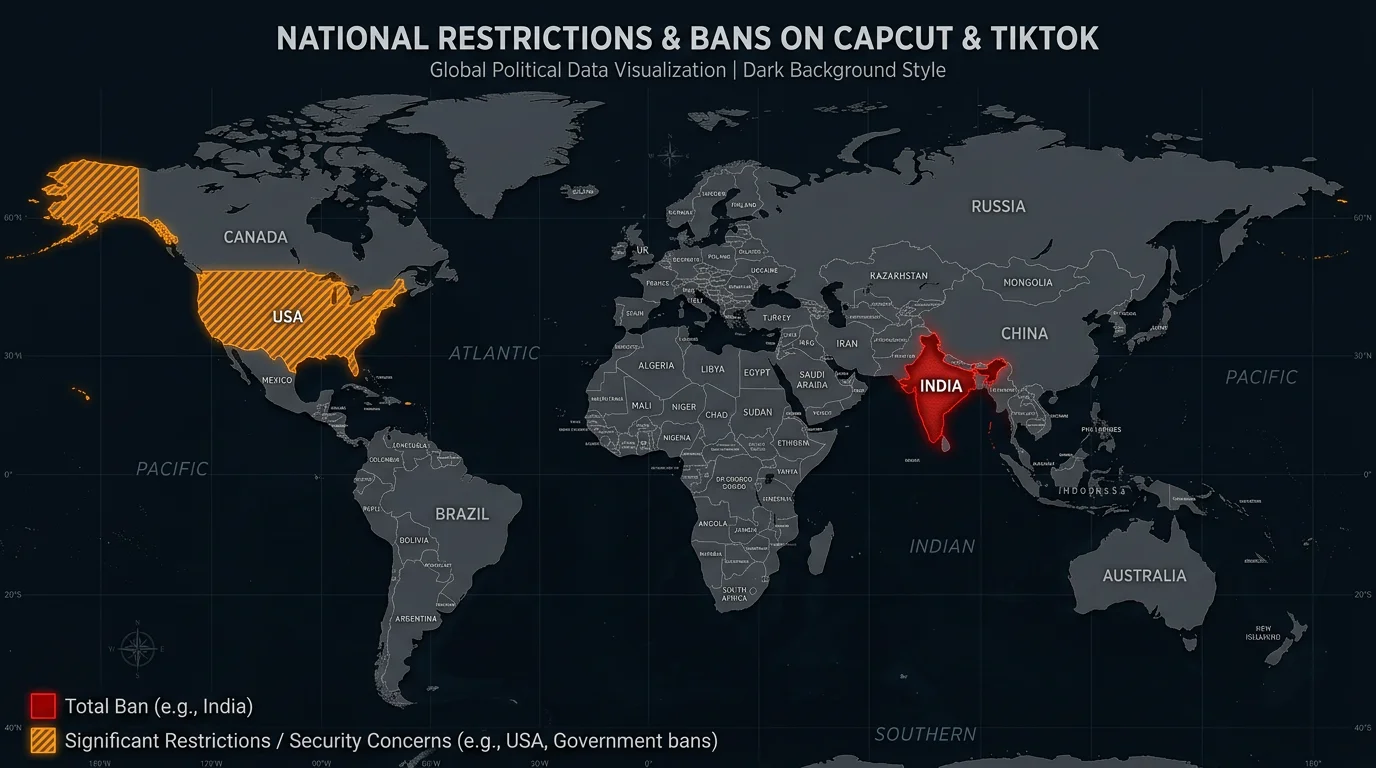
Which Countries Have Banned CapCut?
The United States is not the first country to take action against ByteDance apps. Several governments have already moved to restrict or ban CapCut, providing a clear signal of how regulatory risk plays out in practice.
India
India banned CapCut in June 2020 as part of a sweeping ban on 59 Chinese-owned apps, later expanding the list to over 200 apps. The Indian government cited data privacy and national security concerns — the same arguments now being made in the United States. CapCut remains unavailable in India today, more than six years after the ban. Indian creators who had built CapCut-dependent workflows lost access overnight, with no grace period for migrating content or projects.
Create Faceless Videos on Autopilot
FlowShorts generates and posts AI videos to YouTube, TikTok & Instagram while you sleep.
Try FlowShorts Free →Other Government Restrictions
Several governments have implemented device-level bans on ByteDance apps for government employees and official devices, even where consumer apps remain technically available. The United States federal government, the European Parliament, the UK Parliament, and the Canadian government have all prohibited ByteDance apps on government devices. Australia, New Zealand, and NATO allies have implemented similar restrictions on official hardware. While these are not consumer bans, they reflect the direction of regulatory sentiment toward ByteDance products globally.
US Federal Device Bans
In the United States, the federal government banned TikTok — and by extension, other ByteDance apps — from all government devices in 2023. More than half of US states have also implemented bans on ByteDance apps on state-issued devices. CapCut is specifically named in several of these restrictions. This is not a consumer ban, but it demonstrates that US governmental institutions have already treated CapCut as a security risk.
What Happens If CapCut Gets Banned?
Understanding what a CapCut ban would actually look like helps you plan. The India precedent is the clearest model: the app was removed from the App Store and Google Play, users with existing installs found it stopped receiving updates and eventually stopped functioning, and no official path existed to export projects or migrate to another platform.
Immediate Effects
- App store removal: CapCut would be pulled from the Apple App Store and Google Play Store in the affected country. New downloads would be blocked immediately.
- Existing installs degrade: Users who already have CapCut installed may retain access temporarily, but without updates the app becomes increasingly unstable, loses features, and will eventually stop functioning — especially as iOS and Android versions advance.
- Project files become inaccessible: CapCut project files (.cptt format) are proprietary and not compatible with other editors. Any unfinished projects would be stranded in a format with no export path.
- CapCut Pro subscriptions: Subscribers would presumably lose access to paid features without a clear refund process, similar to what TikTok subscribers experienced during the brief January 2025 blackout.
What You Would Lose
- Access to CapCut's template library and effects
- In-progress project files not exported to video
- CapCut's auto-captions and trending sound integration
- Any content stored in CapCut's cloud backup
- The ability to use CapCut's AI tools (background removal, auto-reframe, AI effects)
The core content you've already exported and posted to social platforms would be unaffected — those videos live on YouTube, TikTok, and Instagram's own servers. What you'd lose is the production pipeline and any unexecuted work.
5 Best CapCut Alternatives for 2026
Whether you're responding to regulatory uncertainty, looking for more features, or simply want a workflow that auto-posts your videos without manual effort, these five tools cover the full spectrum of what CapCut users actually need. For a deeper look at AI-driven video tools, see our InVideo AI review.
1. FlowShorts — Best for Automated Short-Form Video Creation
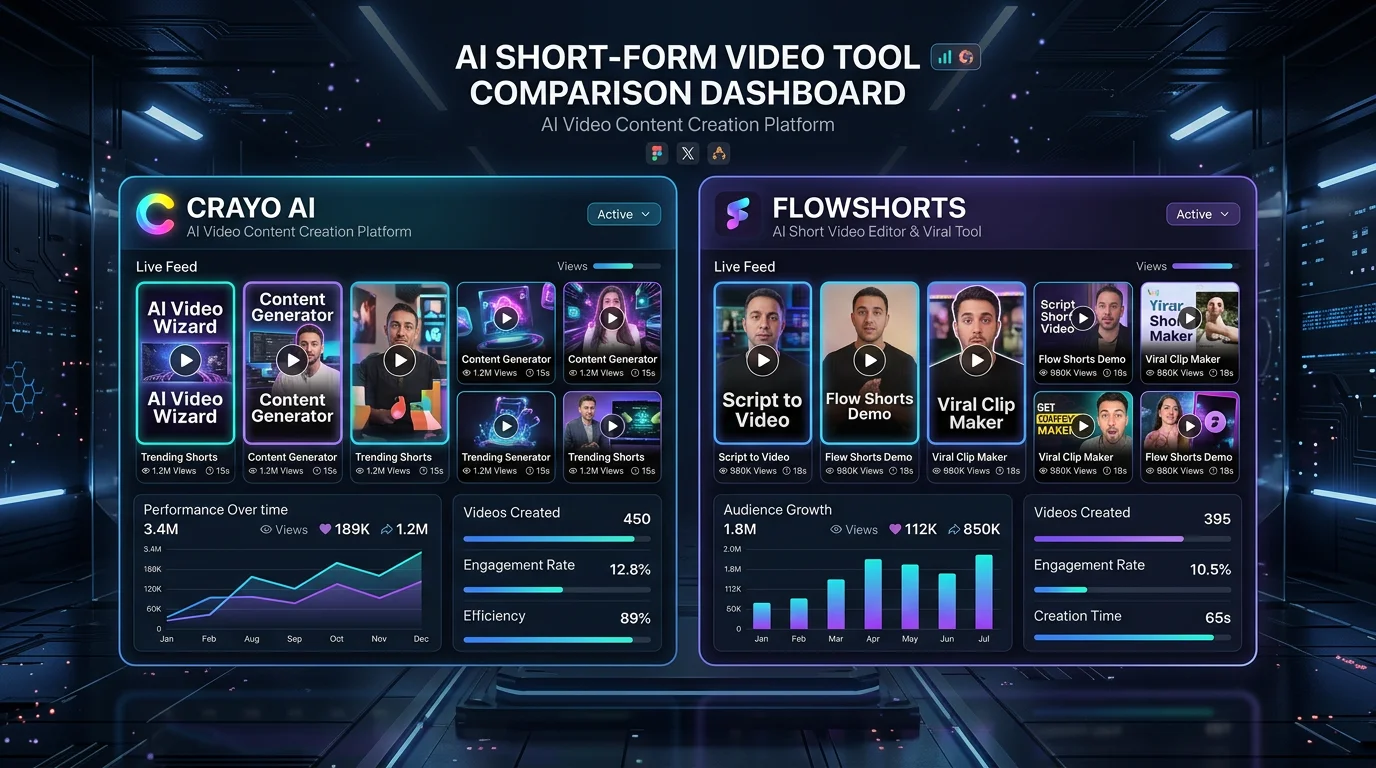
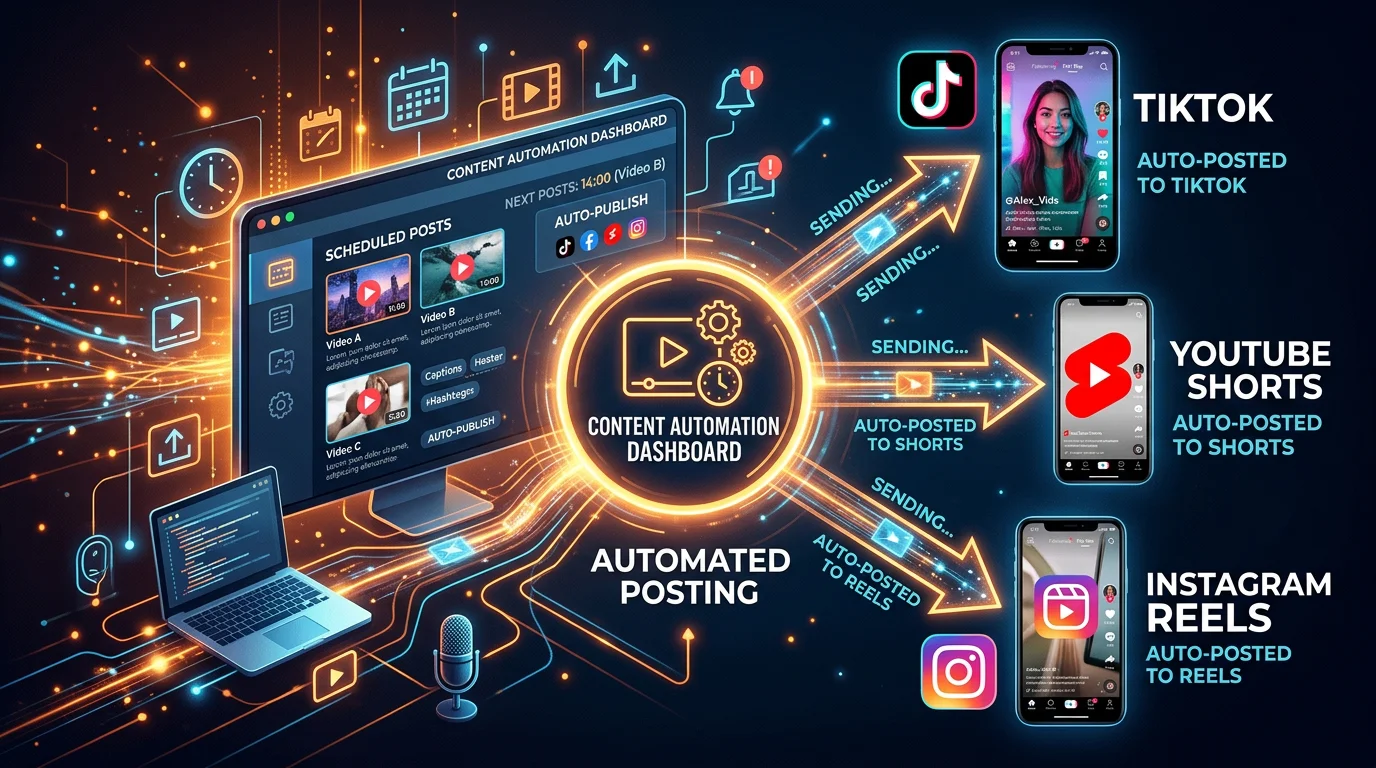
If CapCut is your tool for making faceless short-form videos that you then manually post to YouTube Shorts, TikTok, and Instagram Reels, FlowShorts is the upgrade that eliminates most of that workflow entirely. FlowShorts is an AI-powered video generator purpose-built for short-form content: you pick a niche or topic, and FlowShorts generates complete videos — script, AI voiceover, images, captions, transitions, background music — and auto-posts them to all three platforms on a schedule.
Where CapCut requires you to record or source footage, edit the timeline, add captions manually, and then upload to each platform separately, FlowShorts handles every step after you choose a topic. This isn't a manual editor with AI features bolted on — it's a fully automated production and posting pipeline. For creators running faceless channels or building content businesses at scale, the difference in time investment is significant: hours per video in CapCut versus a few minutes of setup per week in FlowShorts.
FlowShorts is US-owned and hosted, with no ByteDance connection. Plans start at $19/month for 8 videos per month (Starter), $39/month for 30 videos per month (Creator), and $69/month for 60 videos per month (Pro).
2. Adobe Express — Best for Design-Forward Editing
Adobe Express (formerly Adobe Spark) is Adobe's consumer-facing video and graphic design tool. It offers video editing, short-form templates, brand kit management, and direct social publishing. Adobe Express is US-owned, integrates with Adobe Stock, and connects to the broader Creative Cloud ecosystem for users who also use Photoshop or Premiere Pro.
The free tier has meaningful limits, but the premium plan ($9.99/month, or included with a Creative Cloud subscription) gives access to Adobe's full template library, generative AI features via Firefly, and background removal. The learning curve is slightly higher than CapCut's template-first approach, but the output quality ceiling is higher and Adobe's regulatory standing is unambiguous.
Create Faceless Videos on Autopilot
FlowShorts generates and posts AI videos to YouTube, TikTok & Instagram while you sleep.
Try FlowShorts Free →3. DaVinci Resolve — Best Free Professional-Grade Editor
DaVinci Resolve from Blackmagic Design is a professional-grade video editor available for free on Mac, Windows, and Linux. The free version is not a crippled trial — it includes a full timeline editor, color grading tools, audio mixing, visual effects, and basic collaboration features. The paid Studio version ($295 one-time) adds AI-powered features including face recognition, speed warp, and noise reduction.
DaVinci Resolve is not designed for the quick mobile-style editing that CapCut excels at — it's a desktop application built for more complex productions. But for creators who want maximum control and zero ongoing subscription cost from a non-Chinese-owned company, it's the strongest free option available. For beginners getting started with video editing more broadly, see our guide to best beginner video editing software.
4. InShot — Best Mobile Alternative to CapCut
InShot is the closest direct substitute for CapCut in terms of mobile-first UX and short-form video features. It's available on iOS and Android, offers a similar template-and-trim editing approach, includes text overlays, sticker effects, transitions, and music integration. InShot is owned by InShot Inc., a company incorporated in the United States.
The free version includes ads and a watermark. The Pro subscription removes both and unlocks the full effects library ($3.99/month, $17.99/year, or $34.99 lifetime). For creators whose primary need is a CapCut-style mobile editor without the ByteDance connection, InShot is the most natural migration path.
5. VN Video Editor — Best Free CapCut-Style Alternative
VN Video Editor (also known as VlogNow) offers a CapCut-comparable mobile editing experience with a completely free tier that includes no watermark — a notable advantage over most competitors. It supports multi-track editing, keyframe animations, speed ramping, chroma key (green screen), and a library of transitions and effects. VN is available on iOS, Android, Mac, and Windows.
VN is developed by Ubiquiti Studios, a Hong Kong-based company. While this means it is not US-owned, it is not a ByteDance product and is not subject to the same legislative scrutiny. For creators specifically concerned about the ByteDance connection rather than foreign ownership in general, VN is a viable bridge while migrating to a fully US-owned alternative.
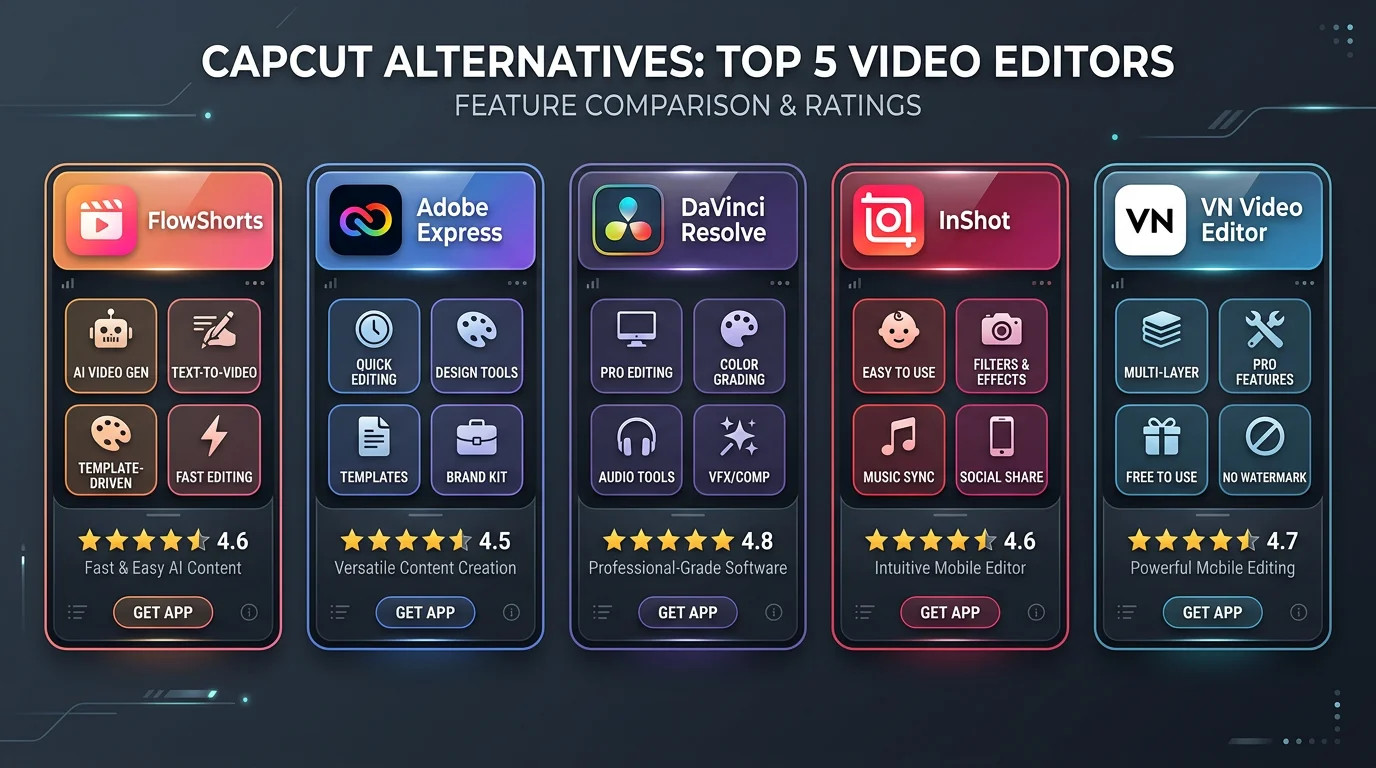
| Tool | Best For | Pricing | US-Owned | Auto-Post | Mobile |
|---|---|---|---|---|---|
| FlowShorts | Automated faceless video creation & posting | From $19/mo | Yes | Yes — YouTube, TikTok, Instagram | Web-based |
| CapCut | Quick mobile editing, trending templates | Free / $7.99/mo Pro | No (ByteDance) | No | Yes |
| Adobe Express | Design-forward editing with brand kit | Free / $9.99/mo | Yes | Limited | Yes |
| DaVinci Resolve | Professional-grade free desktop editing | Free / $295 one-time | Yes (Australia) | No | No |
| InShot | Mobile-first CapCut replacement | Free / $3.99/mo | Yes | No | Yes |
| VN Video Editor | Free mobile editing, no watermark | Free | No (Hong Kong) | No | Yes |
Frequently Asked Questions
Is CapCut banned in the US?
No — CapCut is not currently banned in the United States as of mid-2026. The app remains available in the Apple App Store and Google Play Store. However, CapCut is owned by ByteDance and is subject to the same legislation that nearly banned TikTok in January 2025. It was briefly unavailable during that period before service was restored under an executive order extension. The legal situation remains unresolved, and another enforcement action is possible.
Why is CapCut being banned?
CapCut faces potential bans because it is owned by ByteDance, a Chinese company that US lawmakers have designated as a national security risk. The Protecting Americans from Foreign Adversary Controlled Applications Act (signed April 2024) requires ByteDance to divest its US app operations or face bans on TikTok, CapCut, and other ByteDance products. The central concern is data privacy: under China's national security law, Beijing can compel Chinese companies to share data with the government — and US officials have repeatedly stated they cannot verify that US user data is protected from that reach.
Is CapCut safe to use?
CapCut functions as a video editor without obvious issues, but its data privacy posture is a legitimate concern for some users. Security researchers have noted that CapCut requests permissions and collects data beyond what its video editing features require. Because ByteDance is a Chinese company subject to China's national security laws, US regulators have flagged potential risks around government access to user data. For casual creators, the practical risk may be low. For creators handling client content, brand assets, or sensitive material, a US-owned alternative is worth considering.
What countries have banned CapCut?
India banned CapCut outright in June 2020 — it remains completely unavailable there today. Multiple governments have banned ByteDance apps on government-issued devices: the US federal government, UK Parliament, European Parliament, Canadian government, and Australian government have all implemented device-level restrictions. The US came closest to a full consumer ban in January 2025 when CapCut was temporarily unavailable alongside TikTok during a ~14-hour period before service was restored.
What is the best alternative to CapCut?
The best CapCut alternative depends on what you use CapCut for. If you're making faceless short-form videos for YouTube Shorts, TikTok, or Instagram Reels, FlowShorts is the most powerful upgrade — it auto-generates complete videos with AI voiceover, captions, and music, then posts them automatically across all three platforms. If you need a direct mobile editor replacement with a similar UX, InShot is the closest match. For free professional desktop editing, DaVinci Resolve is the industry standard with no ongoing cost.
Bottom Line: Is CapCut Banned?
As of mid-2026, CapCut is not banned in the United States — but the regulatory ground it sits on is unstable. The same law that nearly banned TikTok in January 2025 explicitly covers CapCut. India has already banned it permanently. Government devices in the US, UK, Canada, and Australia already treat it as off-limits. The app's brief unavailability in January 2025 demonstrated exactly what enforcement looks like in practice: sudden, with no export grace period.
The practical question isn't whether CapCut is banned today — it's whether your content business can afford the disruption if it is banned tomorrow. The good news is that migrating your workflow now, before any enforcement action, is straightforward. Tools like FlowShorts don't just replace CapCut's editing function — they replace the entire production and posting pipeline with an automated system that removes manual effort from the equation entirely.
If you're running faceless channels on YouTube Shorts, TikTok, or Instagram Reels and you want a stable, US-owned alternative that auto-generates and posts your content without the regulatory uncertainty, FlowShorts is built for exactly that use case. Starter plans begin at $19/month for 8 videos — enough to post twice a week and maintain a consistent presence on all three platforms.