Best Video Editing Software for Beginners in 2026 (Free & Paid)
The 10 best video editing software for beginners in 2026, ranked by ease of use. Free options (CapCut, iMovie, DaVinci Resolve) and paid options (Filmora, Premiere Pro) compared — plus a no-editing alternative.
FlowShorts Team
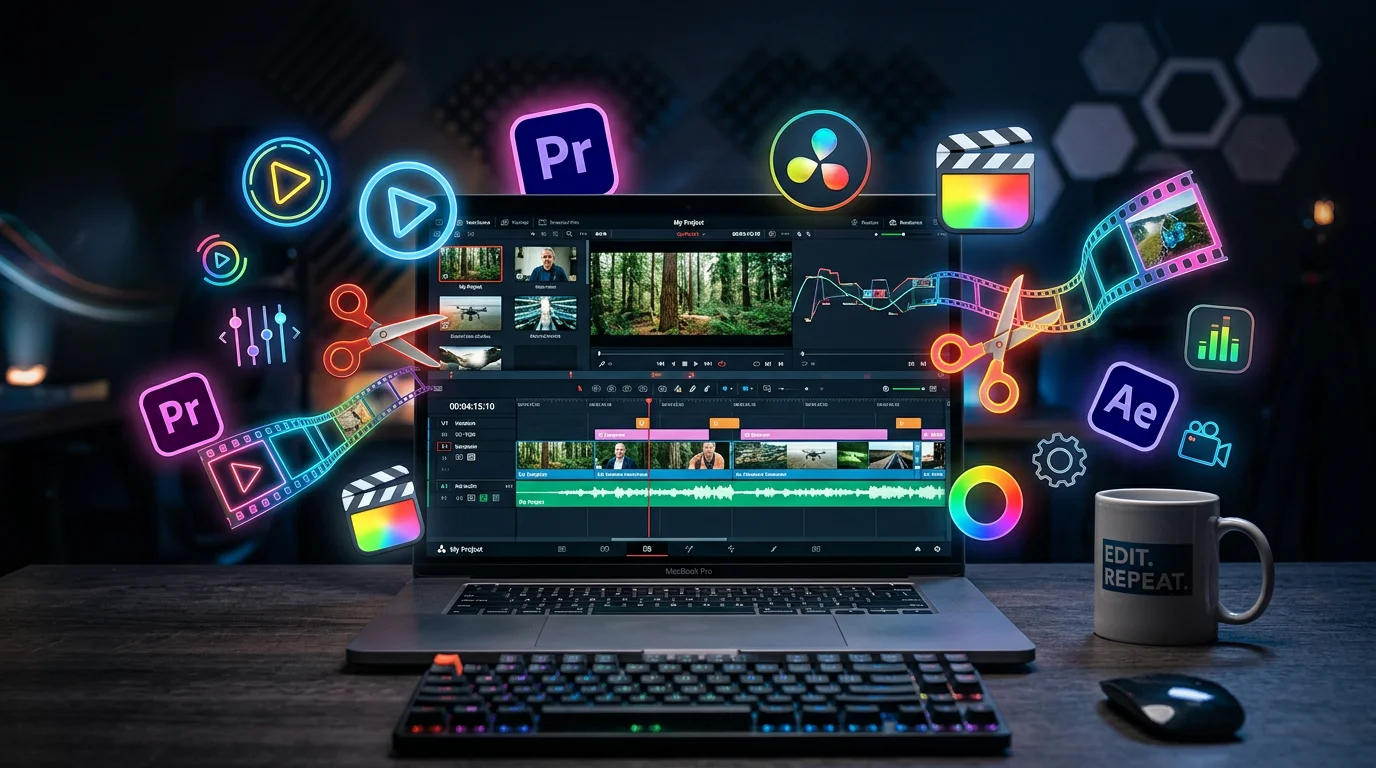
You don't need a film degree to edit videos in 2026. The best beginner editing software has drag-and-drop interfaces, AI-powered features, and templates that do the heavy lifting. Some are completely free.
Here are the 10 best options, ranked by ease of use — plus a no-editing alternative if you'd rather skip the learning curve entirely.
Quick Comparison
| Software | Price | Platform | Best For | Learning Curve |
|---|---|---|---|---|
| CapCut | Free | Mobile + Desktop | Social media, TikTok/Reels | Very Easy |
| iMovie | Free | Mac/iOS only | Mac users, simple projects | Very Easy |
| Clipchamp | Free | Browser (Windows) | Quick web-based edits | Easy |
| Canva Video | Free / $13/mo | Browser | Templates, social content | Very Easy |
| Animoto | Free / $8/mo | Browser | Slideshow-style videos | Very Easy |
| OpenShot | Free | Win/Mac/Linux | Basic editing, open-source | Easy |
| Filmora | $50/yr | Win/Mac | Feature-rich with AI tools | Easy-Medium |
| PowerDirector | $55/yr | Win/Mac | Speed, templates | Easy-Medium |
| DaVinci Resolve | Free | Win/Mac/Linux | Professional quality, color grading | Medium |
| Adobe Premiere Pro | $23/mo | Win/Mac | Industry standard, full control | Hard |
Best Free Options
1. CapCut — Best Free Editor Overall
Platform: Mobile (iOS/Android) + Desktop (Win/Mac)
Price: Free (paid pro features available)
CapCut is the most popular free video editor in 2026, especially for short-form content creators. It includes auto-captions, text-to-speech, background removal, AI effects, and trending templates built specifically for TikTok and Reels.
Why beginners love it:
- Mobile-first — edit on your phone anywhere
- One-tap auto-captions with animation styles
- Huge template library for trending formats
- AI tools: background removal, style transfer, upscaling
- Export directly to TikTok
Limitations: Watermark on some premium effects; desktop version has fewer features than mobile.
2. iMovie — Best for Mac Users
Platform: Mac, iPad, iPhone
Price: Free (pre-installed)
If you're on Apple devices, iMovie is the easiest starting point. Clean interface, Hollywood-style templates, and seamless integration with the Apple ecosystem.
Why beginners love it:
- Pre-installed on all Apple devices — no download needed
- Trailer templates create polished videos instantly
- Green screen, picture-in-picture, and split-screen built in
- Optimized for Apple hardware (fast rendering)
Limitations: Mac/iOS only; limited advanced features; no auto-captions.
Create Faceless Videos on Autopilot
FlowShorts generates and posts AI videos to YouTube, TikTok & Instagram while you sleep.
Try FlowShorts Free →3. Clipchamp — Best Browser-Based Editor
Platform: Browser (built into Windows 11)
Price: Free (premium exports from $12/mo)
Clipchamp runs entirely in your browser — no software to install. It's built into Windows 11 and offers a surprisingly capable editing experience with AI voiceover, auto-captions, and stock footage.
Why beginners love it:
- No download — works in Chrome, Edge
- Built into Windows 11
- AI text-to-speech voiceover
- Stock video and image library included
4. DaVinci Resolve — Best Free Professional Editor
Platform: Windows, Mac, Linux
Price: Free (Studio version $295 one-time)
DaVinci Resolve is used in actual Hollywood productions — and the free version has 95% of the features. It's more complex than CapCut or iMovie, but delivers professional results.
Why it's worth learning:
- Industry-leading color grading (used in major films)
- Advanced audio editing (Fairlight)
- Multi-track timeline with no watermarks
- Free version is genuinely professional-grade
Limitations: Steeper learning curve; resource-heavy (needs decent hardware).
Best Paid Options
5. Canva Video — Best for Templates
Price: Free / Pro at $13/mo
Drag-and-drop templates for social media videos. Zero timeline knowledge needed.
6. Animoto — Easiest Paid Option
Price: Free / $8/mo
Create Faceless Videos on Autopilot
FlowShorts generates and posts AI videos to YouTube, TikTok & Instagram while you sleep.
Try FlowShorts Free →Slideshow-style video creation. Upload photos and clips, pick a template, done. Best for marketing and business videos.
7. Filmora — Best Budget Desktop Editor
Price: ~$50/year
Feature-rich with AI tools (auto-reframe, motion tracking, AI copywriting). Good middle ground between simplicity and capability.
8. PowerDirector — Best for Speed
Price: ~$55/year
Fast rendering, large template library, AI-powered tools. Popular with YouTubers who need quick turnaround.
9. Adobe Premiere Pro — Industry Standard
Price: $23/mo
The professional standard. Unlimited capability but steep learning curve. Only worth it if you plan to edit professionally.
The No-Editing Alternative
All of these tools still require you to write or find a script, source footage, arrange clips on a timeline, add voiceover and captions, export and upload to each platform.
If your goal is creating short-form content for TikTok, YouTube Shorts, or Instagram Reels — and you don't enjoy the editing process — there's a faster path.
FlowShorts skips the editing step entirely. AI writes the script, generates visuals, records voiceover, adds animated captions, renders the video, and auto-posts it to all 3 platforms. No timeline, no exports, no uploading.
This isn't for everyone — if you enjoy creative control over every cut, use CapCut or DaVinci Resolve. But if you want content output without the editing process, FlowShorts creates videos from zero.
How to Choose
| If you want... | Choose... |
|---|---|
| The easiest free editor | CapCut (mobile) or iMovie (Mac) |
| Browser-based, no download | Clipchamp or Canva Video |
| Professional quality for free | DaVinci Resolve |
| Templates with minimal editing | Canva Video or Animoto |
| Budget desktop editor with AI | Filmora |
| Industry-standard, full control | Adobe Premiere Pro |
| No editing at all | FlowShorts (AI automation) |
Related Tools & Guides
- Free Video Script Generator — Write scripts before editing
- Best Software for Faceless Channels — Complete toolkit
- 50 Video Editing Tips — Tips for beginners and pros
- How to Make AI Videos — Complete guide
- Faceless Videos — Create without editing
Related: How to Edit Videos for YouTube Shorts, TikTok & Reels