SmartShort Review 2026: Features, Pricing & Best Alternatives
An honest SmartShort review — what it does, pricing, pros and cons, and the 5 best alternatives for creators who want fully automated short-form video.
FlowShorts Team
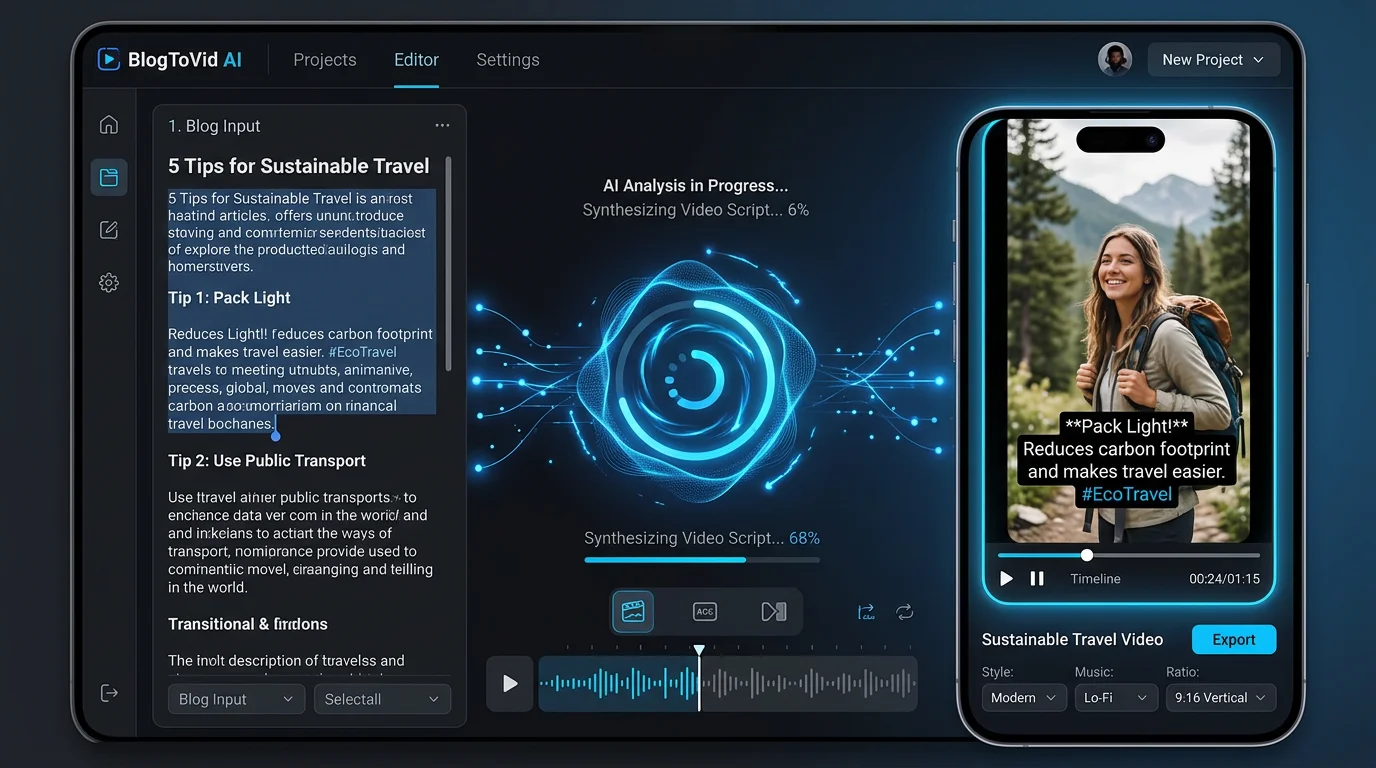
If you've been searching for SmartShort, you're probably trying to figure out whether it's worth paying for — or whether a better tool exists. SmartShort is an AI short-form video creation platform that converts long-form content like blog posts, articles, and scripts into short vertical videos. It's built for content marketers and bloggers who already have written content and want to repurpose it fast.
But here's the question most creators actually care about: does SmartShort work for faceless channels that need a steady, automated stream of videos posted directly to YouTube Shorts, TikTok, and Instagram Reels? That's where things get complicated — and where the alternatives start to look a lot more appealing.
This review covers everything: what SmartShort does, how much it costs, its real pros and cons, and the five best alternatives for creators who want more automation, more control, or a lower price point.
Key Takeaways
- SmartShort requires existing content — it converts blog posts or scripts into short videos but cannot generate original content from scratch, which limits it for faceless channel operators who need fresh daily output.
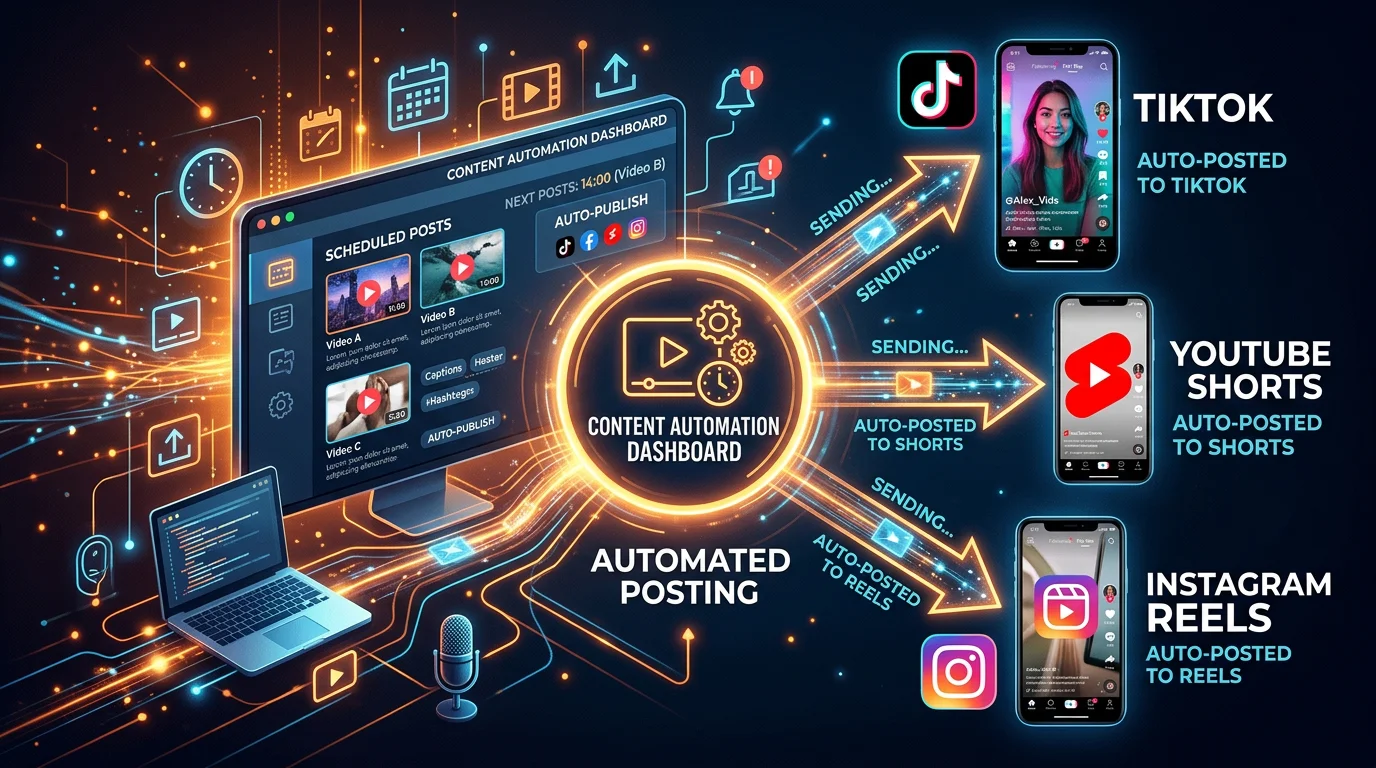
- No auto-posting or scheduling — SmartShort does not natively connect to YouTube, TikTok, or Instagram to post videos automatically, meaning you still have to publish every video manually.
- Pricing sits in the $29–$49/mo range, which is competitive but doesn't include the automation features that tools like FlowShorts bundle in at $19/mo and up.
- FlowShorts is the strongest alternative for creators who want zero-to-video automation — it generates original content from scratch and auto-posts to all three major platforms on a set schedule.
What Is SmartShort?
SmartShort is an AI-powered video creation tool designed specifically for short-form vertical video. Its core use case is repurposing: you paste in a URL, a blog post, or a script, and the tool uses AI to extract key points, pair them with relevant stock visuals, add captions, and export a finished vertical video ready for Shorts, Reels, or TikTok.
The tool is particularly appealing to bloggers, newsletter writers, and content marketers who are already producing written content and want to give it a second life on short-form video platforms without hiring a video editor. It handles the time-consuming parts — selecting clips, syncing audio, adding subtitles — in a mostly automated pipeline.
SmartShort is not a content ideation engine. It doesn't write scripts from scratch, pick trending topics for you, or suggest video ideas based on your niche. It's a conversion layer, not a creation engine. If you don't have source content to feed it, there's nothing to work with.
SmartShort Features
1. Blog-to-Video Conversion
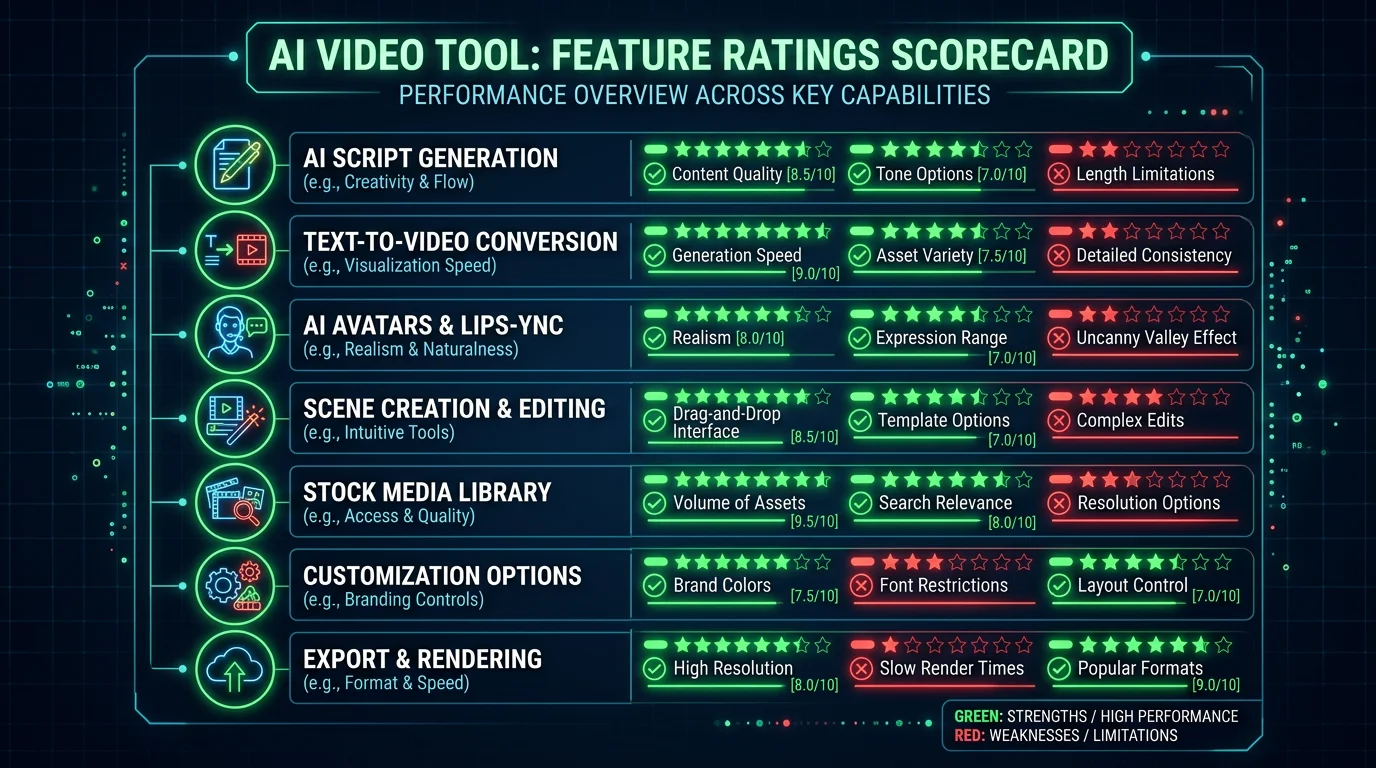
SmartShort's headline feature. Paste in a URL or copy-paste article text, and the AI extracts the most quotable, punchy sentences to build a short script. It then matches each line to stock footage or B-roll clips from its built-in library. Output is a vertical 9:16 video with text overlays and background music.
2. AI Script Summarization
When working from longer source material, SmartShort automatically condenses the content down to 30–90 seconds of script. The summarization is generally accurate for factual content, though it occasionally over-simplifies nuanced topics. You can edit the generated script before rendering.
3. Auto-Captioning
SmartShort adds animated captions to all generated videos. The captions are word-level, meaning each word highlights as it's spoken — similar to the TikTok-native caption style that performs well on short-form platforms. Font styles and colors are customizable within a set of presets.
4. Stock Footage Library
The platform integrates with a stock video library (similar to Pexels or Storyblocks in scope) to source B-roll clips that match each script segment. The AI attempts to match keywords in the script to relevant footage categories. Results are decent for generic topics but inconsistent for niche or technical subjects.
5. Background Music & Voiceover
SmartShort includes a royalty-free music library and an AI voiceover option. You can choose from a small selection of AI voices to narrate the video, or upload your own audio. The voice quality is serviceable but limited compared to dedicated TTS providers like ElevenLabs.
Looking for the Best Faceless Video Tool?
See why creators are switching to FlowShorts — AI video generation + auto-posting to 3 platforms from $19/mo.
Compare Plans →6. Multi-Format Export
Once a video is rendered, you can download it in vertical (9:16), square (1:1), or landscape (16:9) formats. This makes it useful for creators who want to repurpose the same content across different platforms with different aspect ratios.
SmartShort Pricing
SmartShort does not publish fully transparent pricing on its homepage — plans and features are subject to change — but based on current information, pricing falls roughly in the following range:
- Free tier: Limited video exports per month, watermarked output, restricted access to stock library and voice options.
- Basic plan (~$29/mo): Removes watermarks, increases monthly video exports, unlocks more voice options and stock footage categories.
- Pro plan (~$49/mo): Higher export limits, priority rendering, access to advanced caption styles and music library.
There is no built-in scheduling or direct platform integration at any tier. Auto-posting to YouTube, TikTok, or Instagram is not included — that step remains manual regardless of which plan you're on.
SmartShort Pros & Cons
Pros
- Fast repurposing workflow: If you're a blogger or newsletter writer, SmartShort genuinely cuts down the time it takes to turn written content into a watchable short video. The pipeline from URL to export can take under 5 minutes.
- Decent auto-captioning: The word-level captions are well-timed and the style options look native on TikTok and Reels — a meaningful quality-of-life feature.
- No video editing skills required: The entire process is point-and-click. You don't need to know anything about video editing to get a finished product.
- Multi-format export: Downloading the same video in vertical, square, and landscape formats from a single render is genuinely useful for cross-platform distribution.
Cons
- Requires existing content: SmartShort cannot generate a video from scratch. If you don't have a blog post, article, or script to feed it, you can't use the tool. This completely excludes it from the faceless channel workflow where you need original content ideas generated daily.
- No auto-posting or scheduling: Every video you create in SmartShort has to be manually downloaded and manually uploaded to YouTube, TikTok, or Instagram. At any volume — even 2–3 videos per week — this becomes a real time drain.
- Generic stock footage: The B-roll matching is hit-or-miss. For niche topics (finance, health, tech), the footage often feels generic or off-brand, and the library doesn't allow you to upload your own clips without editing them externally.
- Limited niche customization: SmartShort has no concept of a "niche" or consistent channel persona. Each video is treated as a one-off conversion rather than part of a cohesive content strategy. Voice, style, and tone aren't locked to a profile across videos.
- AI voice quality lags behind competitors: The available AI voices are functional but noticeably synthetic compared to what ElevenLabs-powered tools produce. For creators who care about audio quality on YouTube Shorts, this is a real limitation.
5 Best SmartShort Alternatives
If SmartShort's limitations are a dealbreaker — especially the lack of auto-posting and the dependency on existing source content — here are the five best alternatives to consider in 2026. We've also covered a broader list of options in our Crayo alternatives roundup and our guide to AutoShorts alternatives if you want more options.
#1 FlowShorts — Best for Fully Automated Faceless Video
FlowShorts is the most complete solution for faceless creators who don't want to spend time on content creation, editing, or posting. Unlike SmartShort, FlowShorts generates entirely original videos from scratch — you don't need to provide any source material. You pick a niche (finance, motivation, history, tech, and more), connect your social accounts, and FlowShorts handles everything: topic selection, script writing, AI image generation, voiceover, captions, rendering, and automatic posting to YouTube Shorts, TikTok, and Instagram Reels.
The key differentiator is the end-to-end automation. Once you've completed setup, FlowShorts runs on a schedule without any ongoing input from you. Videos are generated and posted automatically — daily on the Creator plan, twice daily on Pro.
Plans:
- Starter — $19/mo (8 videos/month, posts Tue + Wed)
- Creator — $39/mo (30 videos/month, posts daily)
- Pro — $69/mo (60 videos/month, 2 posts per day)
If you're building a faceless YouTube Shorts channel, a TikTok autopilot account, or a Reels presence without showing your face, FlowShorts is the most hands-off path to consistent output.
Try FlowShorts Free#2 Revid AI — Best for Brainrot and Faceless Content
Looking for the Best Faceless Video Tool?
See why creators are switching to FlowShorts — AI video generation + auto-posting to 3 platforms from $19/mo.
Compare Plans →Revid AI is a solid pick for creators in the brainrot/faceless video niche — split-screen videos, Reddit story formats, and high-engagement viral-style content. It offers a wider range of visual styles than SmartShort and generates content with more of a social-native aesthetic. Revid does require some content input (topic or script) but leans more toward template-driven generation than pure conversion. Pricing starts around $39/mo for its entry plan. It lacks auto-posting, so manual publishing is still required.
#3 InVideo AI — Best for Template Variety
InVideo AI has one of the largest template libraries in the short-form video space — over 5,000 templates across categories. It handles both text-to-video and blog-to-video workflows, making it a flexible alternative to SmartShort. The AI voice selection is strong, and the editor gives you more manual control over the final output than SmartShort does. We covered InVideo AI in depth in our InVideo AI review. The main limitation: no auto-posting, and the sheer number of options can make the workflow slower than more opinionated tools. Plans start at $25/mo.
#4 Lumen5 — Best for Blog-to-Video Conversion
Lumen5 is the most direct SmartShort competitor in terms of use case. It's specifically designed for converting written content — blog posts, articles, press releases — into short-form video. The tool has been around longer than most in this category and has a more refined matching algorithm for pairing text with footage. Lumen5 also supports branding customization (logo, fonts, color palette) better than SmartShort, making it a stronger choice for teams with established brand identities. Pricing starts at $29/mo. No auto-posting included.
#5 Pictory — Best for Repurposing Written Content at Scale
Pictory is a well-established video repurposing tool that converts blog posts, long-form articles, scripts, and even podcast transcripts into polished short videos. Its stock footage library is one of the deepest in the category (pulling from Getty and Shutterstock), which means better visual quality for niche topics compared to SmartShort. Pictory also offers an AI highlights feature that can pull the most shareable clips from longer videos. Plans start at $19/mo with a free trial. Like the others in this list, Pictory does not include auto-posting.
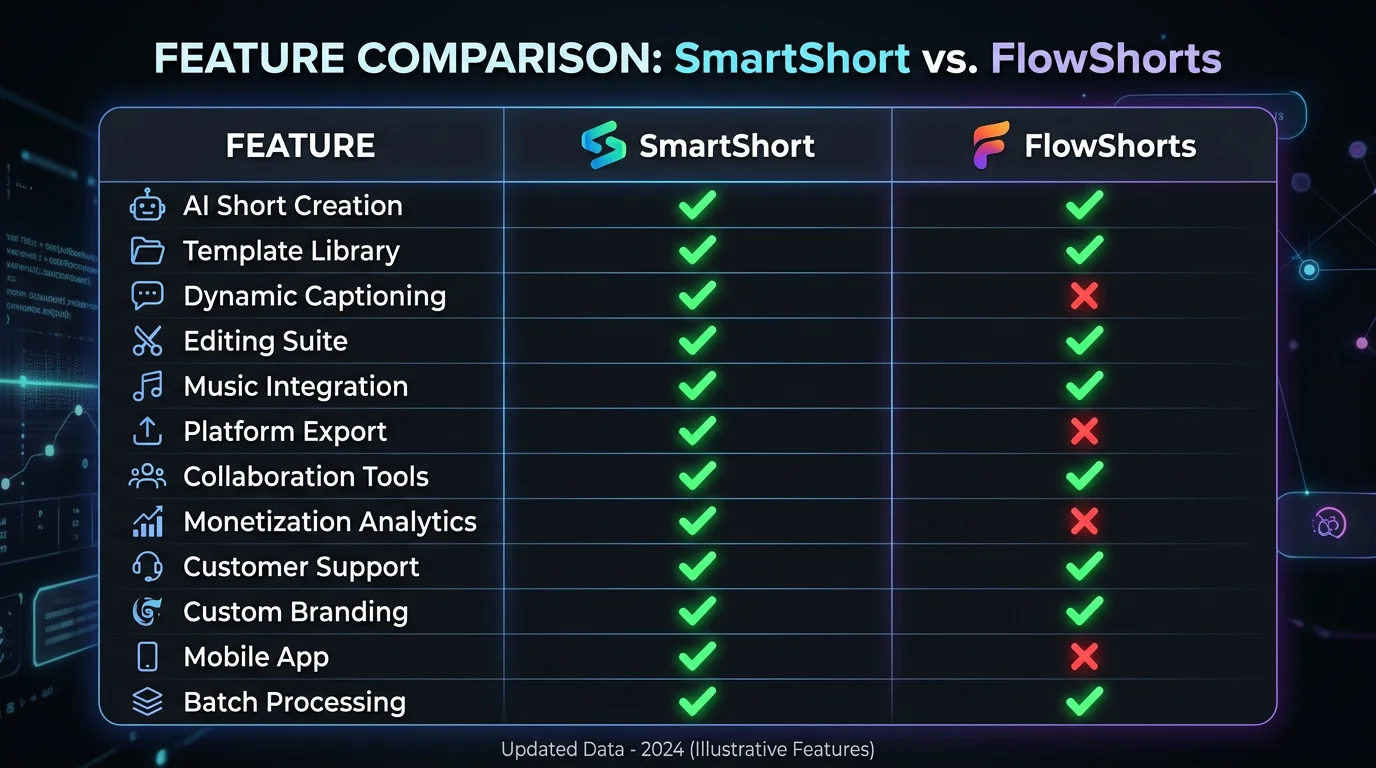
SmartShort vs FlowShorts: Feature Comparison
| Feature | SmartShort | FlowShorts |
|---|---|---|
| Generates content from scratch | No — requires existing content | Yes — original scripts from your niche |
| Auto-posts to YouTube Shorts | No | Yes |
| Auto-posts to TikTok | No | Yes |
| Auto-posts to Instagram Reels | No | Yes |
| Built-in content scheduling | No | Yes — daily or 2x daily |
| AI voiceover | Yes (limited voices) | Yes (ElevenLabs quality) |
| Animated captions | Yes | Yes (6 styles incl. MrBeast, Hormozi) |
| Niche customization | None | 8+ niches with consistent persona |
| AI image generation | No (stock footage only) | Yes (custom AI images per scene) |
| Starting price | ~$29/mo | $19/mo |
| Best for | Repurposing existing blog content | Fully automated faceless channels |
Frequently Asked Questions
What is SmartShort?
SmartShort is an AI-powered short-form video creation tool that converts long-form written content — blog posts, articles, and scripts — into short vertical videos formatted for YouTube Shorts, TikTok, and Instagram Reels. It uses AI to summarize the source content, pair it with stock footage, add captions, and generate a finished video without manual editing. It does not generate original content from scratch and does not include auto-posting functionality.
Is SmartShort free?
SmartShort offers a limited free tier that includes a small number of video exports per month with watermarked output and restricted access to its voice and stock footage libraries. Removing the watermark and accessing the full feature set requires a paid plan, which starts at approximately $29/mo. A free trial may be available depending on the current promotion, but full functionality requires a subscription.
What is the best alternative to SmartShort?
The best alternative to SmartShort depends on your use case. For fully automated faceless video channels that need original content generated and posted on autopilot, FlowShorts is the top pick — it generates scripts, visuals, and voiceover from scratch and auto-posts to YouTube Shorts, TikTok, and Instagram Reels starting at $19/mo. For blog-to-video repurposing (SmartShort's core use case), Lumen5 and Pictory are the strongest direct alternatives with better stock libraries and more brand customization.
Does SmartShort auto-post videos?
No. SmartShort does not include auto-posting or direct platform integration. Once a video is rendered, you download it manually and upload it to YouTube, TikTok, or Instagram yourself. There is no scheduling feature, no connected account publishing, and no way to automate the posting step within the SmartShort platform. If auto-posting is a priority for your workflow, you'll need a different tool — FlowShorts handles this natively across all three platforms.
Who is SmartShort best for?
SmartShort is best suited for content marketers, bloggers, and newsletter writers who already produce written content regularly and want to repurpose it into short-form video without hiring a video editor. It works well for occasional video creation from existing material. It is not well-suited for faceless YouTube channel operators, TikTok automation setups, or anyone who needs original content generated daily and posted automatically — those use cases require a tool like FlowShorts.
Final Verdict: Is SmartShort Worth It?
SmartShort is a capable repurposing tool for creators who already produce written content and want a faster path to short-form video. If you're a blogger with a backlog of articles and you want to start showing up on TikTok or Reels without learning video editing, SmartShort will get you there faster than doing it manually.
But for the growing majority of creators building faceless channels — people who need original content generated from scratch, posted automatically, and scaled to daily or twice-daily output — SmartShort's limitations are fundamental, not cosmetic. No content generation, no auto-posting, and no scheduling means you're still doing the heavy lifting yourself every time you want to publish.
If that sounds like your situation, FlowShorts is built for exactly that workflow. Pick your niche, connect your accounts, and the platform handles everything else — scripts, images, voiceover, captions, rendering, and posting — on a fixed schedule, every day. The Starter plan is $19/mo and includes 8 videos per month with no manual work required after setup.
Start Your Free Trial on FlowShorts