Best Free AI Video Tools for Creators in 2026
Discover the top 12 AI video creation tools of 2026. This guide reviews the best platforms for automated content, faceless videos, and more.
FlowShorts Team

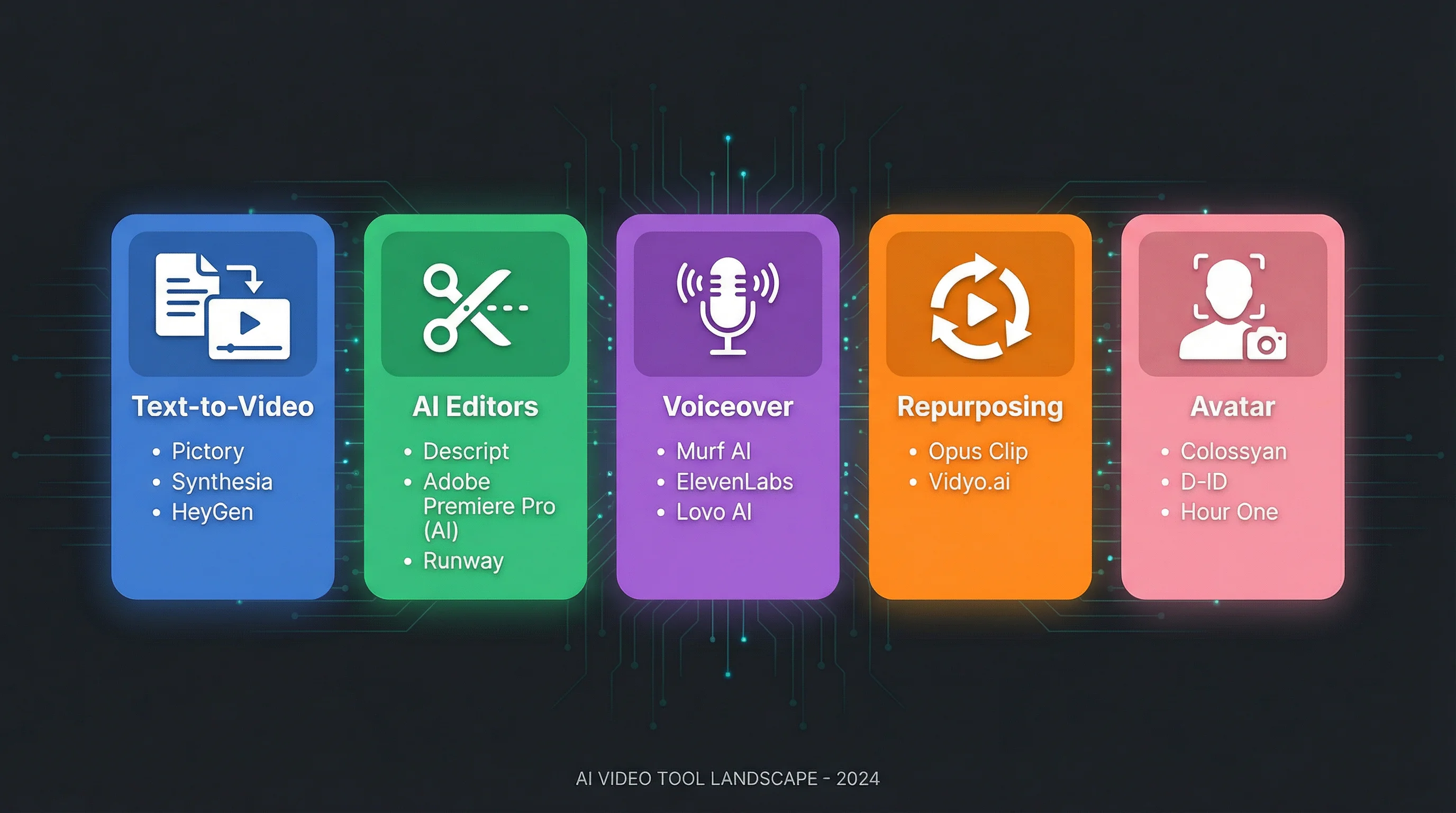
AI video creation tools generate, edit, or repurpose video content using artificial intelligence. The category is broad: it includes text-to-video generators, AI-powered editors, voiceover tools, repurposing platforms, and avatar-based video makers.
This guide compares 12 tools across five categories so you can find the right one for your workflow. For a focused comparison of AI video generators specifically, see our best AI video generators guide.
Quick Comparison
| Tool | Category | Best For | Starting Price |
|---|---|---|---|
| Runway | Text-to-video | Cinematic AI-generated footage | Free / $12/mo |
| Pika | Text-to-video | Fast stylized social media clips | Free / credit-based |
| Luma AI | Text-to-video | 3D-aware camera motion, product shots | Free / $29.99/mo |
| HeyGen | Avatar | Spokesperson videos in 175+ languages | Free / $24/mo |
| Synthesia | Avatar | Enterprise training and compliance videos | $22/mo |
| InVideo AI | Script-to-video | Stock footage videos from text prompts | Free / $20/mo |
| FlowShorts | Shorts automation | Faceless Shorts with auto-posting | $19/mo |
| Descript | Editor | Text-based video editing and repurposing | Free / $12/mo |
| Opus Clip | Repurposing | Clipping long videos into Shorts | Free / $9/mo |
| Kapwing | Editor | Team-based editing with auto-subtitles | Free / $16/mo |
| VEED | Editor | Browser-based editing with AI assists | Free / $12/mo |
| Quso | Repurposing | Podcast-to-shorts with scheduling | Free / $15/mo |
Text-to-Video Generators
These tools create video footage from text prompts or images. The output is AI-generated visuals, not stock footage.
Runway
Runway's Gen-2 model produces some of the most realistic AI-generated footage available. It includes an integrated timeline editor for masking, frame interpolation, and clip arrangement. The credit-based system means costs scale with usage; high-quality renders and upscaling consume credits quickly. Best for filmmakers, music video creators, and marketers who need a few high-impact custom shots.
Pika
Pika generates short, stylized video clips from text or images. The interface is beginner-friendly and encourages fast iteration. Output leans more toward creative and abstract than photorealistic. Free tier includes watermarks; paid plans start with credit rollover. Best for social media managers and creators who need quick, attention-grabbing visuals.
Luma AI (Dream Machine)
Luma AI excels at spatial awareness and camera motion. The output has a sense of three-dimensional depth that most competitors lack. Supports HDR/EXR output and 4K upscaling. Clips are typically limited to ~10 seconds. Best for product shots, architectural visualizations, and any content needing believable camera movement.
Avatar-Based Video Makers
These tools generate spokesperson-style videos with AI avatars that deliver your script.
HeyGen
HeyGen offers 700+ stock avatars plus custom "Digital Twin" avatar creation. Its standout feature is video translation with lip-sync matching across 175+ languages. The workflow is simple: choose an avatar, paste your script, generate. Enterprise integrations include Zapier, Make, and HubSpot. Best for businesses localizing marketing content and sales teams sending personalized video outreach.
Synthesia
Synthesia is the enterprise-focused option. Features include 140+ languages, brand controls, custom avatars, and "Smart Updates" that re-render only the segments you change. Pricing is minutes-based, which can get expensive at volume. Best for HR onboarding, compliance training, and corporate communications at scale.
Create Faceless Videos on Autopilot
FlowShorts generates and posts AI videos to YouTube, TikTok & Instagram while you sleep.
Try FlowShorts Free →Script-to-Video and Shorts Tools
These tools turn text into finished videos using stock footage, AI voiceover, and automated editing.
InVideo AI
InVideo generates videos from text prompts by matching your script to stock footage and voiceover. It includes millions of stock assets and AI avatars on paid plans. The templated approach speeds up production but limits creative control. Best for social media managers producing daily branded content and small businesses creating promotional videos.
FlowShorts
FlowShorts generates faceless short-form videos and auto-posts them to YouTube Shorts, TikTok, and Instagram Reels on a schedule. The workflow is fully automated: select a niche, connect accounts, set frequency. The tool handles script, voiceover, visuals, captions, and publishing. Best for creators building faceless YouTube channels who want daily output without manual production.
Editors and Repurposing Tools
These tools don't generate video from scratch. They edit existing footage or extract clips from longer content.
Descript
Descript's core feature is text-based video editing: it transcribes your video and lets you edit by editing the text. Delete a sentence from the transcript and the video cut happens automatically. Also includes AI clip generation, voice cloning, and background noise removal (Studio Sound). Best for podcasters turning episodes into video shorts and course creators repurposing webinars.
Opus Clip
Opus Clip identifies the most engaging moments in long-form videos and clips them into vertical Shorts with captions. The AI scores segments by "virality potential" and handles reframing from horizontal to vertical. Requires existing video as input. Best for podcast hosts and long-form creators who want to extract clips from YouTube videos.
Kapwing
Kapwing is a browser-based editor built for teams. Key AI features include auto-subtitles, dubbing, translation (60+ languages), and voice cloning. The Brand Kit feature maintains consistent fonts, colors, and logos across projects. Best for social media teams producing captioned, branded content at scale.
VEED
VEED combines a browser-based timeline editor with AI subtitles, text-to-speech, translation, and a stock library. The learning curve is low and most features are accessible from a single interface. Some advanced AI features require separate credit purchases. Best for solo creators and small teams who need a simple, all-in-one editing tool.
Quso (formerly Vidyo.ai)
Quso's "CutMagic" technology analyzes long videos to find key moments, then generates captioned vertical clips. Includes built-in social media scheduling for direct publishing. Best for podcasters and educators who want to turn one long recording into multiple short-form posts.
Create Faceless Videos on Autopilot
FlowShorts generates and posts AI videos to YouTube, TikTok & Instagram while you sleep.
Try FlowShorts Free →How to Choose the Right Tool
Start with your bottleneck, not with features:
- If your bottleneck is creating footage: Look at text-to-video generators (Runway, Pika, Luma AI) or script-to-video tools (InVideo AI, FlowShorts).
- If your bottleneck is presenter content: Avatar platforms (HeyGen, Synthesia) eliminate the need for cameras and studios.
- If your bottleneck is repurposing existing content: Clipping tools (Opus Clip, Quso, Descript) extract short clips from long videos.
- If your bottleneck is editing and polishing: Browser-based editors (Kapwing, VEED) handle subtitles, branding, and translation.
Then evaluate per-video cost. A $39/month tool producing 30 videos costs $1.30 each. A $25/month tool producing 5 costs $5.00 each. The monthly price matters less than the output-per-dollar.
Common Questions
Which AI Video Tool is Best for YouTube Shorts?
For generating new Shorts from scratch, script-to-video tools like FlowShorts and InVideo AI handle the full pipeline. For turning existing long-form videos into Shorts, Opus Clip and Descript are built for that workflow. For more, see our guide to making AI YouTube Shorts.
Are AI-Generated Videos Allowed on YouTube?
Yes. YouTube permits AI-generated content as long as it follows community guidelines and includes human oversight. Realistic AI content that could be mistaken for real footage requires a disclosure label. Mass-produced content with no variation or review may be flagged under YouTube's "inauthentic content" policy.
Can I Use AI Video Tools for Free?
Most tools offer free tiers with limitations: watermarks, lower resolution, or usage caps. Runway, Pika, Descript, Kapwing, and VEED all have free plans. For daily publishing, free tiers are usually insufficient; expect to pay $12-$30/month for regular use.
What's the Difference Between Text-to-Video and Script-to-Video?
Text-to-video tools (Runway, Pika, Luma AI) generate AI footage from prompts. Script-to-video tools (InVideo AI, FlowShorts) combine stock footage or AI images with voiceover, captions, and music to produce a complete video from a script. The first creates raw footage; the second creates finished content.
Related Guides
- Best AI Video Generators
- YouTube Automation Tools
- How to Make AI YouTube Shorts
- How to Start a Faceless YouTube Channel
Compare These Tools to FlowShorts
Want a detailed side-by-side comparison? See how FlowShorts stacks up:
Related: Fliki AI Review 2026: Honest Take
Explore by niche: AI Video Generator by Niche — find topics, formats, and CPM data for your niche.
Free tools: AI Prompt Generator · Video Topic Generator


