Fliki AI Review 2026: Text-to-Video for Creators (Honest Take)
Fliki AI converts text, scripts, and blog posts into videos with 2,500+ AI voices in 80+ languages. But AI visual artifacts and a confusing credit system are real problems. Here's the honest review.
FlowShorts Team
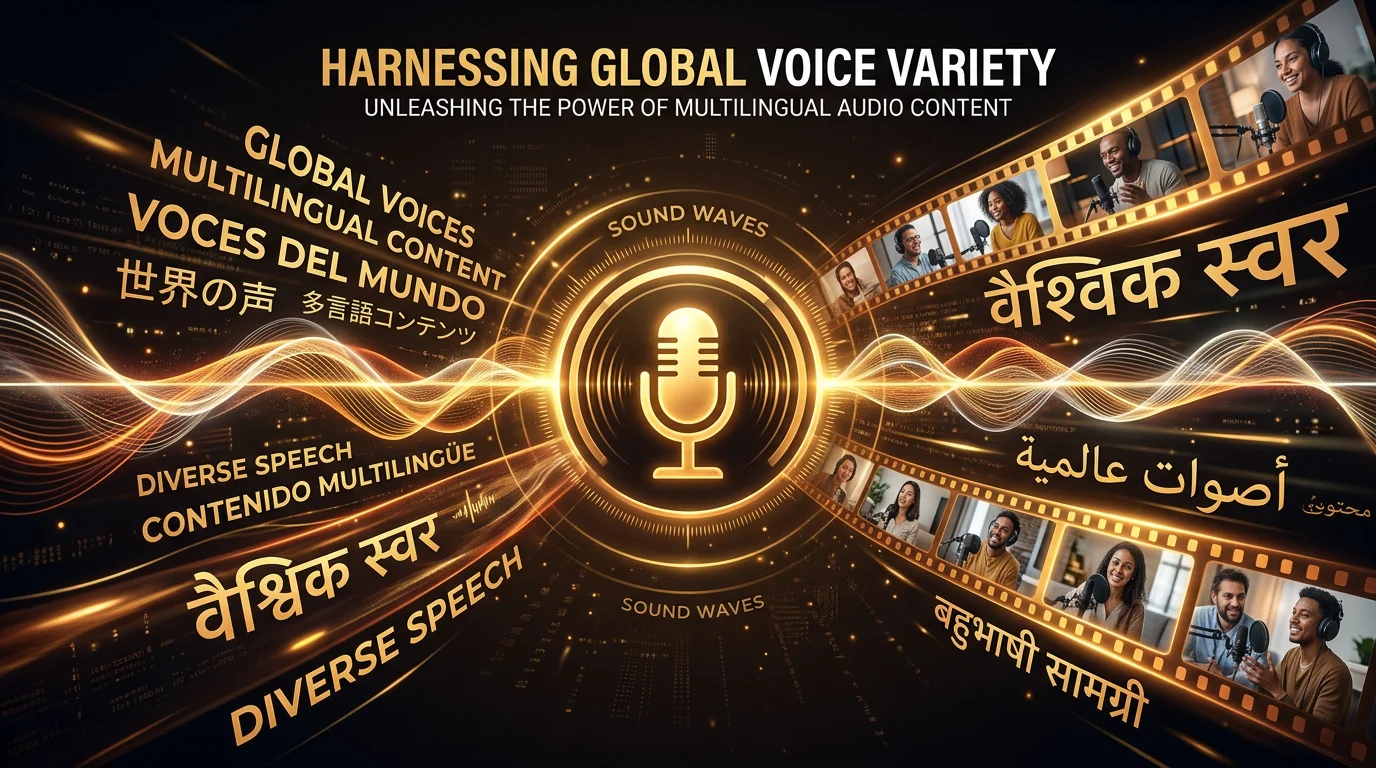
Fliki AI is a text-to-video platform that converts scripts, blog posts, or simple ideas into videos with AI voiceover, stock footage, and captions. With 2,500+ AI voices across 80+ languages, it positions itself as an all-in-one content creation tool for creators who don't want to learn video editing.
It's one of the most established tools in the space — but 2026 reviews reveal some serious issues alongside its genuine strengths. Here's the balanced take.
What Fliki AI Does
Fliki takes text input and produces video output through several modes:
- Script to video — Paste a script, Fliki matches stock footage to each sentence, adds AI voiceover and captions
- Blog to video — Paste a blog URL, Fliki extracts key points and generates a video summary
- Idea to video — Describe what you want, AI generates the script AND the video
- Text to speech — Pure audio generation with 2,500+ voices (can be used standalone)
The platform is browser-based — no downloads, no installation. The interface is clean and most users report being able to create their first video within 15-30 minutes of signing up.
Pricing
| Plan | Monthly Price | Key Features |
|---|---|---|
| Free | $0 | 5 min/month video, watermark, limited voices |
| Standard | $21/mo | 60 min/month, HD, no watermark, 400+ voices |
| Premium | $66/mo | 180 min/month, full voice library, priority render |
| Enterprise | Custom | Unlimited, API access, custom voices |
The free plan is genuinely useful for testing — 5 minutes of video per month with a watermark. Enough to evaluate voice and video quality before committing.
Credit system note: Fliki uses a minute-based credit system. Multiple reviews report this being confusing and restrictive — credits can be consumed by generation attempts even if you don't use the output. Preview renders count toward your limit. This is similar to ReVid's credit complaints.
What Fliki Does Well
Voice Quality & Variety (Best Feature)
2,500+ AI voices across 80+ languages is the largest voice library of any tool in this comparison series. Voice quality is consistently praised — natural-sounding with good emotional range. For multi-language creators or those who need specific accents, Fliki is unmatched.
Ease of Use
Consistently the #1 praise in user reviews. The interface is intuitive, the workflow is linear (paste text → customize → generate), and most users create their first video in under 30 minutes. No video editing knowledge required.
Looking for the Best Faceless Video Tool?
See why creators are switching to FlowShorts — AI video generation + auto-posting to 3 platforms from $19/mo.
Compare Plans →Blog-to-Video
Paste a blog URL and Fliki extracts the key points, generates a script, matches stock footage, and creates a video. For content marketers repurposing blog content into social media videos, this feature saves significant time.
Speed
What used to take a freelancer days now takes about 45 minutes. For batch content creation, this speed advantage compounds — creators report producing a week's worth of content in a single sitting.
Where Fliki Falls Short
AI Visual Artifacts (Critical Issue)
This is Fliki's most damaging problem in 2026. Multiple reviewers report that AI-generated visuals contain gibberish or random pseudo-text artifacts embedded in the images. This manifests as random letters, nonsensical text overlays, or garbled characters that appear in the generated visuals.
For professional or commercial content, these artifacts make videos unusable without manual editing to fix or replace the problematic frames. This is a known issue with certain AI image generation models that Fliki hasn't fully resolved.
Credit System Confusion
The minute-based billing is unintuitive. Users report:
- Preview renders consuming credits
- Failed generations still deducting minutes
- Unclear how many credits different features consume
- Running out of credits mid-month unexpectedly
Copyright Flagging
Some users report constant copyright issues despite paying for premium accounts. Videos get flagged and demonetized on YouTube, even when using Fliki's included stock footage library. This suggests some of Fliki's stock footage may not be fully cleared for all commercial uses, or YouTube's Content ID system is matching the footage to other sources.
Customer Support
Looking for the Best Faceless Video Tool?
See why creators are switching to FlowShorts — AI video generation + auto-posting to 3 platforms from $19/mo.
Compare Plans →Multiple reviews mention slow support response times. Promised 24-72 hour response windows are reportedly not honored. For a paid tool, this is a significant concern — especially when credit disputes or billing issues arise.
Not Built for Faceless Shorts Specifically
Fliki is a general-purpose text-to-video tool. It can create faceless content, but it's not optimized for it the way dedicated tools are. No gameplay backgrounds, no auto-posting to social platforms, no niche-specific optimization. For the faceless YouTube/TikTok use case specifically, it's a square peg in a round hole.
Fliki AI vs FlowShorts: Head-to-Head
| Feature | Fliki AI | FlowShorts |
|---|---|---|
| Best for | General text-to-video, multi-language | Faceless short-form automation |
| Voice library | 2,500+ voices, 80+ languages | ElevenLabs premium (fewer voices, higher quality) |
| Visual approach | Stock footage (artifact issues) | AI-generated unique images |
| Blog-to-video | Yes (unique feature) | No |
| Auto-posting | No | Yes (YouTube + TikTok + Instagram) |
| Faceless optimization | General purpose | Niche-specific (13+ niches) |
| Caption styles | Basic | 6 TikTok-style animations |
| Free tier | Yes (5 min/month) | Free tools (video gen requires plan) |
| Billing model | Minutes (confusing) | Fixed video count (predictable) |
| Starting price | $21/month | $19/month |
| Trustpilot | Mixed reviews | N/A (newer) |
Choose Fliki if: You need multi-language support (80+ languages), want blog-to-video conversion, or create general marketing/explainer videos beyond just faceless Shorts.
Choose FlowShorts if: Your focus is faceless short-form content for YouTube/TikTok/Instagram, you want auto-posting, and you prioritize visual consistency over voice variety.
The Verdict
Fliki AI is a solid general-purpose text-to-video tool with the best voice library in the market. For multi-language creators, marketing teams, and anyone who needs to convert blog posts or scripts into videos quickly, it delivers genuine value.
But it has real problems in 2026: the AI visual artifacts are a dealbreaker for professional content, the credit system frustrates users, copyright flagging undermines the "commercial use" promise, and customer support is slow.
For faceless short-form creators specifically — the audience reading this blog — Fliki is not the right tool. It lacks auto-posting, niche optimization, gameplay backgrounds, and the TikTok-style caption animations that dedicated faceless tools provide. Use Fliki for general video needs; use FlowShorts, AutoShorts, or SendShort for faceless content.
Related Guides
- FlowShorts vs Fliki — Detailed Comparison
- Best AutoShorts Alternatives
- ReVid AI Review
- StoryShort AI Review
- SendShort Review
- Best AI Video Generators (2026)
Try our free tools: AI Video Script Generator · Video Hook Generator
More AI Video Tool Reviews
We review the most popular AI video tools so you can make an informed choice. Read our other honest reviews:


