How to Schedule TikTok Videos for Maximum Growth
Learn how to schedule TikTok videos using native tools, third-party apps, and AI. A complete guide to saving time and boosting your content strategy.
FlowShorts Team

You can schedule TikTok posts two ways: through TikTok's built-in Video Scheduler (desktop only, up to 10 days ahead), or through a third-party tool like Later, Buffer, or Hootsuite (unlimited scheduling window, multi-platform support). Business Accounts can also schedule from the TikTok mobile app via Business Suite.
This guide covers all three methods, plus the best posting times and how to choose the right scheduling tool.
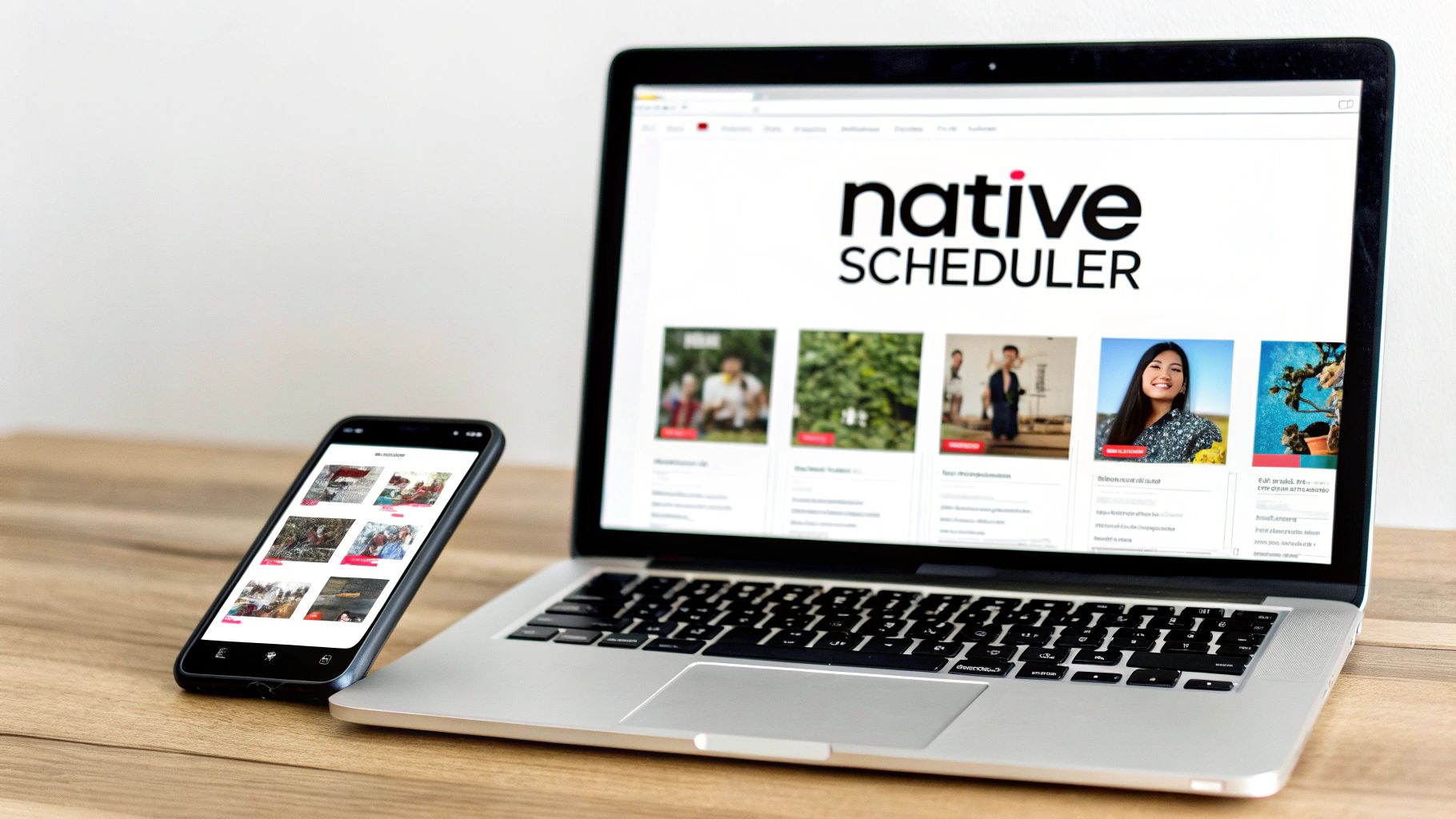
Method 1: TikTok's Native Scheduler (Desktop)
This works for all account types and is the simplest option if you just need to queue a few videos ahead of time.
- Log in to TikTok in your web browser.
- Click the Upload button (top-right corner).
- Select your video file (MP4 or WebM, 720x1280 or higher, under 10 GB).
- Write your caption, add hashtags, tag accounts, and choose a cover image.
- Toggle on Schedule video.
- Pick a date and time (up to 10 days ahead) and click Schedule.
Limitation: you can only schedule 10 days out. If you need to edit a scheduled post, you have to delete it and re-upload. There's no edit-in-place option.
Method 2: TikTok Business Suite (Mobile)
Only available for Business Accounts, not Personal or Creator accounts.
- Go to your profile and tap the three-line menu.
- Select Business Suite.
- Tap Video Scheduler.
- Upload your video, write your caption, and pick a time.
Same 10-day limit as the desktop scheduler, but convenient if you create content on your phone.
Method 3: Third-Party Scheduling Tools
For longer planning windows, multi-platform scheduling, and the ability to edit scheduled posts before they go live, use a third-party tool.
Create Faceless Videos on Autopilot
FlowShorts generates and posts AI videos to YouTube, TikTok & Instagram while you sleep.
Try FlowShorts Free →| Tool | Best For | Key Features | Starting Price |
|---|---|---|---|
| Later | Visual planners, creators | Drag-and-drop calendar, hashtag suggestions, analytics | Free; paid from $25/mo |
| Buffer | Small businesses, simplicity | Clean interface, multi-channel scheduling | Free; paid from $6/mo per channel |
| Hootsuite | Agencies, large teams | Advanced analytics, team approvals, social listening | From $99/mo |
| Sprout Social | Enterprise, data-driven brands | Deep analytics, social listening, comprehensive reporting | From $249/mo |
Third-party tools also let you manage Instagram Reels and YouTube Shorts from the same dashboard. If you're posting to multiple platforms, this consolidation saves significant time. For a broader comparison, see our content marketing automation tools guide.
Beyond Scheduling: Full Automation
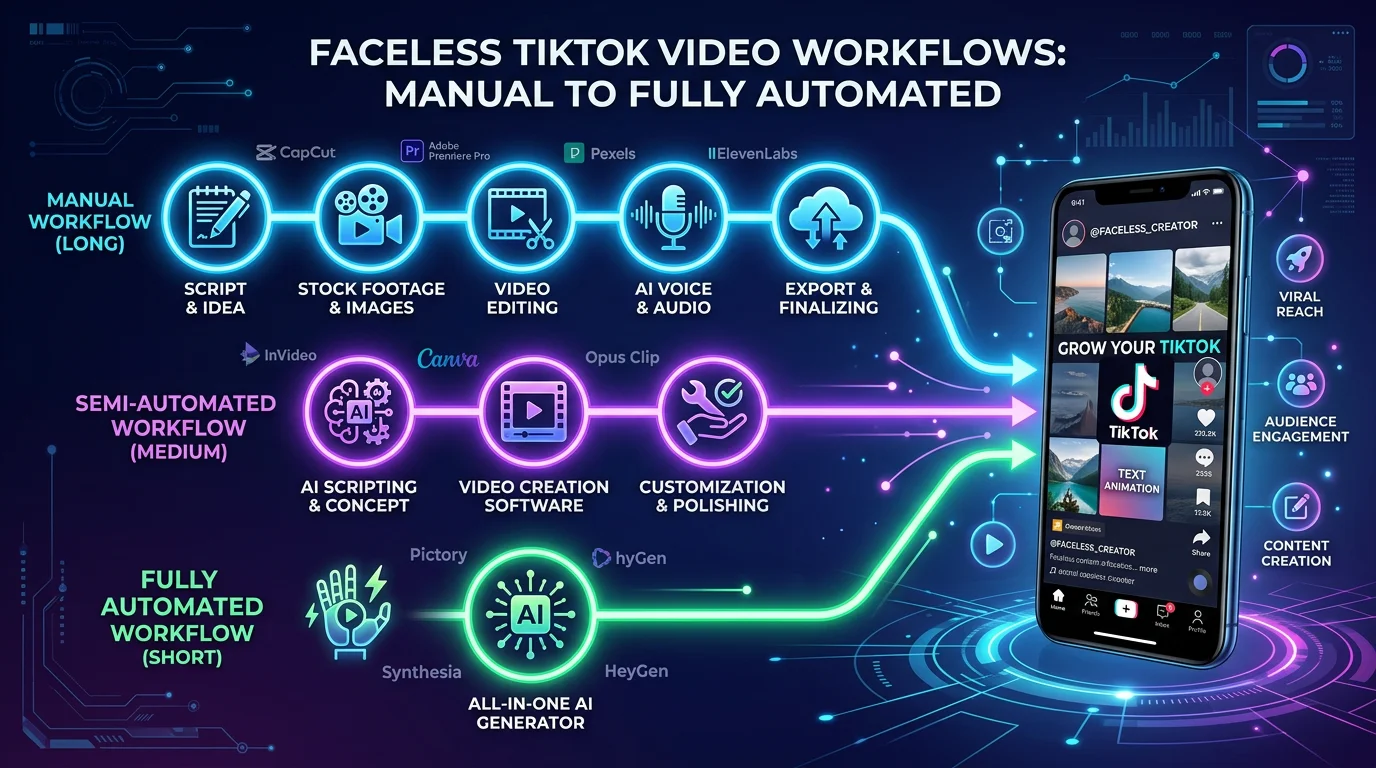
Standard scheduling tools publish videos you've already made. Full automation tools create the video too. Platforms like FlowShorts generate scripts, visuals, voiceover, and captions, then publish the finished video to TikTok on your schedule. You define the niche and posting frequency; the system handles daily output.
This is most useful for faceless channels in evergreen niches (finance tips, history facts, motivational content) where the format is repeatable and consistent posting matters more than trend-chasing. For more on this approach, see our guide on how to automate social media posts.
Best Times to Post on TikTok
These times are based on aggregate engagement data. Use them as a starting point, then check your own TikTok Analytics (Followers tab) to see when your specific audience is most active.
| Day | Suggested Times (EST) |
|---|---|
| Monday | 6 AM, 10 AM, 10 PM |
| Tuesday | 2 AM, 4 AM, 9 AM |
| Wednesday | 7 AM, 8 AM, 11 PM |
| Thursday | 9 AM, 12 PM, 7 PM |
| Friday | 5 AM, 1 PM, 3 PM |
| Saturday | 11 AM, 7 PM, 8 PM |
| Sunday | 7 AM, 8 AM, 4 PM |
Pre-Publish Checklist
Before scheduling any TikTok video, check these five things:
- Hook: Do the first 3 seconds give someone a reason to keep watching?
- Caption: Does it include a question or CTA to drive comments?
- Hashtags: Mix of 1-2 broad tags (#fyp), 3-5 niche-specific tags, and 1-2 trending tags
- Audio: Is the sound trending or at least a good fit for the content?
- Timing: Is this scheduled during a peak window for your audience?
Create Faceless Videos on Autopilot
FlowShorts generates and posts AI videos to YouTube, TikTok & Instagram while you sleep.
Try FlowShorts Free →Common Questions
Does Scheduling Hurt My Video's Performance?
No. TikTok's algorithm evaluates content quality and viewer engagement, not how the video was uploaded. Scheduled posts get the same algorithmic treatment as manually published ones.
Can I Edit a Scheduled TikTok?
Not with TikTok's native scheduler. You have to delete and re-upload. Third-party tools like Later and Buffer let you edit captions, hashtags, and timing right up until the scheduled publish time.
How Far Ahead Can I Schedule?
TikTok's native scheduler: 10 days. Third-party tools: weeks or months, depending on the platform. For long-term campaign planning, a third-party tool is necessary.
How Often Should I Post?
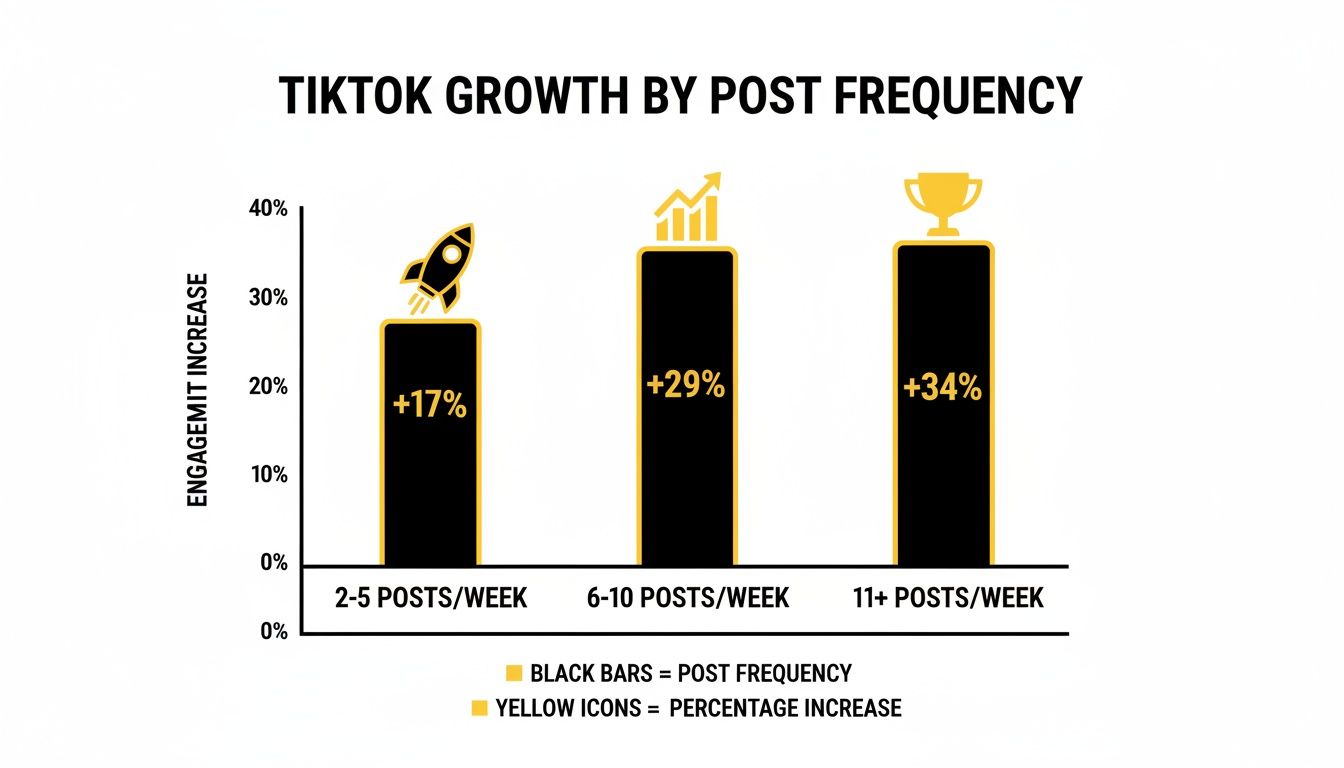
For growth, daily posting is the standard on TikTok. The algorithm rewards consistency and frequency. Start with a schedule you can sustain, then increase as your workflow allows. For detailed guidance, see our post on how often to post on TikTok.
Related Guides
- How to Automate Social Media Posts
- How Long Can a TikTok Be? Complete Length Guide
- Best AI Video Generators of 2026
- TikTok Creativity Program: What You Need to Know
Automate TikTok Posting
Go beyond scheduling — fully automate your TikTok content:
Need TikTok content ideas? Browse TikTok Ideas by Niche — 30+ niches with proven hooks and concepts.
Free tools: Best Time to Post Calculator