Top 12 Content Marketing Automation Tools to Scale Your Brand in 2026
Discover the top content marketing automation tools for 2026. Compare features, pricing, and use cases to find the perfect solution for your brand's growth.
FlowShorts Team

Content marketing involves a lot of repetitive work: writing, scheduling, posting, tracking, reporting. Do that across three platforms and an email list, and a small team's week disappears fast.
Automation tools handle the repetitive parts so you can focus on strategy and creative work. But the category is crowded, and tools range from email-focused platforms to full enterprise marketing suites. This guide covers 12 options sorted by what they actually do best, with real pricing and honest tradeoffs.
Quick-Pick Guide: Best Tool for Your Goal
| Your Goal | Best Pick | Why |
|---|---|---|
| Full-funnel marketing + CRM | HubSpot | CRM-driven workflows, free tier to enterprise |
| Email marketing for small business | Mailchimp | Easy setup, free plan, proven email journeys |
| Enterprise B2B lead nurturing | Marketo Engage | ABM, lead scoring, Salesforce integration |
| Social media scheduling for teams | Hootsuite | Multi-brand management, approval workflows |
| Automated short-form video posting | FlowShorts | Script-to-publish pipeline for Shorts/TikTok/Reels |
| Social analytics and reporting | Sprout Social | Executive-grade reports, social listening |
| Editorial calendar and planning | CoSchedule | Calendar-first UX, evergreen content recycling |
| AI content generation at scale | Jasper | Campaign-wide content with brand voice controls |
| Blog + social publishing in one | StoryChief | Write, approve, publish to blog + social simultaneously |
| SEO-driven content workflow | Semrush | Keyword research to content briefs to tracking |
| Simple social scheduling on a budget | Buffer | Clean UI, free plan, affordable paid tiers |
| Content planning and knowledge base | Notion AI | Flexible workspace with AI writing built in |
How We Evaluated These Tools
We signed up for free tiers or trials of each platform and tested them across four dimensions:
- Core automation depth: How much of the workflow does the tool actually automate? A scheduler that just posts at set times scores lower than a platform that handles ideation, creation, and distribution.
- Ease of use: How quickly can a new user get value? We looked at onboarding flow, UI clarity, and documentation quality.
- Value for money: What do you actually get at each pricing tier? We noted hidden costs, contact-based scaling, and feature gating.
- Use case fit: We matched each tool to its strongest use case rather than ranking on a single scale. An enterprise ABM platform and a social scheduler solve different problems.
1. HubSpot Marketing Hub
Best for: Full-funnel marketing automation tied to a CRM
HubSpot connects marketing automation directly to its free CRM, so every workflow you build is based on real contact data: what pages someone visited, which emails they opened, where they are in your sales funnel. You can trigger email sequences from blog post views, form submissions, or specific link clicks.
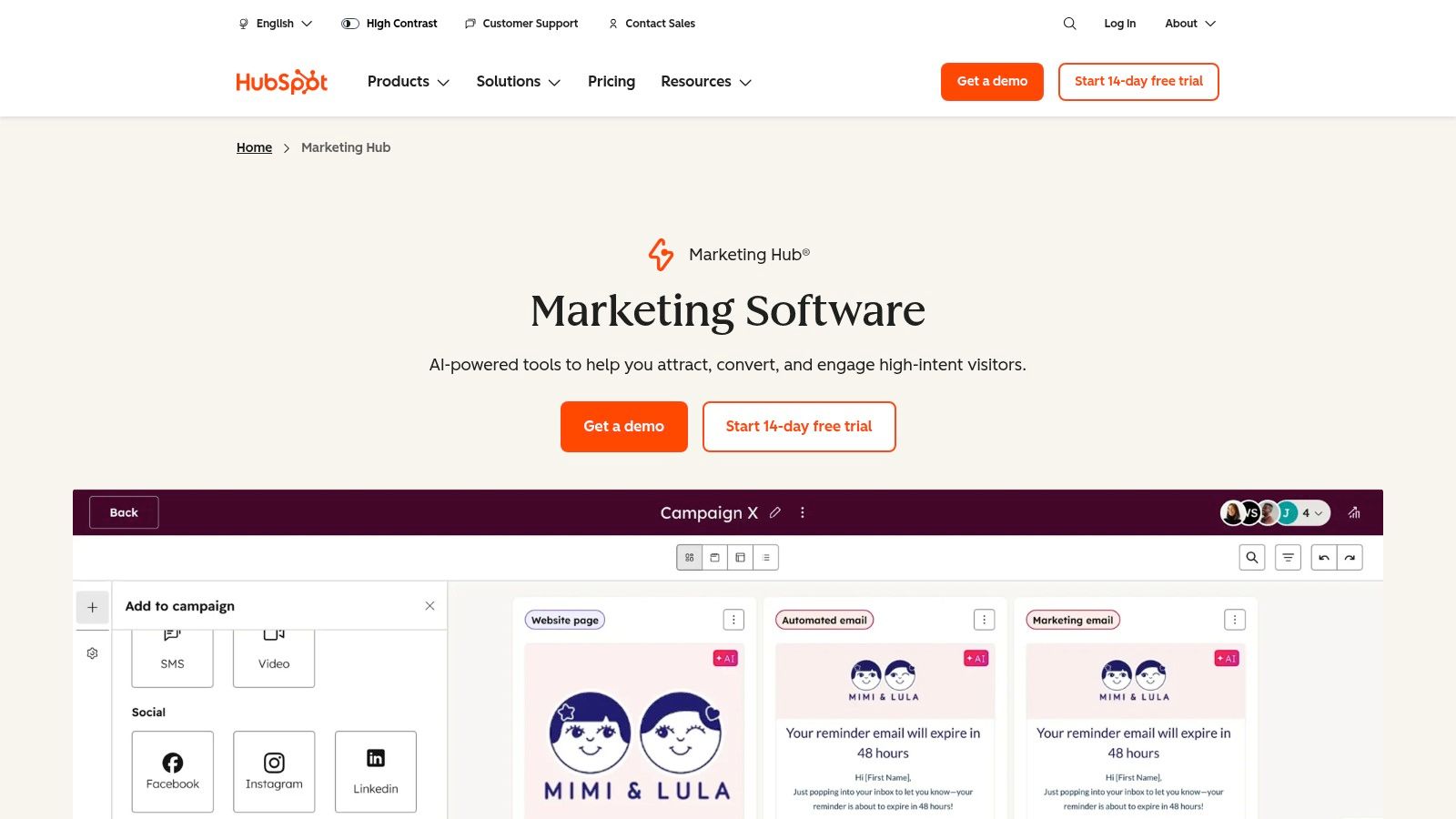
The visual workflow builder is the highlight: map out if/then logic branches to automate lead nurturing, internal notifications, and social scheduling. The tradeoff is cost. The jump from Starter ($18/mo) to Professional ($800/mo) is steep, and contact-based pricing means your bill grows with your list.
Pricing
- Starter: $18/month for 1,000 contacts
- Professional: $800/month for 2,000 contacts (+ mandatory onboarding fee)
- Enterprise: $3,600/month for 10,000 contacts
| Pros | Cons |
|---|---|
| Deep CRM integration gives context to every automation | Costs jump sharply at Professional tier |
| Scales from free tools to enterprise | Mandatory onboarding fee on higher plans |
| Extensive training resources (HubSpot Academy) | Complex for teams with simple scheduling needs |
Website: hubspot.com
2. Mailchimp
Best for: Email-first automation for small businesses
Mailchimp started as an email tool and still does email better than most. Its "Customer Journeys" builder lets you set up automated welcome series, post-purchase follow-ups, and re-engagement campaigns using visual if/else logic. The interface is straightforward enough that a non-technical marketer can have a working automation running within an hour.
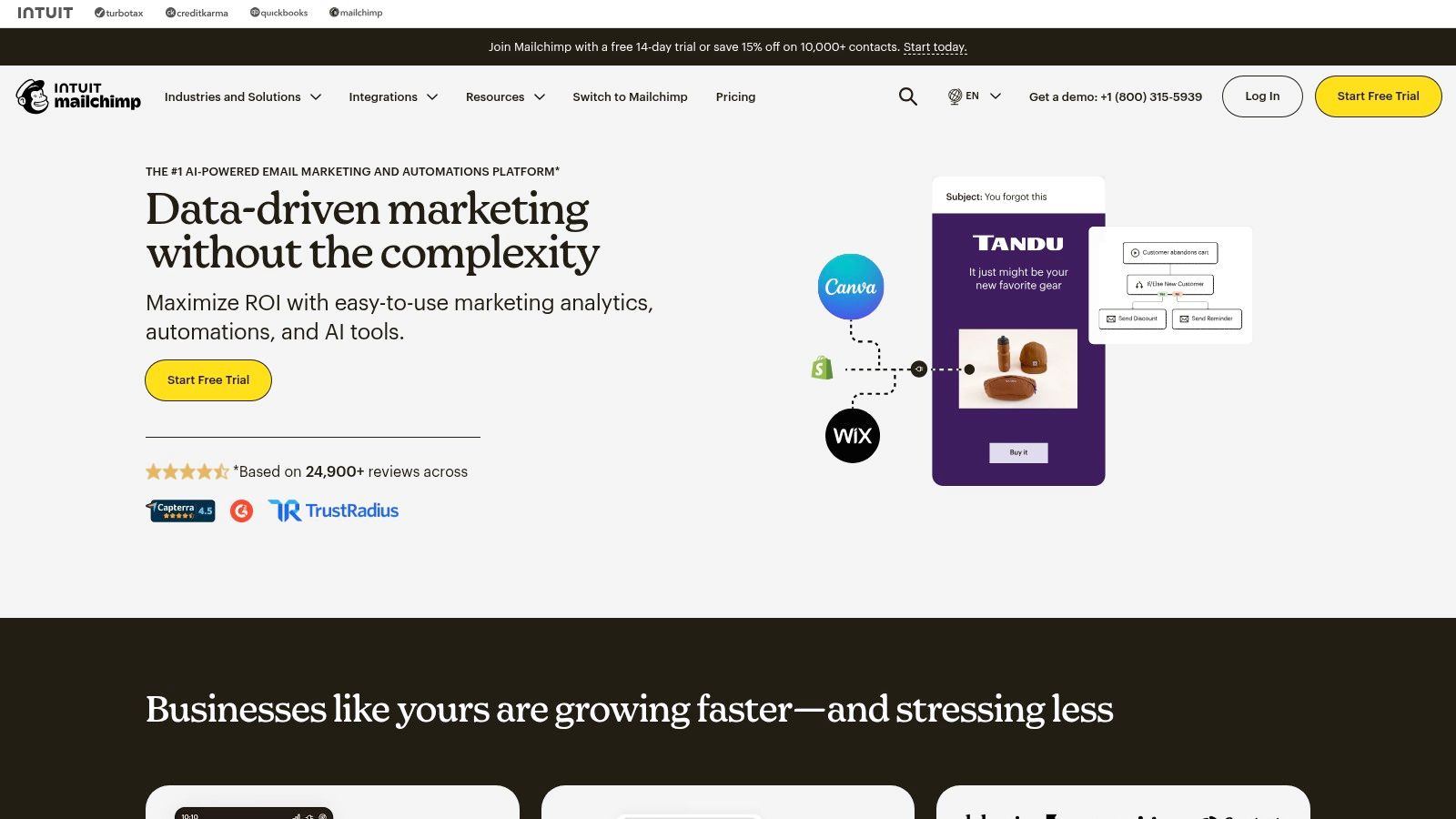
The free plan (500 contacts, 1,000 sends/month) is enough to test whether email automation works for your business. Pre-built templates for common scenarios (abandoned cart, birthday, lead magnet delivery) speed up setup. The limitation: automation logic is simpler than HubSpot or Marketo, so complex multi-stage funnels can feel constrained.
Pricing
- Free: 500 contacts, 1,000 sends/month
- Essentials: $13/month for 500 contacts
- Standard: $20/month for 500 contacts
- Premium: $350/month for 10,000 contacts
| Pros | Cons |
|---|---|
| Easy onboarding with large template library | Pricing scales with contacts and send volume |
| Free plan and nonprofit discounts | Advanced automations gated to higher tiers |
| Pay-as-you-go option for low-volume senders | Logic less flexible than enterprise tools |
Website: mailchimp.com
3. Adobe Marketo Engage
Best for: Enterprise B2B lead nurturing and ABM
Marketo is built for complex B2B sales cycles where leads need nurturing across months and multiple touchpoints. Its lead scoring system assigns points based on content downloads, email engagement, and webinar attendance, then triggers sales alerts when a prospect hits a threshold. Multi-touch attribution ties content engagement directly to revenue.

The platform excels at account-based marketing (ABM), letting you personalize content for specific roles within target companies. The tradeoff: no free tier, custom pricing only, and implementation often requires dedicated training and professional services. This is an enterprise investment, not a startup tool.
Pricing
- Growth, Select, Prime, Ultimate: Custom pricing based on database size. Contact sales for a quote.
| Pros | Cons |
|---|---|
| Advanced lead scoring and multi-stage funnel management | No free tier, no public pricing |
| Strong ABM and Salesforce integration | Implementation adds cost and complexity |
| Revenue attribution connects content to pipeline | Overpowered for SMBs or simple use cases |
Website: marketo engage
4. Hootsuite
Best for: Multi-brand social scheduling with team approval workflows
Hootsuite centralizes social media scheduling, publishing, and monitoring across all major networks. The calendar view shows everything planned across channels, which is valuable for teams coordinating multi-platform campaigns or managing client accounts. AI-powered tools suggest optimal posting times and help generate captions.
Automate Your Entire Video Workflow
FlowShorts generates scripts, creates videos, and posts to YouTube, TikTok & Instagram on autopilot.
Start Automating Free →
The real strength is team workflows: drafts can be created, sent for internal approval, and scheduled to go live simultaneously. For agencies managing multiple client accounts, this approval layer is non-negotiable. Paired with a video creation tool like a YouTube Shorts generator, it creates a solid content pipeline. The downside: it's pricier than simpler schedulers, and the interface can feel cluttered for solo users.
Pricing
- Professional: $99/month (1 user, 10 accounts)
- Team: $249/month (3 users, 20 accounts)
- Enterprise: Custom pricing
| Pros | Cons |
|---|---|
| Strong team approval and collaboration workflows | More expensive than simpler scheduling tools |
| Handles multi-brand and agency accounts well | Advanced analytics locked to higher tiers |
| 30-day free trial on Professional and Team | Interface can overwhelm new users |
Website: hootsuite.com
5. FlowShorts
Best for: Automated short-form video creation and cross-platform posting
FlowShorts automates a specific slice of content marketing that most tools on this list don't touch: short-form video. It generates scripts, assembles visuals from stock footage, adds AI voiceover and captions, then posts directly to YouTube Shorts, TikTok, and Instagram Reels on your schedule. The entire pipeline runs without you opening a video editor.
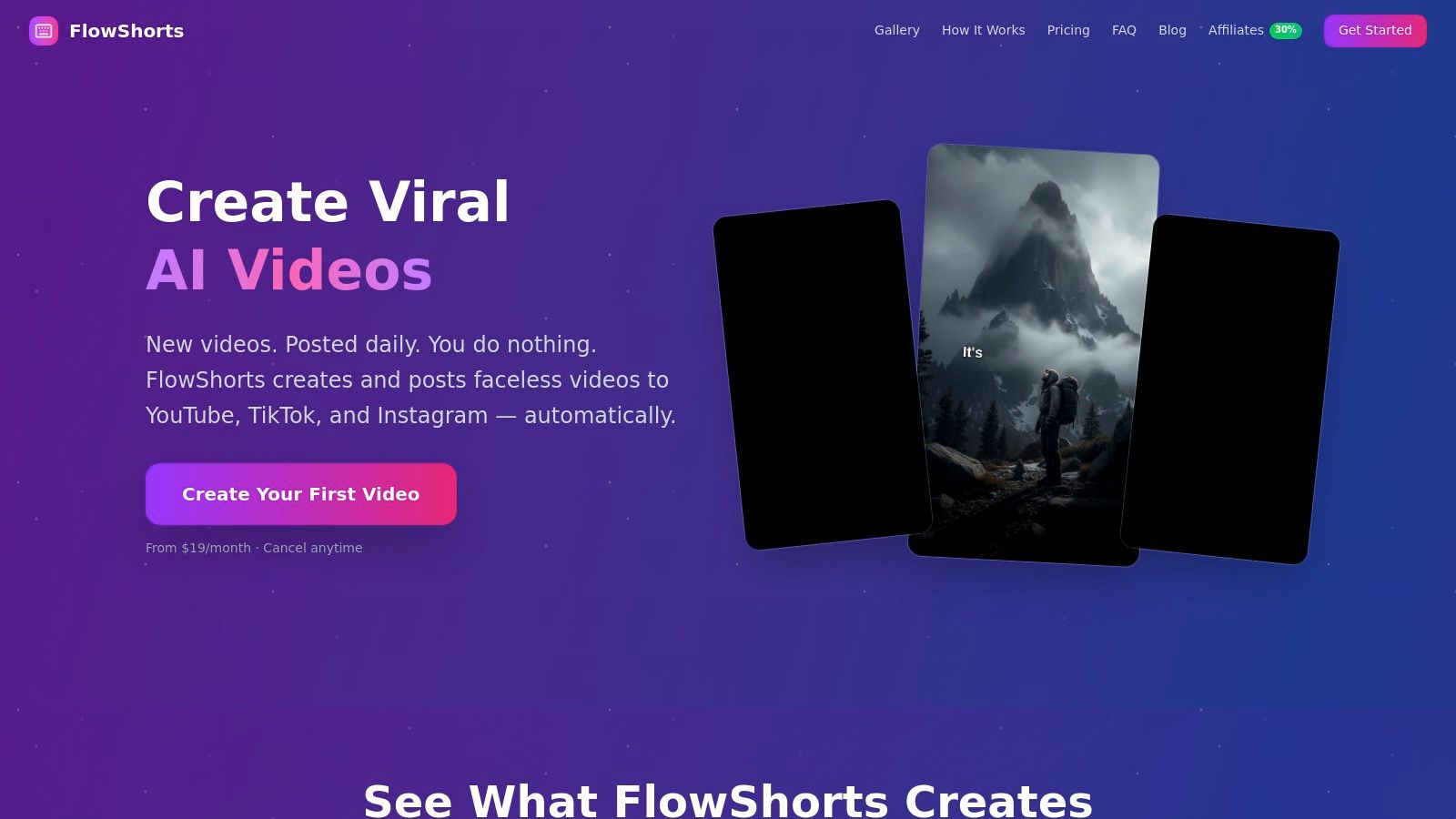
Setup involves connecting your social accounts, picking a niche (finance, history, motivation, etc.), and setting a posting frequency. From there, it runs. This is useful for brands that know they should be on short-form video platforms but don't have the production resources to post daily. The tradeoff: you give up creative control over individual scenes. For a broader look at video creation options, see our AI video generators comparison.
Pricing
- Starter: $19/month (8 videos/month)
- Creator: $39/month (30 videos/month)
- Pro: $69/month (60 videos/month)
| Pros | Cons |
|---|---|
| Full automation from script to published post | Limited creative control over individual scenes |
| Posts to YouTube, TikTok, and Instagram from one dashboard | AI scripts may need accuracy review for technical niches |
| No video editing skills or equipment needed | Starter plan limited to 2 videos/week |
Website: flowshorts.app
6. Sprout Social
Best for: Social analytics, reporting, and team governance
Sprout Social goes deeper on analytics than most social tools. Its ViralPost feature automatically schedules content for peak engagement based on audience activity data. AI Assist helps refine copy and generate replies. But the real selling point is reporting: executive-grade competitive analysis, engagement metrics, and customizable reports that marketing directors can hand to leadership.
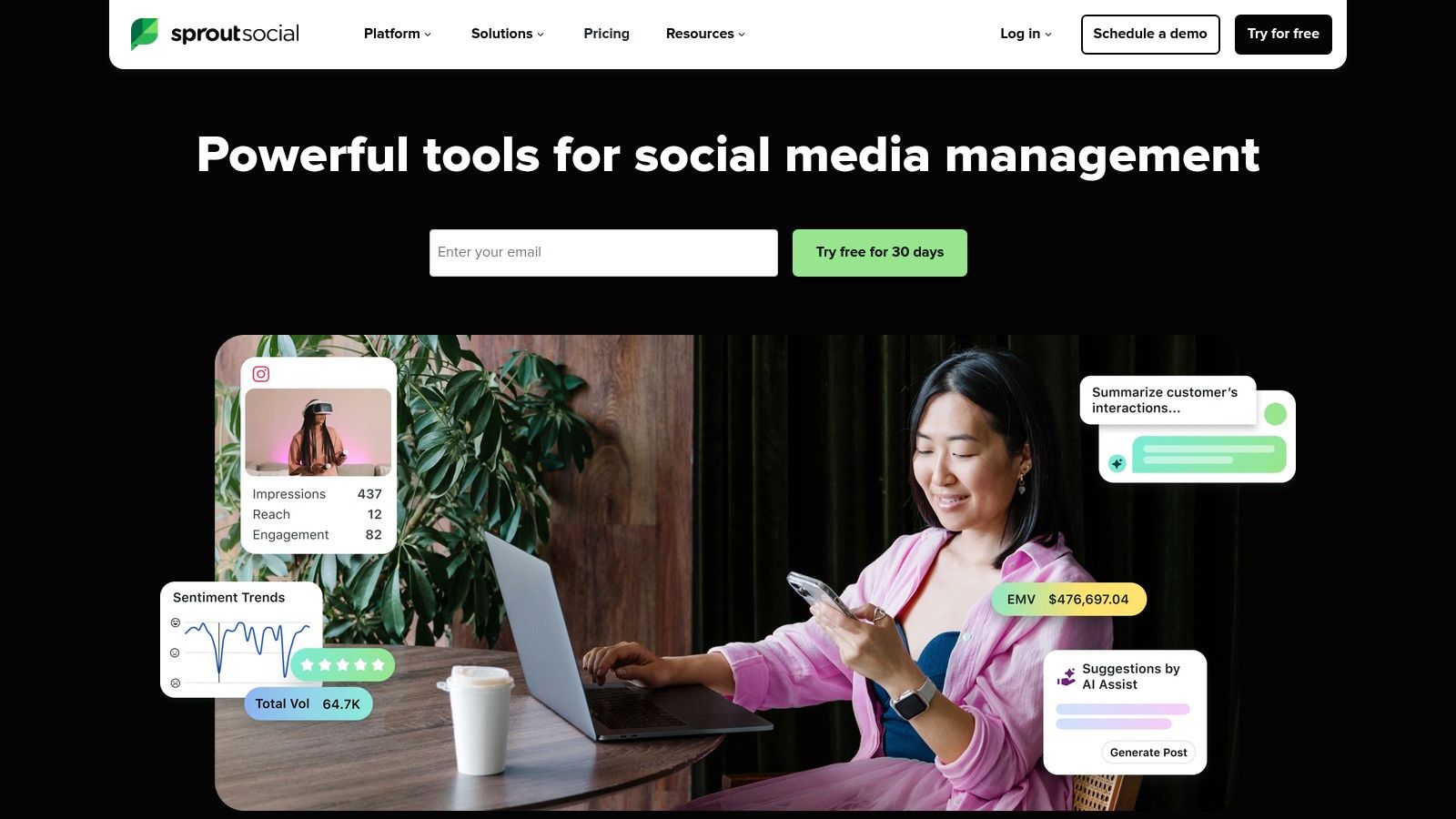
The per-user pricing ($249/month base for 1 user) adds up fast for teams, but the depth of insight justifies it for organizations where proving social media ROI matters.
Pricing
- Standard: $249/month per user
- Professional: $399/month per user
- Advanced: $499/month per user
| Pros | Cons |
|---|---|
| Best-in-class social analytics and reporting | Per-seat pricing gets expensive with larger teams |
| AI-powered scheduling and content suggestions | Overkill for solopreneurs or small businesses |
| 30-day free trial, nonprofit discounts | Advanced features locked to higher tiers |
Website: sproutsocial.com
7. CoSchedule
Best for: Editorial calendar and evergreen content recycling
CoSchedule is a marketing calendar first. Everything else (social scheduling, automation, collaboration) is built around that calendar view. The standout feature is ReQueue: add your best-performing posts to a group, and CoSchedule automatically reshares them at optimal times to fill gaps in your schedule. Evergreen content stays in circulation without you lifting a finger.
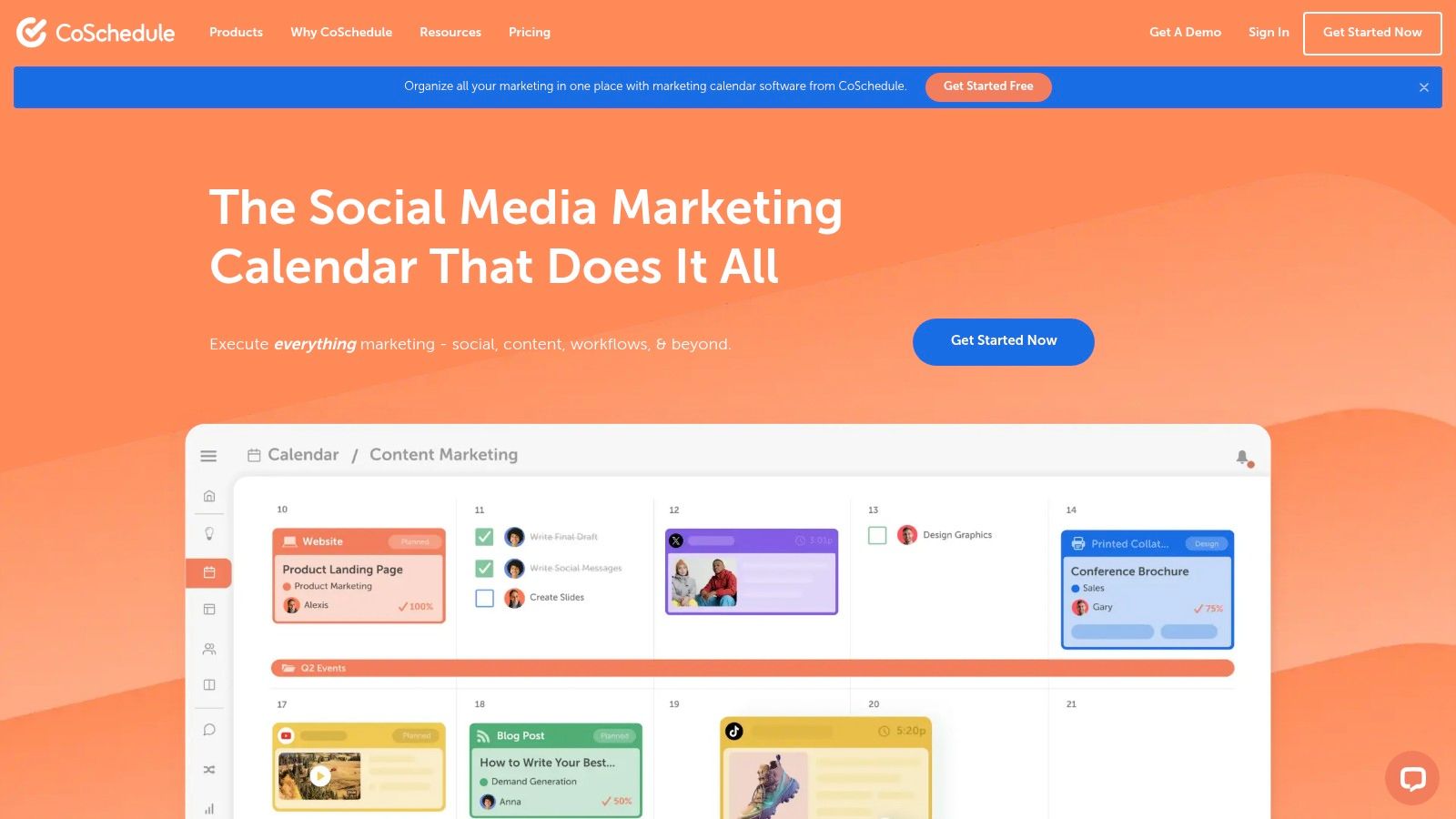
The free plan covers 1 user with 2 social profiles, making it accessible for solo creators testing the calendar approach. For teams, the paid suites add approval workflows and bulk scheduling.
Pricing
- Free: 1 user, 2 social profiles
- Social Calendar: $19/user/month
- Content Calendar: $19/user/month
- Marketing Suite: Custom pricing
| Pros | Cons |
|---|---|
| Clean calendar UX for content planning | X/Twitter profiles billed as separate add-on |
| ReQueue keeps evergreen content circulating | Advanced suites require contacting sales |
| Free plan available for solo users | More scheduler than lead nurturing tool |
Website: coschedule.com
8. Jasper
Best for: AI-powered content generation with brand voice controls
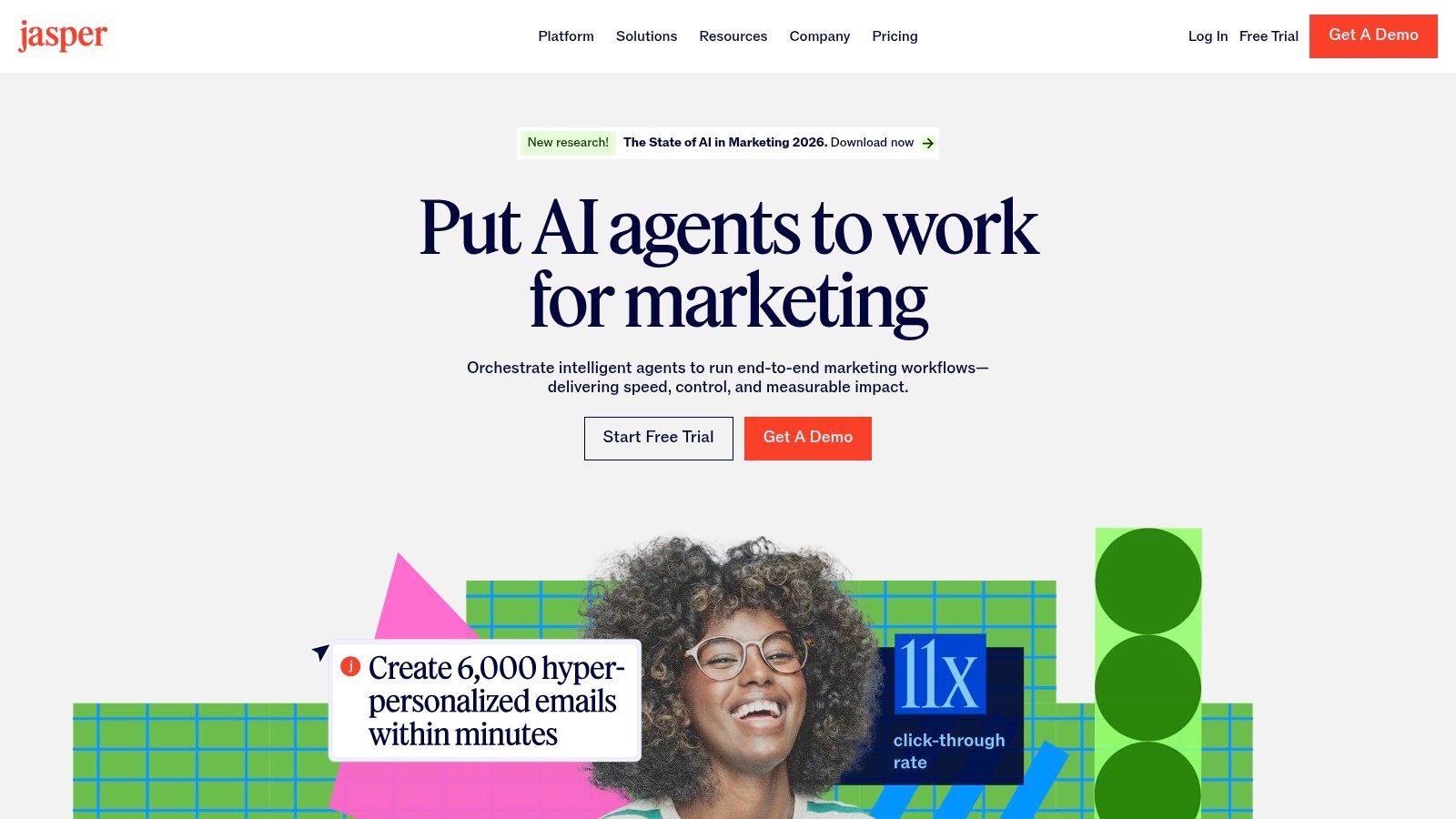
Jasper focuses on content creation rather than distribution. Its campaign canvas lets you start with one idea (a product launch, a blog post topic) and generate derivative assets: social posts, ad copy, email newsletters, all adhering to your specified brand voice. This makes it useful for teams producing high volumes of written content who need consistency across channels.
Automate Your Entire Video Workflow
FlowShorts generates scripts, creates videos, and posts to YouTube, TikTok & Instagram on autopilot.
Start Automating Free →Jasper doesn't schedule or post for you. It's a creation tool, not a distribution tool. Pair it with a scheduler (Hootsuite, Buffer, CoSchedule) for a complete workflow. To get better outputs, using a good prompt generator helps.
Pricing
- Creator: $39/month (1 user, 1 brand voice)
- Pro: $59/month (5 users, 3 brand voices)
- Business: Custom pricing
| Pros | Cons |
|---|---|
| Strong brand voice consistency across content types | No free plan (7-day trial only) |
| Campaign canvas generates multi-asset campaigns | Business tier requires custom pricing |
| Good for teams producing high-volume written content | Creation only, no scheduling or posting |
Website: jasper.ai
9. StoryChief
Best for: Blog + social publishing from a single workspace
StoryChief combines article creation with social media distribution. You write a blog post in its collaborative editor, get SEO feedback in real time, send it through an approval workflow, then publish to your blog and social channels simultaneously. This eliminates the "write in one tool, optimize in another, schedule in a third" friction.
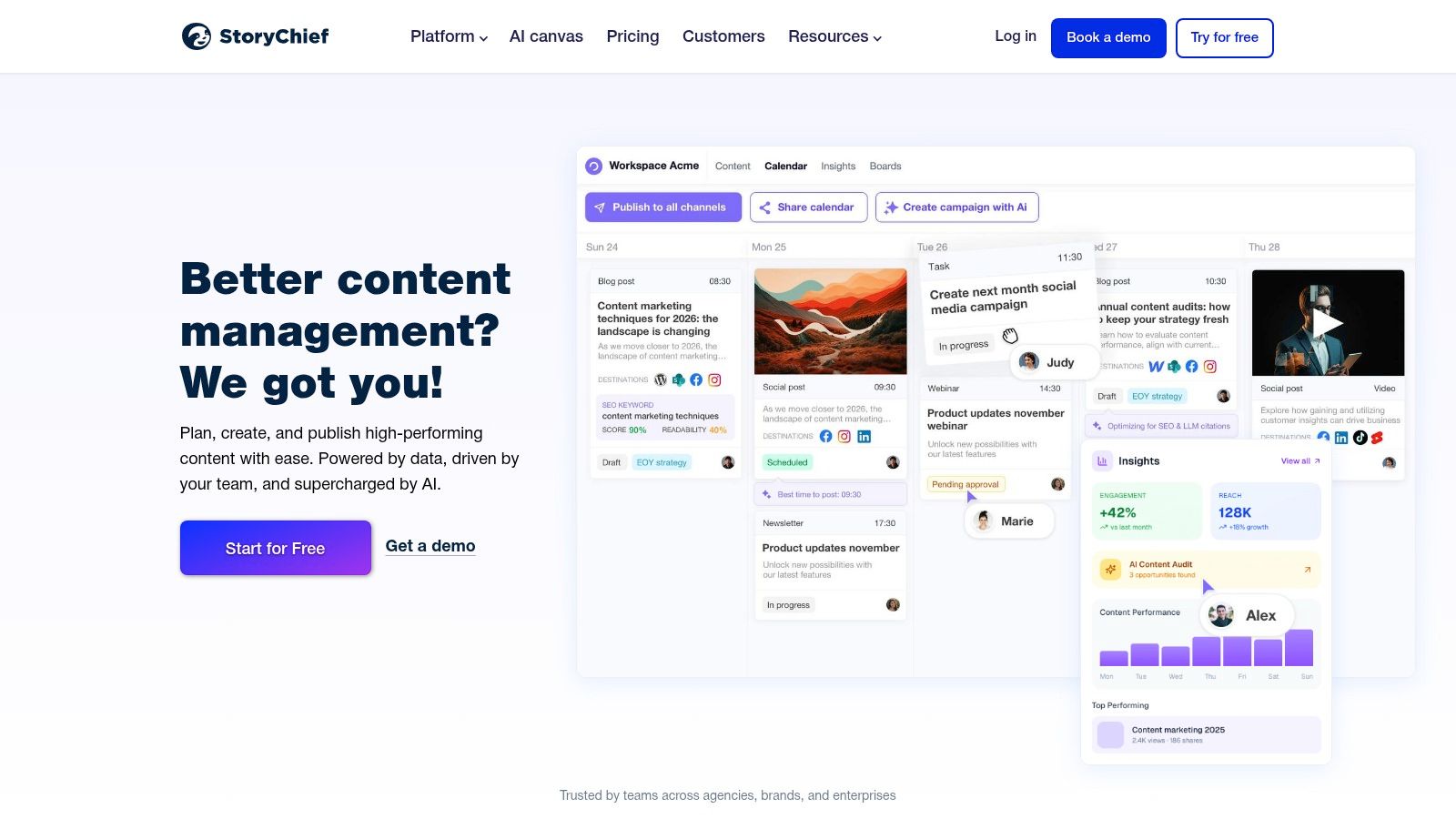
Agency and white-label options make it a fit for content teams managing multiple brands. Multilingual publishing is built in. The pricing (starting at EUR 100/month for 5 users) is higher than social-only tools, but the combined blog + social value justifies it for content-heavy teams.
Pricing
- Team: EUR 100/month (5 users)
- Team Plus: EUR 180/month (10 users)
- Agency: EUR 350/month (25 users, 5 workspaces)
| Pros | Cons |
|---|---|
| Unifies blog and social publishing workflows | Higher priced than social-only schedulers |
| Collaborative editor with SEO and approval features | Plan names and pricing vary by region |
| Agency/white-label options | Overkill for solo creators |
Website: storychief.io
10. Semrush
Best for: SEO-driven content research and optimization
Semrush connects keyword research directly to content creation. Its Topic Research tool finds trending ideas, the SEO Content Template generates briefs based on top-ranking competitors, and the SEO Writing Assistant gives real-time optimization feedback as you write. After publishing, Content Audit and Post Tracking monitor performance, creating a closed loop from research to results.
This is the tool for teams where organic search is the primary content distribution channel. The content marketing features are on the Guru plan ($208/month) and above, so it's not cheap. But if SEO drives your traffic, the research-to-execution pipeline is hard to match.
Pricing
- Pro: $108/month (freelancers, startups)
- Guru: $208/month (SMBs, content marketing toolkit included)
- Business: $417/month (agencies, enterprises)
| Pros | Cons |
|---|---|
| Research data directly feeds content workflows | Content toolkit only on Guru and above |
| Covers SEO, PPC, and content in one platform | Add-ons increase total cost |
| Industry-standard competitive analysis | Steep learning curve for new users |
Website: semrush.com
11. Buffer
Best for: Simple, affordable social scheduling
Buffer does one thing well: scheduling social media posts across platforms with a clean, uncluttered interface. It lacks the enterprise features of Hootsuite or Sprout Social, but that's the point. For solopreneurs and small teams who need to schedule posts without navigating a complex dashboard, Buffer is the fastest path from "I have content" to "it's scheduled."
The free plan covers 3 channels with 10 scheduled posts per channel. Paid plans add analytics, engagement tools, and team collaboration. Buffer also includes an AI Assistant for generating post ideas and rewriting content, though it's lighter than Jasper's capabilities.
Pricing
- Free: 3 channels, 10 posts per channel
- Essentials: $5/month per channel
- Team: $10/month per channel
| Pros | Cons |
|---|---|
| Clean UI, minimal learning curve | Analytics lighter than Sprout or Hootsuite |
| Generous free plan for getting started | Per-channel pricing adds up with many accounts |
| Most affordable paid option in this list | No advanced workflow or approval features |
Website: buffer.com
12. Notion AI
Best for: Content planning, drafting, and team knowledge management
Notion isn't a marketing automation tool in the traditional sense. It's a flexible workspace where teams plan content calendars, write drafts, manage editorial workflows, and store brand guidelines. The AI add-on ($8/user/month) brings writing assistance directly into this workspace: summarize meeting notes, draft blog outlines, brainstorm headlines, or rewrite copy in a different tone.
For content teams that already use Notion for project management, adding AI turns it into a lightweight content creation hub. It doesn't schedule or post, but it handles the planning and drafting stages that feed into your publishing tools.
Pricing
- Free: Basic workspace for individuals
- Plus: $8/user/month
- Business: $15/user/month
- AI Add-on: $8/user/month on any plan
| Pros | Cons |
|---|---|
| Flexible enough to build any content workflow | Not a marketing tool; no scheduling or posting |
| AI writing built into the workspace you already use | AI add-on is a separate cost |
| Strong for team knowledge bases and SOPs | Requires setup work to build your content system |
Website: notion.so
Choosing the Right Tool
The right pick depends on what bottleneck you're solving:
- Need a full marketing engine? HubSpot (mid-market) or Marketo (enterprise) give you CRM-connected automation across email, social, and web.
- Focused on social media? Hootsuite for teams with approval needs. Buffer for solo users who want simplicity. Sprout Social when executive reporting matters.
- Content creation is the bottleneck? Jasper for written assets. FlowShorts for automated short-form video.
- SEO drives your strategy? Semrush ties research directly to content workflows.
- Need planning and editorial flow? CoSchedule for calendar-first teams. StoryChief for blog + social publishing. Notion AI for flexible workspace planning.
Start with the free tier of whichever tool matches your primary use case. Most platforms give you enough access to judge fit before committing to a paid plan.
For more on building an automated content workflow specifically for video, see our guide on how to automate your YouTube channel.
Try FlowShorts — Content Automation for Video
Automate your short-form video pipeline across all platforms: