How to Make AI YouTube Shorts in Under 5 Minutes
Learn how to make AI YouTube Shorts in 5 minutes or less. Step-by-step guide with free tools, prompts, and tips to create Shorts that get views.
FlowShorts Team
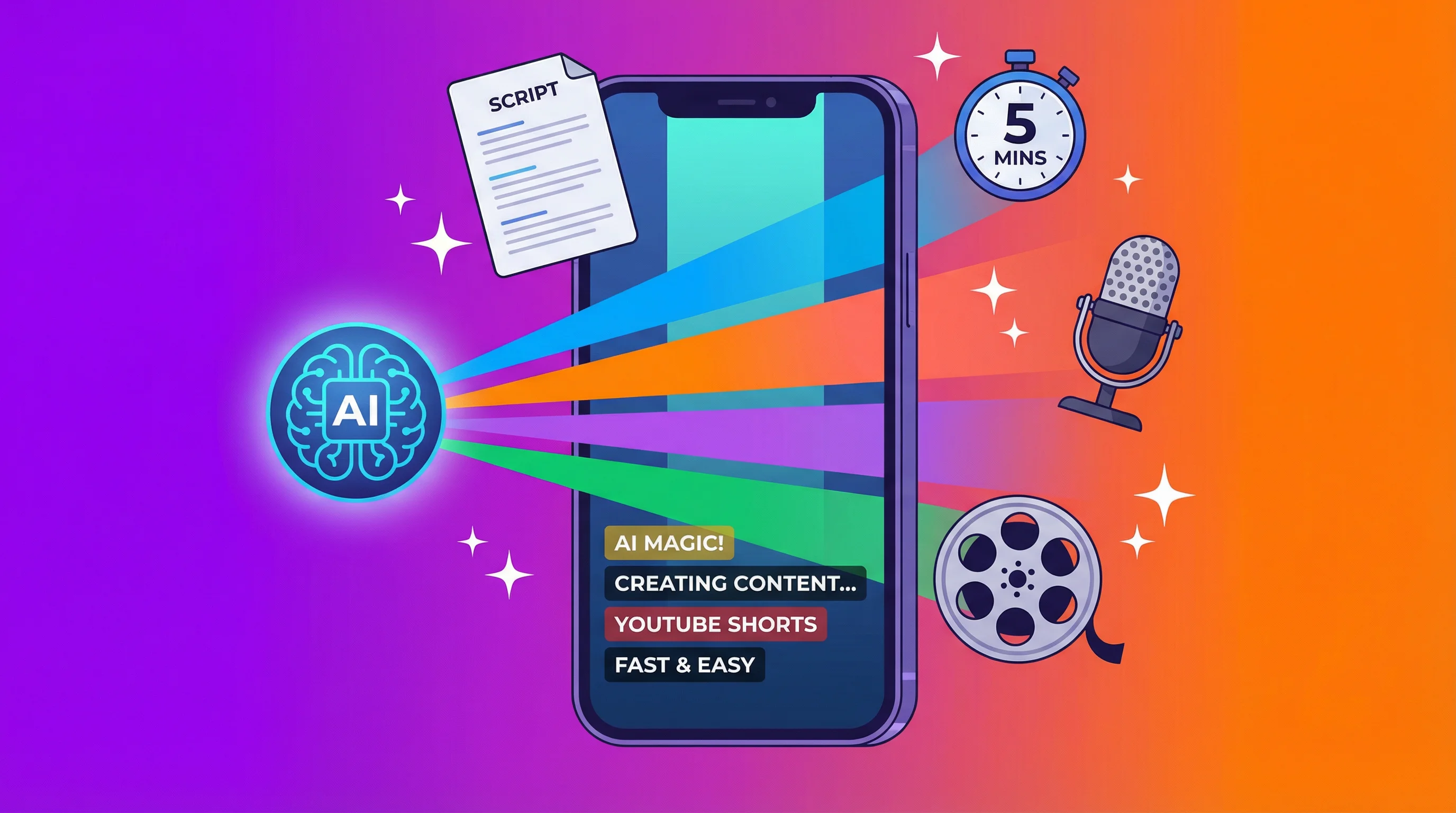
Making YouTube Shorts used to mean hours of scripting, recording, editing, and adding captions. AI tools have compressed that process into minutes.
Whether you're running a faceless YouTube channel or supplementing your existing content, AI can generate complete Shorts from a single text prompt: script, voiceover, visuals, and captions.
This guide covers the step-by-step process, prompt templates that produce better results, and how to optimize your Shorts for the algorithm.
What You Need
- A YouTube channel (takes 2 minutes to create)
- An AI video tool (free options covered below)
- A topic or niche to create content about
No camera, no microphone, no editing software required.
Step 1: Choose Your Topic
Your topic determines whether anyone watches your Short. Good topics share three traits:
- Specific — "5 keyboard shortcuts most people don't know" beats "computer tips"
- Curiosity-driven — The viewer should feel they'll miss out by scrolling past
- Completable in 60 seconds — If the topic needs 10 minutes of explanation, it's not a Short
Topic formulas that work:
| Formula | Example |
|---|---|
| [Number] [thing] you didn't know about [topic] | 5 things you didn't know about sleep |
| How to [result] in [timeframe] | How to fall asleep in 2 minutes |
| Why [common belief] is wrong | Why 8 hours of sleep is wrong |
| [Topic] explained in 60 seconds | Compound interest explained in 60 seconds |
| Stop [common mistake] | Stop charging your phone overnight |
For more topic inspiration, browse our list of 50 faceless YouTube channel ideas.
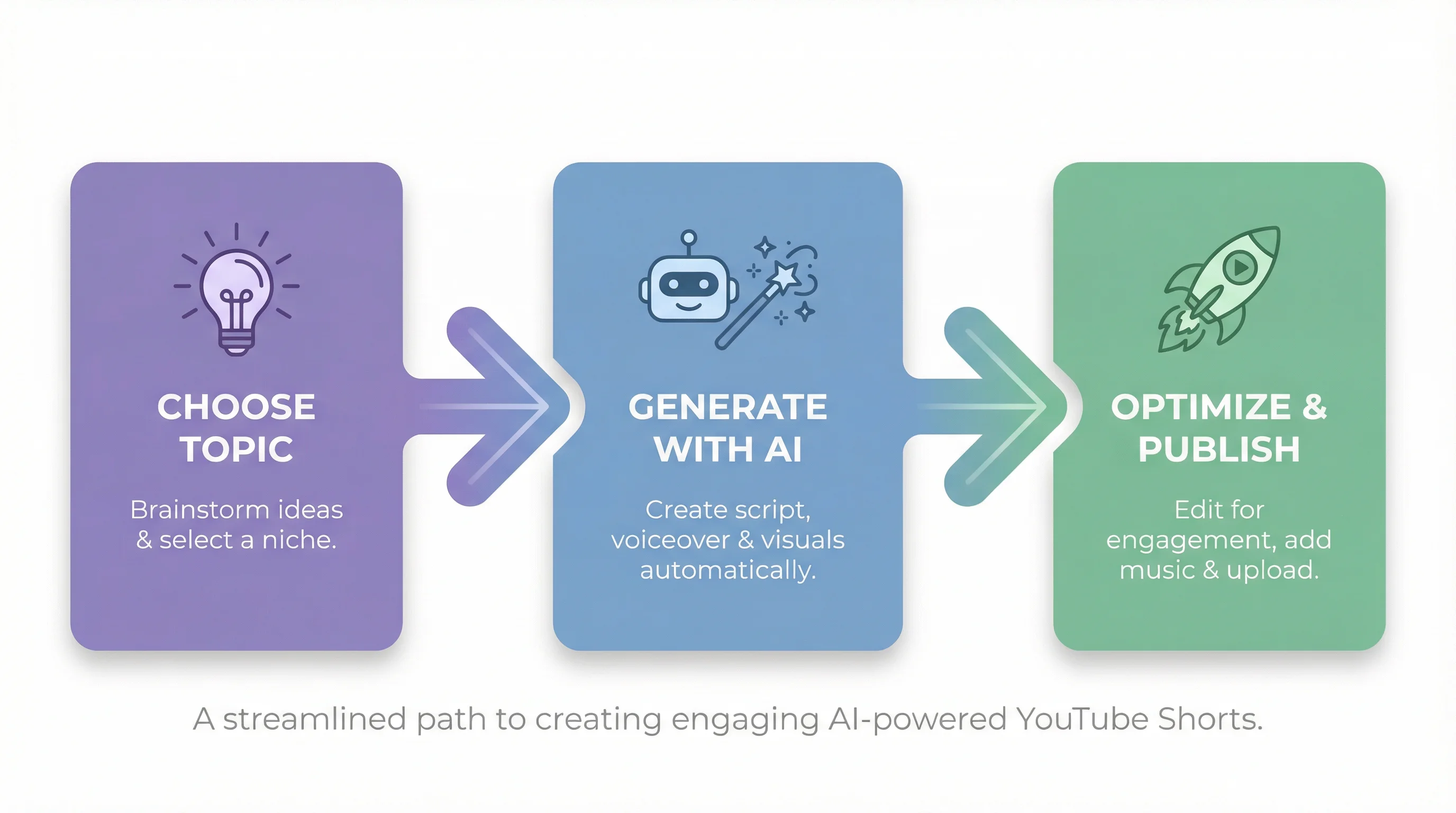
Step 2: Generate Your Short with AI
Two approaches: the manual multi-tool method (more control) or the automated one-click method (faster).
Option A: Manual Method (Free, More Control)
Write the script using ChatGPT, Claude, or Gemini. Use this prompt:
Write a 150-word YouTube Shorts script about [topic]. Start with a hook that creates curiosity in the first 3 seconds. Use short, punchy sentences. End with a call to subscribe. Format: just the narration text, no stage directions.
Generate the voiceover with a free AI voice tool:
- ElevenLabs (free tier: 10 minutes/month)
- Play.ht (free tier available)
- Paste your script, select a voice, download the audio
Add visuals in a free editor:
- CapCut — import your audio, add stock footage or AI images, auto-generate captions
- Canva — use a Shorts template, add your audio track
Create Faceless Videos on Autopilot
FlowShorts generates and posts AI videos to YouTube, TikTok & Instagram while you sleep.
Try FlowShorts Free →Time required: 15-30 minutes per Short
Option B: Automated Method (Fastest)
AI Shorts generators handle everything in one step. With a tool like FlowShorts:
- Enter your topic (e.g., "5 productivity tips for remote workers")
- Select a voice style and visual theme
- Click Generate
- Review, edit if needed, and publish
The tool creates the complete Short — script, AI voiceover, matched visuals, animated captions — ready to post. For a comparison of tools, see our free AI YouTube Shorts makers guide.
Time required: Under 5 minutes per Short
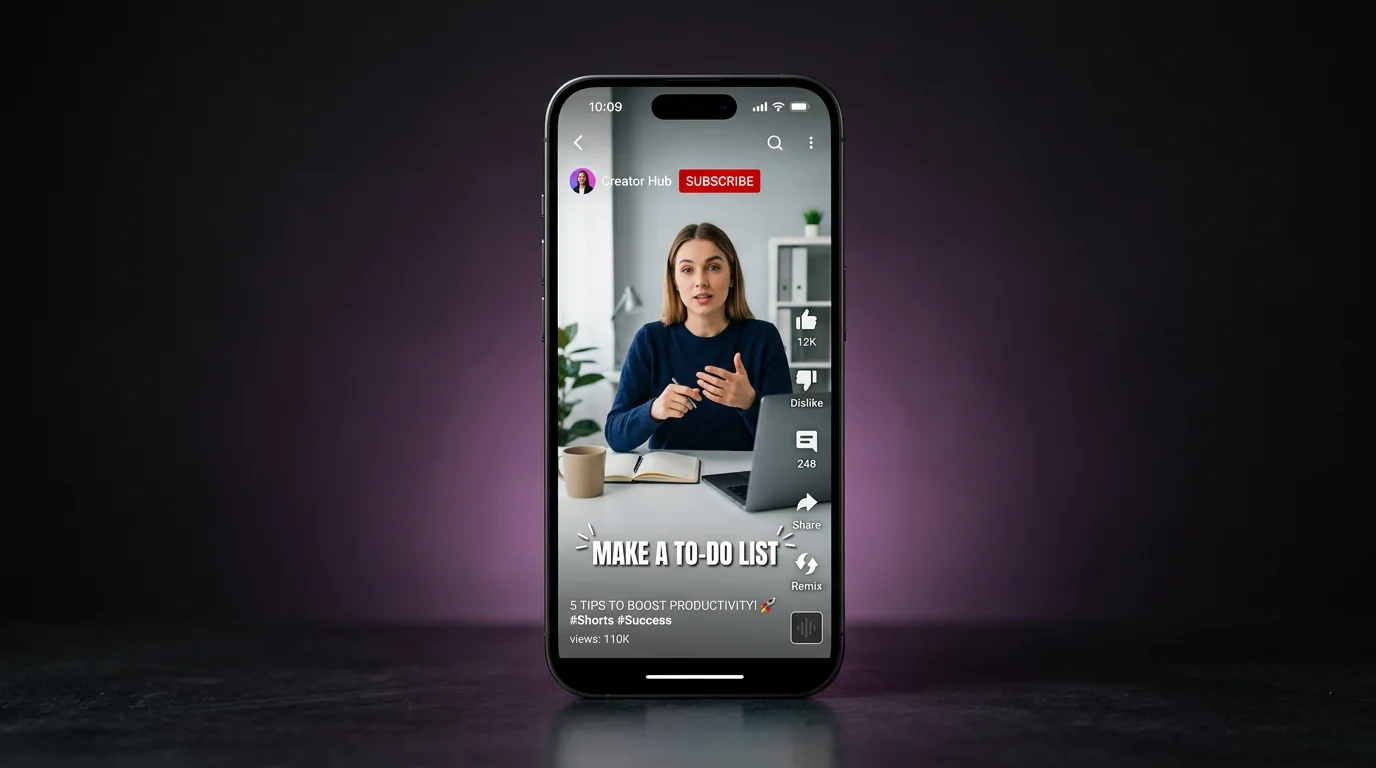
Step 3: Optimize and Publish
A generated video is only half the job. Optimization determines whether your Short gets 100 views or 100,000.
Title: Include your target keyword naturally. Keep it under 70 characters. Add a curiosity element.
Example: "5 Keyboard Shortcuts That Save 2 Hours a Day" is better than "Useful Keyboard Shortcuts"
Description: Write 2-3 sentences. Include relevant keywords. Add hashtags (3-5 max): #Shorts #YouTubeShorts #[YourNiche]
Thumbnail: YouTube auto-selects a frame, but you can upload a custom thumbnail. Use bold text, high contrast, and a clean layout. Thumbnails matter most when your Short appears in search results and the Shorts shelf.
Posting schedule:
- Post at least 3-5 Shorts per week for consistent growth
- 12pm-3pm and 7pm-9pm in your audience's timezone tend to perform well
- Use YouTube Studio's "When your viewers are on YouTube" data once you have enough analytics
First 3 seconds: The hook determines everything. If viewers scroll past in the first 3 seconds, the algorithm stops showing your Short. Start with a bold claim, a question, or a surprising fact. Never start with a greeting or intro.
Prompt Templates for Better AI Shorts
The quality of your AI-generated Short depends heavily on your prompt. Templates optimized for each content type:
Educational/How-to:
Create a 60-second (check your script length) video script about [topic]. Open with "Most people don't know this, but..." followed by 3-5 actionable tips. Use conversational language. End with "Follow for more [niche] tips."
Listicle:
Write a fast-paced 45-second script listing [number] [items]. Start with "Here are [number] [items] you need to know." Deliver each item in 1-2 sentences. No filler words.
Create Faceless Videos on Autopilot
FlowShorts generates and posts AI videos to YouTube, TikTok & Instagram while you sleep.
Try FlowShorts Free →
Myth-busting:
Write a 50-second script debunking the myth that [common belief]. Start with the myth stated as fact, then reveal why it's wrong with evidence. End with the correct information.
Story/Hook:
Write a 60-second (check your script length) YouTube Shorts script telling the story of [topic/event]. Start mid-action to hook viewers immediately. Use present tense for urgency. Keep sentences under 10 words.
Common Mistakes to Avoid
Starting with "Hey guys": You lose most viewers in the first second. Start with content, not greetings.
Making Shorts too long: 30-45 seconds is the sweet spot for most niches. Shorts can be up to 3 minutes, but shorter Shorts get replayed more, which boosts algorithmic ranking. For more on length, see our Shorts posting frequency guide.
Skipping captions: A large portion of short-form video is watched on mute. If your Short doesn't have captions, many viewers won't follow the content. All the AI tools mentioned above add captions automatically.
Inconsistent posting: The YouTube Shorts algorithm rewards consistency. Posting one Short per month won't build momentum. Aim for at least 3 per week.
Using AI output without review: AI gets you 80% of the way there. Always review the script for accuracy, adjust the hook, and make sure the content delivers on the title's promise.
Common Questions
Can I Make YouTube Shorts with AI for Free?
Yes. You can use ChatGPT (free tier) for scripts, ElevenLabs (free tier) for voiceover, and CapCut (free) for editing and captions. The entire manual workflow costs nothing. For all-in-one tools, see our free AI Shorts makers comparison.
How Long Should AI YouTube Shorts Be?
30-45 seconds performs best for most niches. Shorter Shorts get more replays (loop completions), which signals quality to the algorithm. You can go up to 3 minutes, but keep it tight.
Can I Monetize AI-Generated YouTube Shorts?
Yes. YouTube allows monetization of AI-assisted content through the YouTube Partner Program (500 subscribers + 3M Shorts views or 3,000 watch hours in the last 12 months). You must disclose AI-generated content where required by YouTube's AI content policies.
How Many AI Shorts Should I Post Per Day?
1-2 per day is a sustainable range. Posting more than 3-5 per day risks spam detection. Quality matters more than volume — one well-crafted Short that hooks viewers outperforms five generic ones. Start with 1 per day and scale up as you refine your workflow.
Related Guides
- 5 Best Free AI YouTube Shorts Makers
- 50 Faceless YouTube Channel Ideas
- How to Post YouTube Shorts
- How Many YouTube Shorts to Post Per Day
Try These Free AI Tools
Create AI YouTube Shorts instantly with our free generators:
Need content ideas? Browse YouTube Shorts Ideas by Niche — 30+ niches with hooks and concepts.


