How to Choose a YouTube Channel Name: Step-by-Step Guide (2026)
Your channel name is the first thing viewers see. This guide covers the 7 rules of great YouTube names, 50+ name ideas by niche, and a free AI generator to find yours in seconds.
FlowShorts Team
Your YouTube channel name is your brand. It appears on every video, every search result, and every notification. A good name makes you memorable. A bad name makes you invisible.
This guide covers the rules for choosing a great YouTube channel name, common mistakes to avoid, name ideas by niche, and how to use AI to generate the perfect name in seconds.
7 Rules for a Great YouTube Channel Name
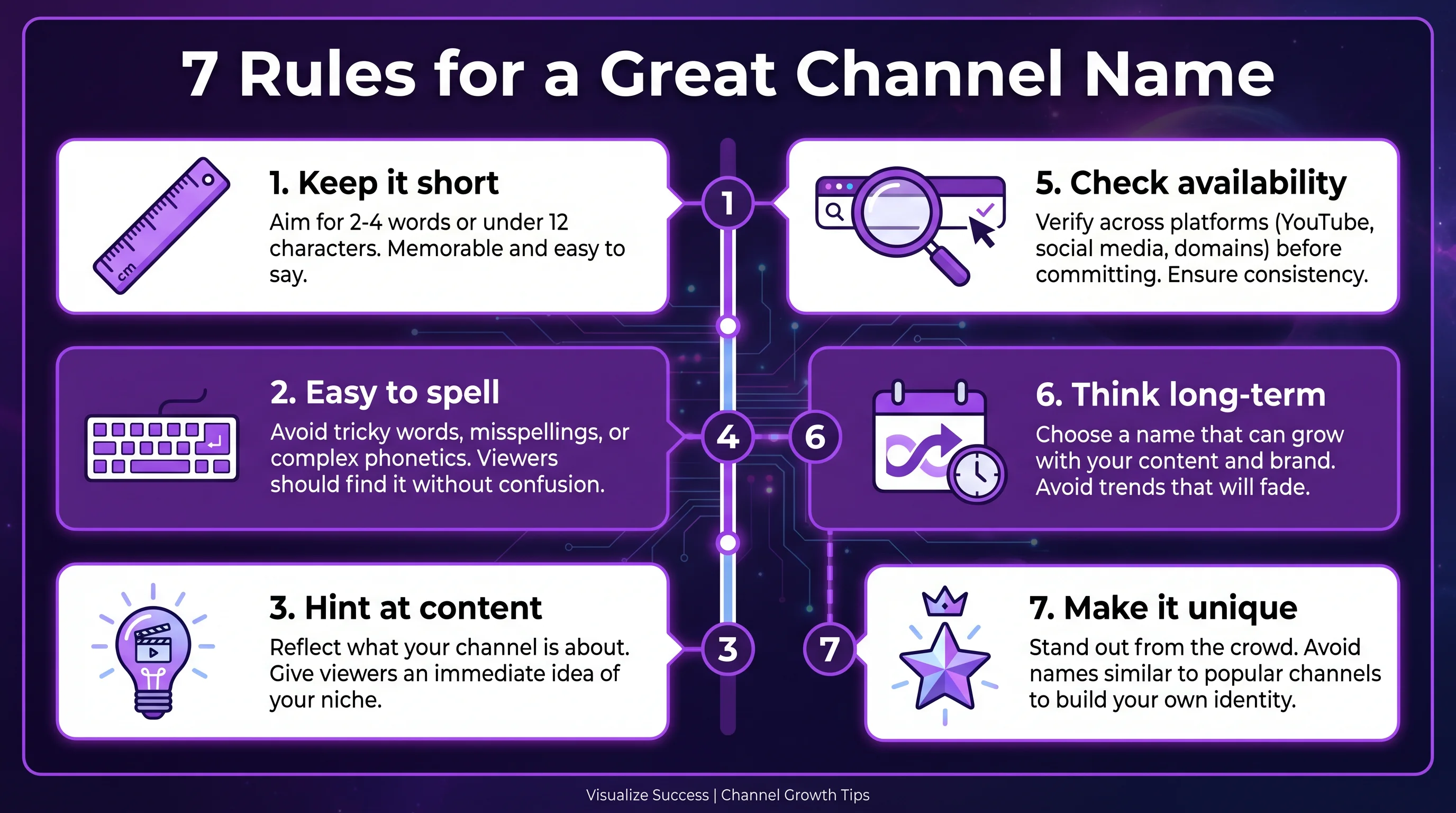
After analyzing thousands of successful YouTube channels, these patterns consistently separate memorable names from forgettable ones:
1. Keep It Short (1-3 Words)
The most successful YouTube channels have short names. MrBeast (1 word), Bright Side (2 words), Mark Rober (2 words). Short names are easier to remember, spell, type, and search for. Aim for 15 characters or fewer.
2. Make It Easy to Spell and Pronounce
If someone hears your channel name in a video, can they type it into YouTube without guessing? Avoid unusual spellings (like "Tekknology" instead of "Technology"), numbers that could be words (like "4Ever" vs "Forever"), and characters that require explanation. The test: say it out loud to a friend and see if they can spell it correctly.
3. Hint at Your Content Without Being Too Literal
Names like Kurzgesagt (German for "in a nutshell") hint at educational content. Veritasium (from "veritas" = truth) suggests science. But overly literal names like "DailyFinanceTips" are harder to brand and limit you if your content evolves. Find the middle ground — suggestive, not prescriptive.
4. Avoid Special Characters and Numbers
YouTube handles (the @username) don't allow most special characters. Numbers are forgettable — was it "Tech5" or "Tech05" or "TechFive"? Stick to letters only. The exception: well-known number patterns like "101" (as in "Finance 101").
5. Check That It's Available
Before falling in love with a name, verify it's not taken. Check:
- YouTube — search for the name and check @handle availability
- TikTok, Instagram — if you plan to cross-post, the name should be available everywhere
- Domain — optional, but useful if you plan a website later
Our YouTube channel name generator includes a "Check Availability" button that searches YouTube directly.
Create Faceless Videos on Autopilot
FlowShorts generates and posts AI videos to YouTube, TikTok & Instagram while you sleep.
Try FlowShorts Free →6. Think Long-Term
Your first 10 videos might be about fitness, but what if you want to add nutrition content later? A name like "JohnLifts" is limiting. "Ascend" or "Peak Performance" leaves room to grow. Pick a name you'd still want at 1 million subscribers.
7. Make It Unique
Search your name on YouTube before committing. If there are similar channels, viewers will confuse you. Unique doesn't mean weird — it means distinct enough that when someone searches your name, only your channel shows up.
YouTube Channel Name Ideas by Niche
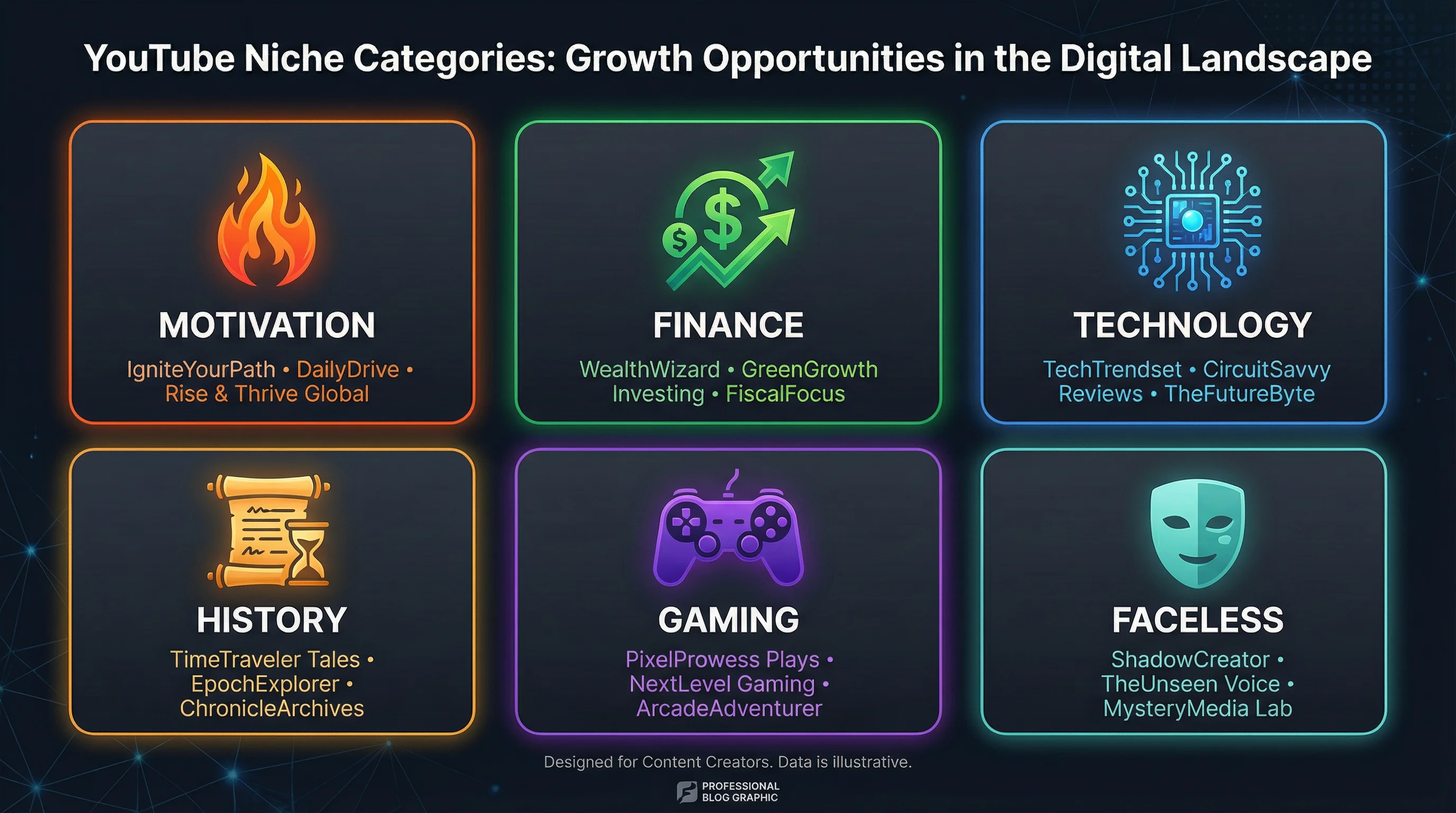
Here are naming patterns that work in popular niches. Use these as inspiration or plug them into our free name generator for AI-powered variations.
Motivation & Self-Improvement
Successful patterns: abstract aspirational words, compound words with power/growth themes.
- Ascend Daily, MindForge, The Growth Lab, Unbound, Elevate
- Peak Mindset, Rise & Grind, Soul Fuel, Thought Shift
Finance & Investing
Successful patterns: money/wealth metaphors, compound words suggesting knowledge.
- CashFlow Academy, WealthHQ, The Money Playbook, Coin Logic
- Passive Path, Dollar Blueprint, Smart Stacks, Invest IQ
Technology & AI
Successful patterns: futuristic words, tech jargon simplified.
- Byte Sized, Circuit Mind, AI Decoded, Future Stack
- Tech Uncovered, Code Signal, Digital Drift, Silicon Brief
Create Faceless Videos on Autopilot
FlowShorts generates and posts AI videos to YouTube, TikTok & Instagram while you sleep.
Try FlowShorts Free →History & Science
Successful patterns: discovery/exploration words, curiosity-driven names.
- Time Capsule, The History Vault, Curious Atoms, Deep Past
- Lab Notes, Origin Story, Epoch, The Archive
Gaming
Successful patterns: action words, gamer tags, power fantasy.
- Pixel Forge, Game Theory, Boss Mode, Loot Drop
- Clutch Plays, The Final Boss, Respawn, Rage Quit
Faceless Channels
Successful patterns: topic-first names work better for faceless because there's no personal brand to anchor to.
- Daily Dose Of, Mind Warehouse, Top Trending, Bright Side
- Fact Planet, The Infographics Show, Ridddle, WonderWhy
Need more ideas? Our YouTube Name Generator creates 15 unique names in seconds for any niche — with brandability scores and availability checks.
Common Mistakes to Avoid
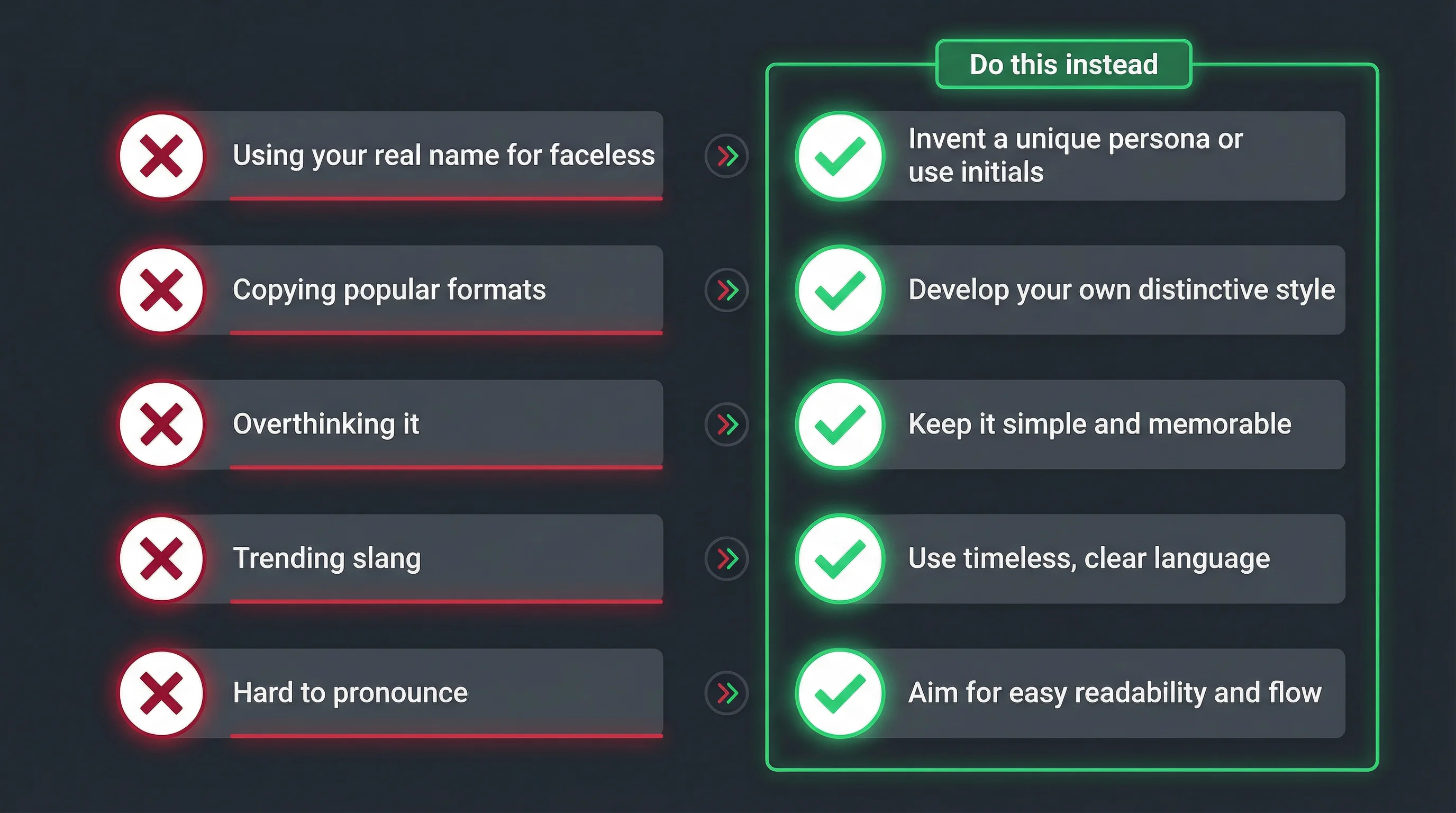
- Using your real name when you don't plan to be on camera. Faceless channels should use topic-based or branded names, not personal names.
- Copying a popular channel's name format. "Mr" names worked for MrBeast, but "MrFinance" or "MrHistory" just looks derivative.
- Overthinking it. A mediocre name with great content beats a perfect name with no videos. Don't let name paralysis stop you from starting.
- Using trending slang that will age. "Rizz Finance" might feel current today but will sound dated in a year.
- Picking a name that's hard to say. If you can't say it in conversation naturally, it's too complicated.
How to Generate Channel Names with AI
If you're stuck, AI can help. Our YouTube Channel Name Generator works in three steps:
- Choose your niche — Select from 26 categories (motivation, finance, gaming, cooking, etc.) or enter a custom niche.
- Pick a naming style — Catchy, professional, mysterious, one-word, two-word, or with numbers.
- Get 15 names instantly — Each name comes with a brandability score (0-100), an explanation of why it works, and a button to check availability on YouTube.
The generator uses AI trained on thousands of successful channel names to produce options that are memorable, unique, and appropriate for your niche. It's free and requires no signup.
What to Do After Choosing Your Name
- Claim the @handle on YouTube — Go to YouTube Studio > Customization > Basic Info > Handle.
- Secure the name on TikTok and Instagram — Even if you don't plan to use them yet, claim the handles so nobody else does.
- Start creating content. The name matters far less than the content. A channel named "asdf123" with incredible videos will outperform a perfectly-named channel with mediocre content every time.
Ready to find your channel name? Try our free YouTube Name Generator — 15 AI-generated names in seconds, no signup required.


