Automatic Reels: How to Auto-Generate & Auto-Post Instagram Reels in 2026
Complete guide to creating automatic Instagram Reels in 2026. Covers AI tools that generate scripts, visuals, voiceover, and auto-post reels to your account daily — plus setup steps and tool comparison.
FlowShorts Team
By FlowShorts Team · Published April 16, 2026 · Updated April 16, 2026
If you searched "automatic reels" expecting info about Instagram''s auto-scroll or autoplay feature — this is not that article. This guide is about something far more useful: tools that automatically create and post Instagram Reels for you.
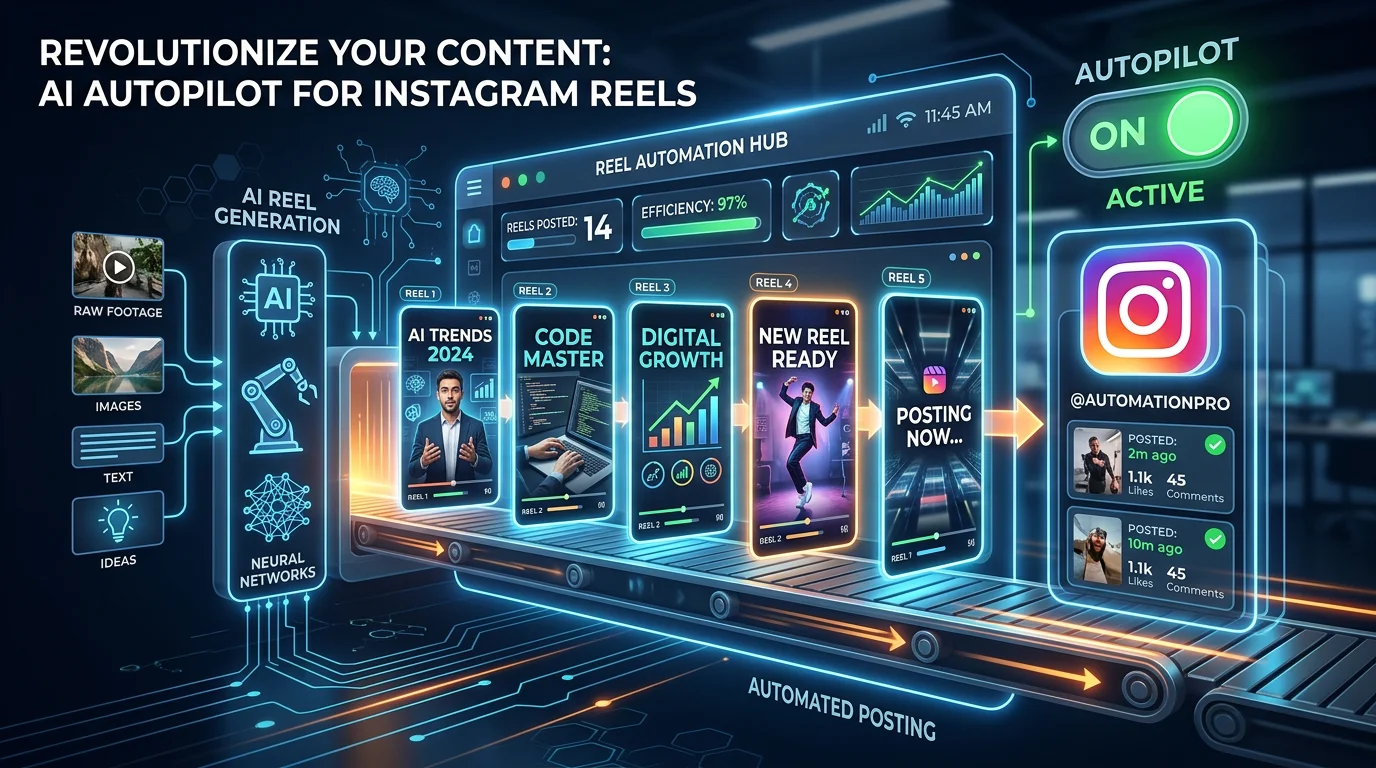
We are talking about AI-powered software that writes scripts, generates visuals, adds voiceover, overlays captions and music, renders the final video, and posts it to your Instagram account on a schedule. You pick a niche, connect your account, and the tool handles everything else — every single day if you want.
Below, we break down exactly how automatic reels work, compare the best tools available in 2026, and walk through a complete setup process so you can start auto-posting reels this week.
What Are Automatic Reels?
Automatic reels are Instagram Reels created and published entirely by AI-powered tools — no manual editing, no uploading, no scheduling by hand. The term covers the full pipeline: from topic selection to final posting.
Here is the key distinction most people miss. There are two completely different categories of tools that use the word "automatic":
- Full automation tools — These generate the entire reel (script, visuals, voiceover, captions) AND post it to your account. You do almost nothing after initial setup.
- Scheduling tools — These do NOT create content. You still make the reel yourself, then the tool posts it at a scheduled time. Later and Buffer fall into this category.
This guide focuses primarily on full automation tools, since that is what most people searching for "automatic reels" actually want — hands-off content creation and posting. We will cover scheduling tools briefly in the comparison section so you can see the difference.
Automatic reels are especially popular for faceless Instagram accounts — pages that post niche content (motivation, finance tips, fun facts, fitness) without showing a face on camera. These accounts rely on AI-generated visuals and text-to-speech voiceover, making them a perfect fit for full automation.
How Automatic Reels Work
Every automatic reel goes through a six-stage pipeline. The specifics vary between tools, but the core process is the same.
Step 1: You Choose a Niche or Topic
You select a content category — motivation, personal finance, tech news, history facts, fitness tips, or any other niche. Some tools let you write custom topics; others pull from a pre-built topic bank. This is the only step that requires meaningful input from you. If you need help deciding, try the free niche finder tool to see which categories perform best on Reels right now.
Step 2: AI Writes the Script
The tool uses a large language model (typically GPT-4 class or Gemini) to write a short-form video script. A good script for a 60-second reel runs about 140-160 words. The AI structures it into individual scenes — usually 6 to 8 — each with a narration line and a matching visual description.
Step 3: AI Generates Visuals and Voiceover
For each scene, an image generation model (like Flux or SDXL) creates a custom visual based on the script''s image prompts. Simultaneously, a text-to-speech engine (ElevenLabs, OpenAI TTS, or similar) converts the narration into a natural-sounding voiceover. Based on data from over 50,000 videos generated on the FlowShorts platform, AI voiceover quality has reached a point where most viewers cannot distinguish it from a human narrator.
Step 4: AI Adds Captions and Music
The tool runs the generated audio through a speech-to-text model (usually Whisper) to get word-level timestamps. These timestamps drive animated, TikTok-style captions that appear in sync with the voiceover. Background music is selected from a royalty-free library, matched to the video''s mood and genre.
Step 5: The Tool Renders the Video
All elements — images, voiceover, captions, music, transitions, and any visual effects — are composited into a final 1080x1920 vertical MP4 file. Render times range from 30 seconds to 3 minutes depending on the tool and video length.
Step 6: The Tool Posts to Your Instagram Account
This is the step that separates full automation from scheduling. The finished reel is uploaded directly to your Instagram account at a time you pre-selected. The tool handles the title, caption, and hashtags. You wake up, and the reel is already live. For more on optimal posting schedules, see our guide on reel posting frequency.
Best Tools for Automatic Reels in 2026
Create Faceless Videos on Autopilot
FlowShorts generates and posts AI videos to YouTube, TikTok & Instagram while you sleep.
Try FlowShorts Free →Not all tools labeled "automatic" actually automate the full pipeline. The table below separates genuine full-automation platforms from scheduling-only tools.
| Tool | Creates Reels? | Auto-Posts? | Starting Price | Best For |
|---|---|---|---|---|
| FlowShorts | Yes (full pipeline) | Yes | $19/mo | Faceless reels on autopilot |
| AutoShorts.ai | Yes (full pipeline) | Yes | $25/mo | YouTube Shorts + Reels |
| BigMotion | Yes (full pipeline) | Yes | $29/mo | Multiple social platforms |
| faceless.video | Yes (full pipeline) | Limited | $20/mo | Simple faceless content |
| Later | No | Yes (scheduling only) | $25/mo | Scheduling pre-made reels |
| Buffer | No | Yes (scheduling only) | $6/mo | Multi-platform scheduling |
FlowShorts
FlowShorts covers the entire pipeline from script to posting. You select a category, connect your Instagram account, choose a plan, and the system generates and posts reels daily. It supports YouTube Shorts, TikTok, and Instagram Reels from a single dashboard. The Starter plan ($19/month) includes 8 videos per month with auto-posting on two days per week. The Creator plan ($39/month) posts daily. For a detailed breakdown, see the pricing page.
Pros: Fully automated end-to-end, posts to three platforms, affordable entry price, no editing skills needed.
Cons: Limited customization on individual videos, AI-generated visuals only (no stock footage option yet).
AutoShorts.ai
AutoShorts focuses on faceless short-form videos with auto-posting to YouTube and Instagram. It offers a similar pipeline — AI script, AI visuals, TTS voiceover, captions — with slightly different style options. Pricing starts at $25/month for basic plans.
Pros: Good template variety, supports multiple languages.
Cons: Higher starting price, Instagram posting can be inconsistent. For a deeper comparison, see our AutoShorts vs FlowShorts breakdown.
BigMotion
BigMotion generates AI videos and posts across multiple platforms including Instagram, TikTok, and YouTube. It positions itself as a broader social media automation tool with video generation built in. Plans start around $29/month.
Pros: Multi-platform support, decent video quality.
Cons: More expensive, interface can be overwhelming for beginners. Read the full BigMotion review.
faceless.video
A simpler tool focused specifically on faceless content. It generates videos and offers some posting capabilities, though auto-posting support for Instagram is more limited compared to the tools above. Starting price is around $20/month.
Pros: Clean interface, good for absolute beginners.
Cons: Fewer customization options, auto-posting not fully reliable for all platforms.
Later (Scheduling Only)
Later is a well-known social media scheduling platform. It does NOT create reels — you upload your own finished video, and Later posts it at your chosen time. It integrates with Instagram''s native scheduling API, which makes posting reliable. But you still have to make every reel yourself.
Pros: Reliable scheduling, good analytics, supports carousel and story scheduling too.
Cons: Zero content creation — you do all the creative work.
Buffer (Scheduling Only)
Buffer works similarly to Later. Upload a reel, pick a time, and Buffer posts it. It is the cheapest option at $6/month per channel, but again, it creates nothing for you. If you already produce reels manually and just want consistent posting times, Buffer is a solid choice. But if you want actual automatic reels — AI-generated and auto-posted — you need a full-automation tool.
How to Set Up Automatic Reels (Step-by-Step)
This walkthrough uses FlowShorts as the example, but the general process applies to any full-automation tool. The entire setup takes under 10 minutes.
Step 1: Create an Account and Pick Your Niche
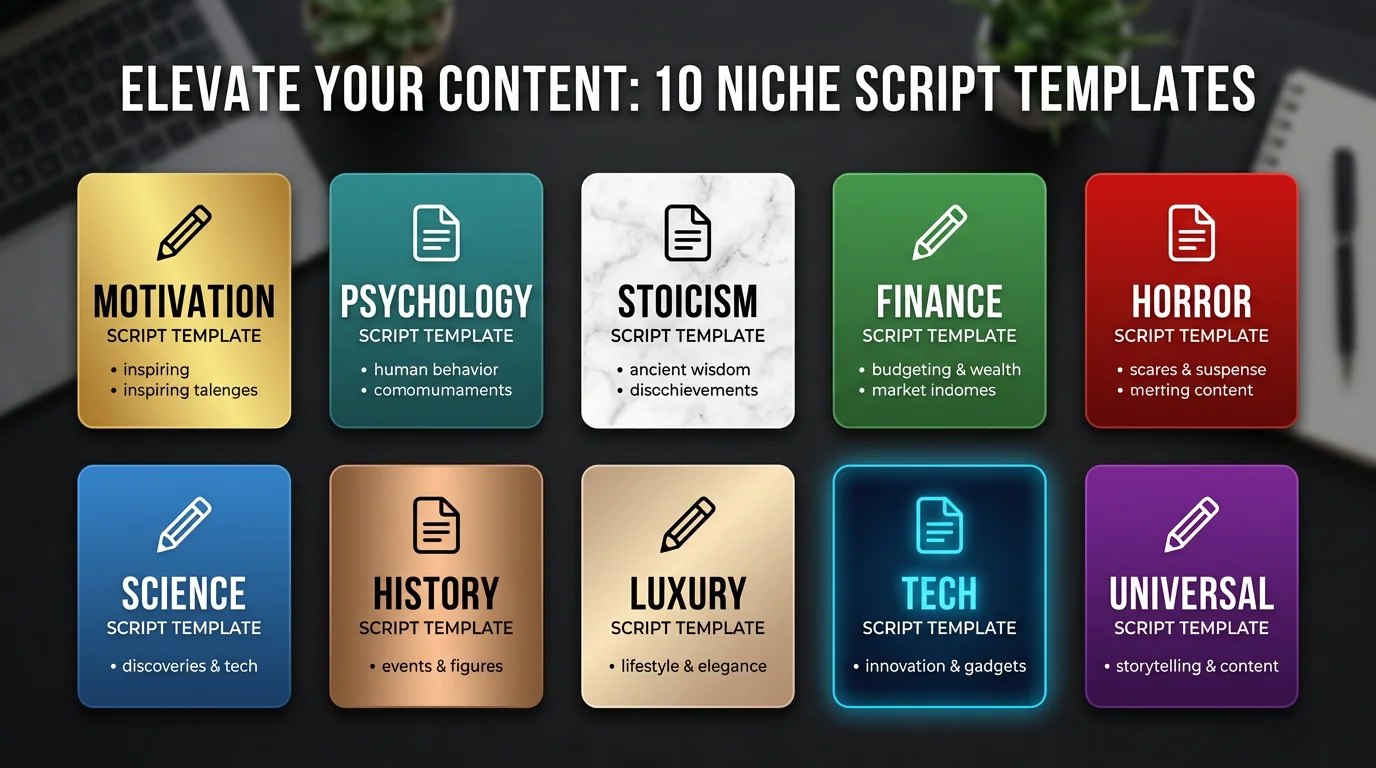
Sign up and select a content category. Popular niches for automatic reels include motivation, personal finance, fitness tips, psychology facts, history, and tech news. The tool''s topic engine will generate daily content ideas based on your selection. If you are unsure which niche to pick, check our best niches for faceless reels guide — it includes engagement data for each category.
Step 2: Connect Your Instagram Account
Link your Instagram Business or Creator account through the tool''s OAuth flow. This gives the platform permission to post reels on your behalf. You will also want to connect TikTok and YouTube if you plan to repurpose content across platforms — posting the same reel to all three maximizes reach with zero extra effort.
Create Faceless Videos on Autopilot
FlowShorts generates and posts AI videos to YouTube, TikTok & Instagram while you sleep.
Try FlowShorts Free →Step 3: Choose a Plan
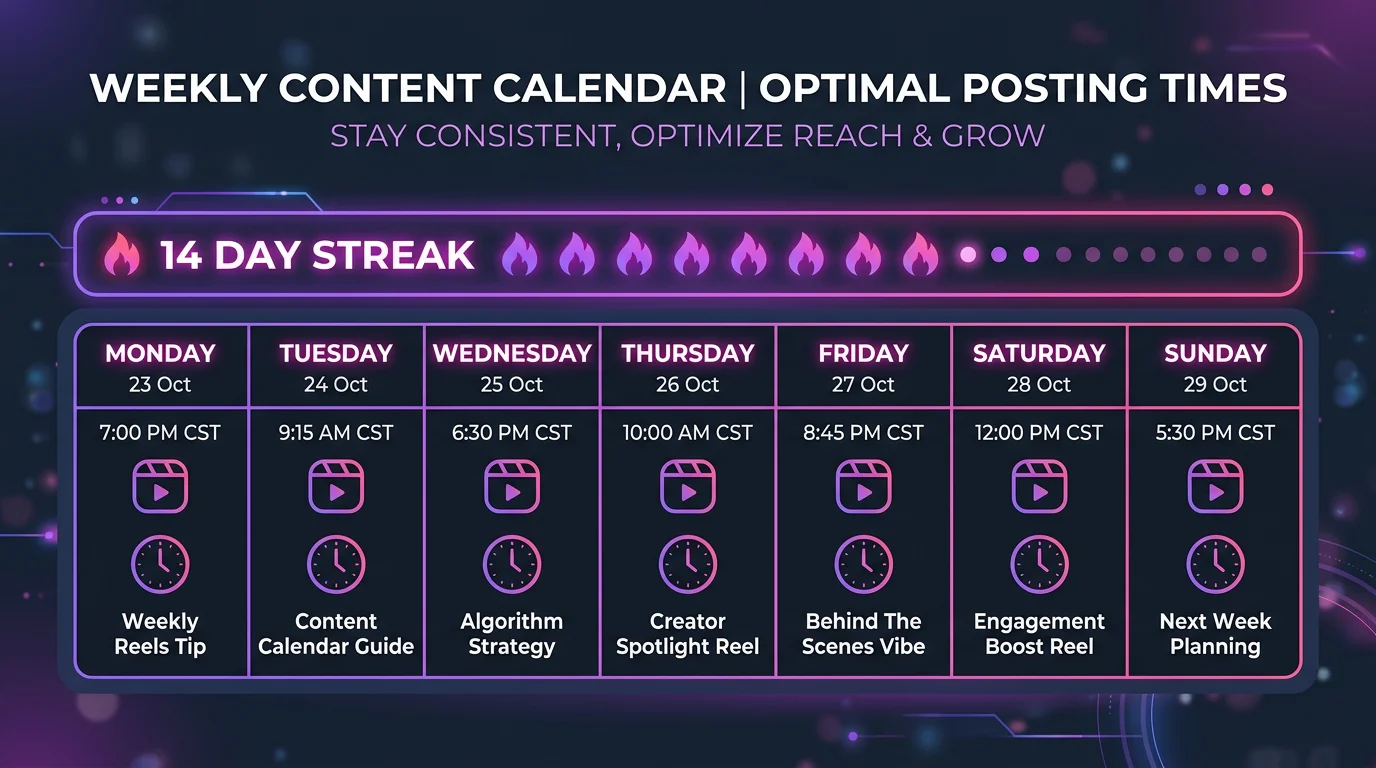
Select a subscription tier based on how many reels you want posted per week. For most people starting out, 2-3 reels per week is a good baseline. Instagram''s algorithm rewards consistency over volume, so posting daily is better than posting 5 reels one day and nothing for the next week. Our analysis of how the Instagram Reels algorithm works shows that accounts posting 4-7 times per week see the strongest follower growth.
Step 4: Set Your Posting Schedule
Pick the days and times you want reels posted. Most tools let you set a timezone and preferred posting hour. For Instagram, mid-morning (9-11 AM) and early evening (6-8 PM) in your audience''s local timezone tend to get the best initial engagement. For detailed timing data, use our best time to post calculator.
Step 5: Review Your First Reel (Optional)
Most tools generate a preview reel within minutes of setup. Watch it to make sure the style, voice, and content match your expectations. You can usually adjust voice selection, caption style, and music genre in your settings. After this, the system runs on autopilot — generating and posting reels every day according to your schedule.
Automatic Reels vs. Manual Reels
The table below compares the two approaches across the metrics that matter most for growing an Instagram account.
| Factor | Automatic Reels | Manual Reels |
|---|---|---|
| Time per reel | 0 minutes (after setup) | 30-90 minutes |
| Consistency | Posts every day without fail | Depends on your motivation |
| Video quality | Good (AI-generated, improving rapidly) | Excellent (if you have editing skills) |
| Customization | Limited to tool''s options | Complete creative control |
| Cost | $19-69/month | Free (but costs your time) |
| Scalability | Run multiple accounts easily | Each account multiplies your workload |
| Best for | Faceless niches, side projects, agencies | Personal brands, high-production content |
The honest answer: automatic reels are not going to replace a skilled creator filming original content with a high-end camera. But for faceless accounts, niche pages, and creators who want to maintain a posting schedule without spending hours editing every day — automatic reels are a practical solution that did not exist two years ago.
Many creators use a hybrid approach: they manually create their best, most polished reels when they have time, and fill the gaps with automatic reels to keep their posting cadence consistent. Instagram''s algorithm does not distinguish between AI-generated and manually created reels — it measures watch time, engagement, and shares regardless of how the content was made.
Best Niches for Automatic Reels
Some content categories work significantly better with AI-generated visuals and voiceover than others. The table below shows the strongest performers based on engagement data from faceless accounts.
| Niche | Why It Works for Auto Reels | Avg. Engagement |
|---|---|---|
| Motivation / Quotes | Simple visuals, universal appeal, high shareability | High |
| Personal Finance Tips | Text-heavy content suits AI narration well | High |
| Psychology Facts | Curiosity-driven, viewers watch to the end | Very High |
| History / Did You Know | Evergreen content, strong watch time | Medium-High |
| Fitness Tips | Actionable advice format works with AI visuals | Medium |
| Tech News / AI Updates | Fast-moving niche, benefits from daily posting | Medium |
| Cooking / Recipes | Works but AI visuals are less convincing for food | Lower |
For a deeper breakdown with monetization potential and content ideas for each niche, read our full guide: Best Niches for Faceless Reels. You can also explore niche-specific reel ideas on our Instagram Reels ideas pages.
Frequently Asked Questions
Can Instagram detect automatically posted reels?
Instagram does not flag or penalize reels based on how they were posted. Posting through Instagram''s official Content Publishing API is fully supported and used by major brands, agencies, and scheduling tools. The algorithm evaluates reels on watch time, engagement, and relevance — not whether you pressed "post" manually or an API did it for you.
How many automatic reels should I post per day?
One reel per day is the sweet spot for most accounts. Posting more than two reels daily can split your audience''s attention and reduce per-reel engagement. According to Instagram''s own creator guidance, consistency matters more than volume. If you are just starting, 3-5 reels per week is a safe baseline while you gauge what your audience responds to. See our detailed guide on reel posting schedules for data-backed frequency recommendations.
Are automatic reels against Instagram''s rules?
No. Instagram allows automated posting through its official API. What Instagram prohibits is spam behavior — posting dozens of identical reels, using engagement bots, or buying fake views. As long as your automatic reels contain original content (which AI-generated reels do) and you post at a normal frequency, you are operating within Instagram''s terms of service. Many large media companies and brand accounts use API-based auto-posting every day.
What is the difference between scheduling reels and auto-generating reels?
Scheduling means you create the reel yourself — film it, edit it, write the caption — and then use a tool like Later or Buffer to post it at a specific time. Auto-generating means an AI tool creates the entire reel from scratch (script, visuals, voiceover, captions) and posts it. Scheduling saves you the posting step. Auto-generating saves you the entire creation process. For creators who want true hands-off operation, auto-generating tools are what you need. For a full comparison of tools in both categories, check our best faceless video generators with auto-post roundup.
What to Do Next
Automatic reels have gone from a novelty to a practical tool for growing Instagram accounts. The technology in 2026 is good enough that AI-generated reels regularly get thousands of views and drive real follower growth — especially in faceless niches where the content format is naturally suited to automation.
If you want to start posting automatic reels, here is the shortest path:
- Pick a niche using the niche finder tool
- Sign up for a full-automation tool (see comparison above)
- Connect your Instagram account
- Set your posting schedule
- Let the system run for 2-3 weeks before judging results
Consistency compounds on Instagram. The accounts that grow fastest are not the ones posting the most polished content — they are the ones posting good content every single day. Automatic reels make that possible without the daily time investment.
Related reading: